
8 Best Tools for Creating SaaS Product Demo Videos in 2026
Compare the 8 best tools for creating SaaS product demo videos: screen recorders, interactive demos, editors and AI avatars, with prices from vendor pages.
 Shamim Mia, Founder, SerpAstraLast verified November 5, 20269 min read
We compare pricing pages, documentation and public reviews. We never accept payment for rankings.
Key takeaways
- Loom is the fastest way to record a SaaS demo video and share it by link, with a free plan and Business at $15 a user a month billed annually.
- For click-through demos on a website, Arcade's Growth plan costs $50 a seat a month and exports to MP4; Supademo's free plan allows five demos and Scale costs $38 a creator a month billed annually.
- Descript is the best editor for polishing a recorded walkthrough, editing the transcript like a document, from $16 a month billed annually.
- Synthesia and HeyGen add an AI presenter without a camera; Vidyard is the pick when demo videos go out in sales emails and view data must reach the CRM.
On this page
Quick comparison
| Tool | Best for | Starting price | Free plan |
|---|---|---|---|
| Loom | SaaS teams that want quick screen-and-camera demo videos shared by link | $15/mo (annual) | Yes (25 videos) |
| Arcade | SaaS marketing teams that want interactive demos and MP4 exports from one capture | $50/seat/mo | Yes (1 demo) |
| Supademo | Product and success teams that want free interactive demos and video recordings to start | $38/creator/mo (annual) | Yes (5 demos) |
| Descript | Founders and marketers who record walkthroughs and want to edit them like a document | $16/mo (annual) | Yes (1 hour/mo) |
| Synthesia | SaaS teams that want demo and onboarding videos with an AI presenter and no camera | $14/mo (annual) | Yes (Basic free) |
| HeyGen | Teams that want lifelike AI presenters for demo videos in many languages | $29/mo | Yes (free plan) |
| Vidyard | B2B sales teams that send demo videos in outreach and want view data in the CRM | $59/seat/mo | Yes (free plan) |
| VEED | Marketers who turn demo recordings into captioned clips for social and ads | $24/mo | Yes (free plan) |
Make one of these tools?
We re-check this list every quarter. Send a correction, request a review, or ask about a clearly labeled sponsored spot.
Request a listingThe best tools for creating SaaS product demo videos

Loom
Best for: SaaS teams that want quick screen-and-camera demo videos shared by link
Loom is the quickest route from a working product to a shareable demo video: record the screen and your face, stop, and the link is ready to paste into an email, help article or sales thread. Business costs $15 a user a month billed annually, or $18 monthly, and adds unlimited videos and recording length, 4K, custom branding, trim and stitch editing and engagement insights.
Only people who record need paid seats, which keeps costs low for a product team. The free Starter plan caps you at 25 videos of five minutes each, and AI features such as filler-word removal need Business + AI at $24 a user a month billed monthly. For polished homepage videos, pair Loom with an editor.
What we like
- Unlimited videos and unlimited recording length on Business, with 4K recording
- Only creators need paid seats; viewers watch, comment and react for free
- Custom branding, trim and stitch editing, engagement insights and password protection included
- Recordings upload automatically and share by link, so there is no file to attach or host
Watch out for
- Full AI features (summaries, chapters, filler removal) need Business + AI at $24 a user a month billed monthly
- Only the people who record videos need paid seats, but annual billing now uses fixed user tiers
- The free Starter plan caps recordings at 5 minutes and 25 videos per person

Arcade
Best for: SaaS marketing teams that want interactive demos and MP4 exports from one capture
Arcade captures your product as a click-through interactive demo, then lets you export the same capture as an MP4 or GIF, so one recording serves the website, the docs and social posts. The free plan publishes one demo with unlimited views and includes AI voiceovers. Growth costs $50 a seat a month billed monthly, with $42.50 shown on the yearly toggle.
Growth adds branching, CTAs and lead forms inside the demo, custom branding, integrations and advanced insights, for up to ten users. AI video plans are priced on a separate page. Pre-Series A companies can ask for a startup discount. Pick Arcade when visitors should click through the product, not just watch it.
What we like
- Free plan with one published demo, unlimited views, AI voiceovers and unlimited AI demos
- Growth adds MP4 and GIF exports, branching, CTAs and forms, custom branding and integrations
- Startup discount for companies before Series A
Watch out for
- The free plan publishes only one demo and cannot edit more than three Arcades
- Growth is capped at 10 users, and each extra seat costs $50 a month
- AI video plans are priced separately from the interactive demo plans

Supademo
Best for: Product and success teams that want free interactive demos and video recordings to start
Supademo builds interactive, step-by-step demos from screen captures and also records demo videos, and its free plan is generous: five guided demos, 50 video recordings in 4K, unlimited views and one creator, with no expiry. Scale costs $38 a creator a month billed annually, and paid plans come with a 14-day trial that needs no credit card.
The jump above Scale is steep. Business costs $199 a month billed annually with one creator included, and Growth $350 a month with five, with extra creators at $50 a month. AI Demo Agent credits are bought separately. For a small SaaS team, the free plan covers onboarding demos before you spend anything.
What we like
- Free plan with five interactive demos, 50 video recordings in 4K and unlimited views
- Paid plans come with a 14-day trial and no credit card
- Viewer seats are always free
Watch out for
- Business at $199 a month billed annually includes only one creator
- AI Demo Agent credits are billed separately from the plans
- Extra creators cost $50 a month each on Business and Growth

Descript
Best for: Founders and marketers who record walkthroughs and want to edit them like a document
Descript makes editing a recorded product walkthrough feel like editing a doc: delete a sentence in the transcript and the video cut follows. Studio Sound and filler-word removal clean up a narration recorded at a desk, so a rough first take becomes usable. Hobbyist costs $16 a month billed annually, or $24 monthly, and a free plan gives one media hour a month.
Hobbyist covers 10 media hours and 400 AI credits a month, and Creator at $24 a month billed annually raises that to 30 hours, 800 credits and 4K export, which most teams publishing weekly demo videos need. It scores 4.6 on G2, though reviewers report slowdowns on large projects.
What we like
- Text-based editing: delete a word in the transcript and the video and audio follow
- Studio Sound, filler-word removal and Overdub clean up recordings without a separate audio tool
- Rated 4.6/5 on G2 from 936 reviews, with easy editing the most cited strength
Watch out for
- Hobbyist covers only 10 media hours a month, and the two meters (hours plus AI credits) confuse new buyers
- The app can feel slow or glitchy on large projects, per G2 reviewers
- Creator at $24/month billed annually is the practical entry for serious creators, not Hobbyist

Synthesia
Best for: SaaS teams that want demo and onboarding videos with an AI presenter and no camera
Synthesia turns a script into a presenter video, so a SaaS team can put a speaking avatar beside a product walkthrough without filming anyone. It is strong for onboarding and feature explainers that need re-recording each release: edit the script and render again. Starter costs $14 a month billed annually, or $19 monthly, and the free Basic plan gives 10 watermarked minutes a month.
Minutes are the constraint. Starter adds about 12 minutes a month on top of the free 10, so a library of demo videos needs Pro at $89 a month. Some G2 reviewers find avatar voices robotic. It holds 4.6 on G2 from more than 2,800 reviews.
What we like
- Turns a script into a presenter video with 125+ avatars and AI dubbing
- Basic free plan gives 10 minutes of video a month to try it
- Downloads and logo removal start on Starter, with 3 personal avatars
Watch out for
- Starter adds only about 12 minutes a month on top of the free 10
- Video is metered in credits, and the page shows different prices by region
- Avatar voices can sound robotic, per G2 reviewer summaries

HeyGen
Best for: Teams that want lifelike AI presenters for demo videos in many languages
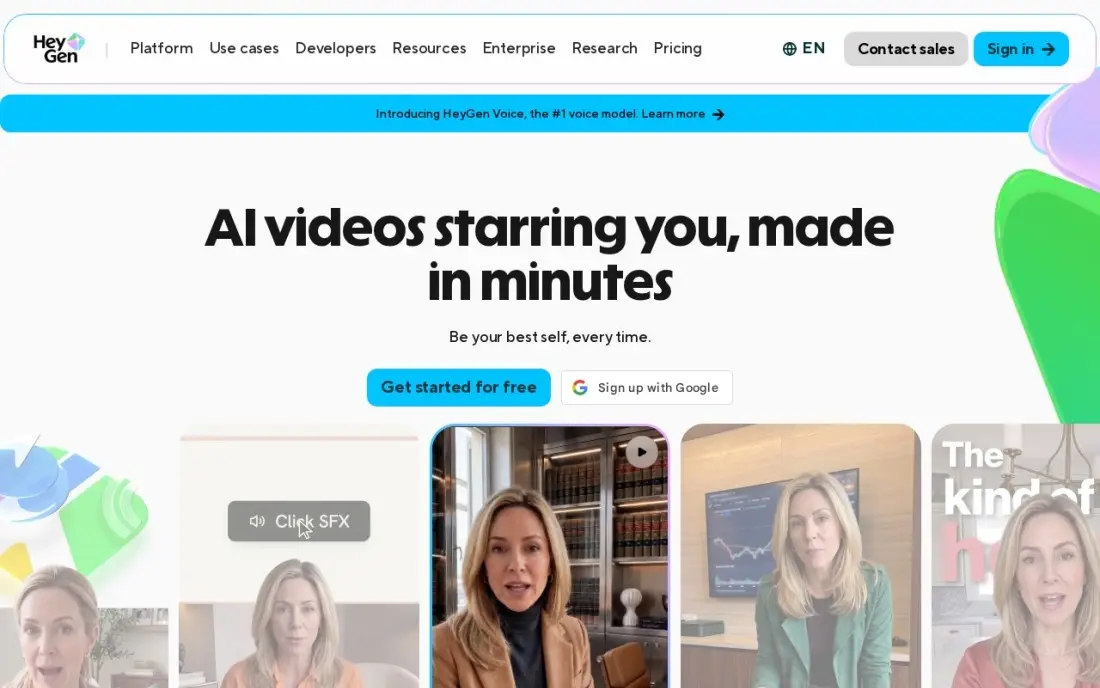
HeyGen produces the most lifelike AI presenters here, which matters when the avatar fronts a homepage demo rather than an internal training clip. Creator costs $24 a month billed annually, or $29 monthly, with videos up to 30 minutes, 1080p exports, voice cloning and digital twins in more than 175 languages. The free plan allows three watermarked videos a month.
Credits limit output. Creator's 600 credits a month buy about 12 minutes on the newest Avatar V model, Creator users cannot buy top-ups, and Pro starts at $49 a month. Payments are non-refundable except where law requires. Use it to localise one demo into several languages without reshooting.
What we like
- The most lifelike avatars in this list, in 175+ languages and dialects
- Voice cloning and custom digital twins on the Creator plan
- Videos up to 30 minutes with 1080p exports
- Free plan gives 3 watermarked videos a month to test with
Watch out for
- 600 credits a month buys little Avatar V video — the best model costs 48 credits a minute
- Creator users cannot buy credit top-ups, so a busy month forces an upgrade
- Payments are non-refundable except where the law requires it

Vidyard
Best for: B2B sales teams that send demo videos in outreach and want view data in the CRM
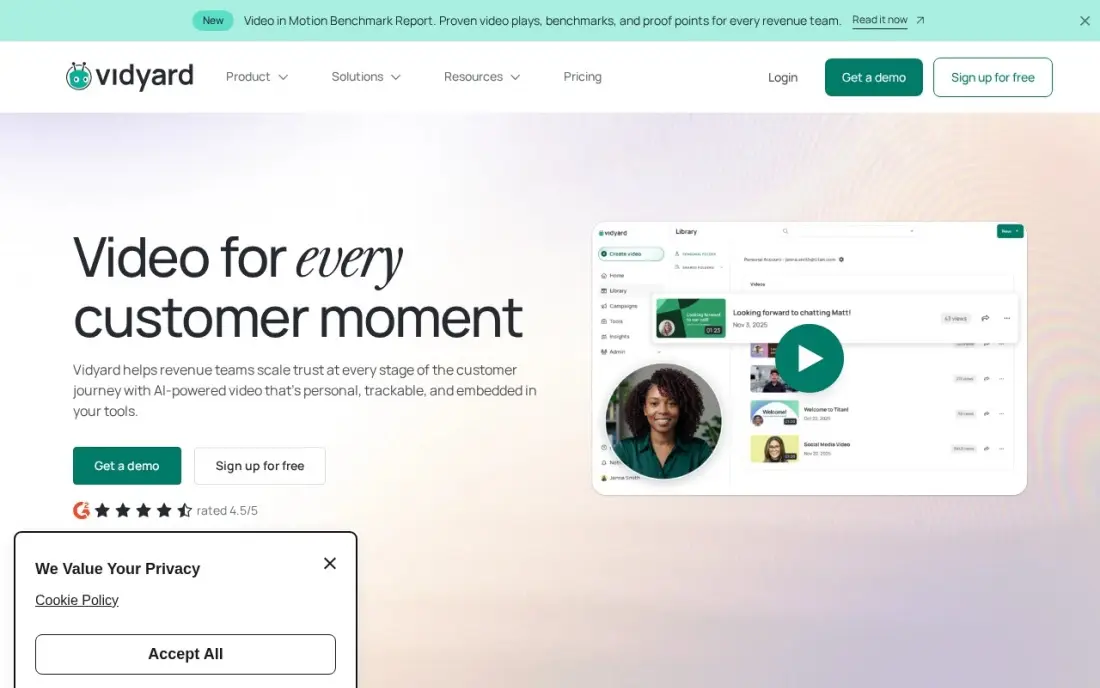
Vidyard is built for the demo video a rep sends after a call. Reps record from a browser extension and drop videos into Gmail, Outlook, HubSpot, Salesforce and sales engagement tools with animated thumbnails, and viewing data flows back into the CRM to time follow-ups. The free plan covers 25 videos for one person, and it scores 4.5 on G2.
Starter costs $59 a seat a month billed annually, with no monthly option, and the sales engagement integrations and Video Agent wait for custom-priced Teams and Enterprise plans. It is more than a marketing team needs for a homepage video, and the right tool when demo videos are part of the sales process.
What we like
- Deepest CRM and sales-engagement integrations in this list, with watch data flowing back into HubSpot and Salesforce
- Animated thumbnails and video hosting built for sales outreach, not just recording
- AI avatars and a Video Agent extend it from one-to-one messages into video marketing
- Free plan lets a single rep test video email before the team pays
Watch out for
- Starter at $59/seat a month is billed annually only, with no monthly-billing option
- Sales engagement integrations and the Video Agent wait for Teams, Enterprise or a paid add-on
- Per-seat pricing adds up fast once the whole sales team is on it

VEED
Best for: Marketers who turn demo recordings into captioned clips for social and ads
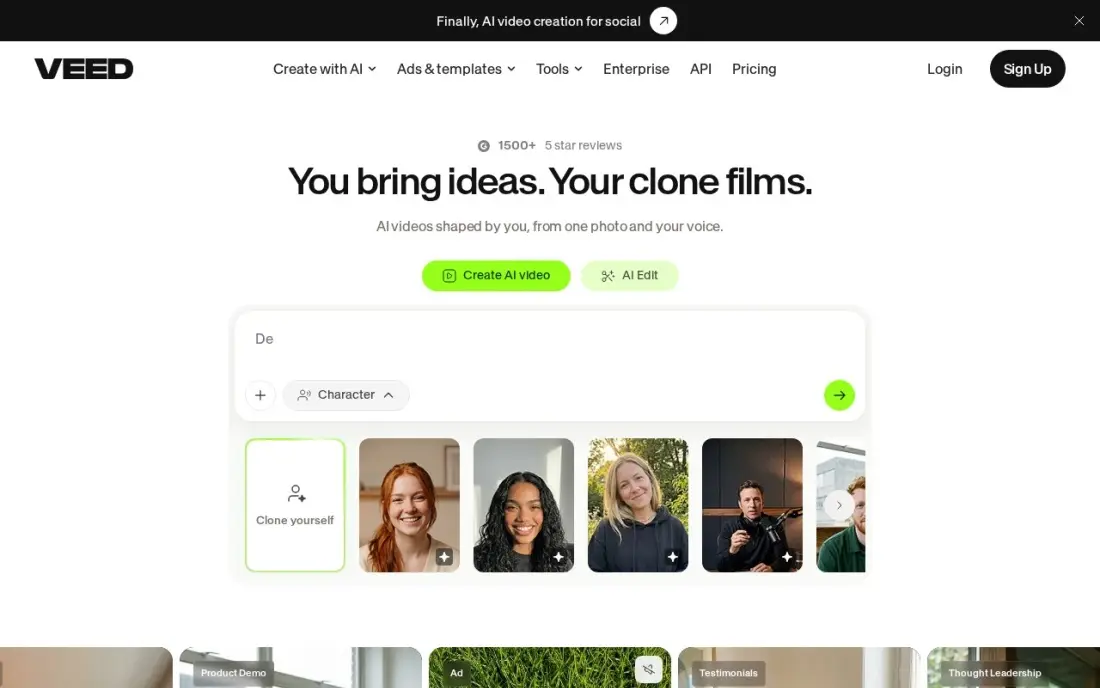
VEED is a browser editor that turns a raw product recording into captioned clips for LinkedIn, X and ads, with automatic subtitles as its core strength and no install. Lite costs $12 a month billed annually, or $24 monthly, and adds watermark-free 1080p export, stock media and 25-minute videos. Clean Audio and Eye Contact AI fix common recording problems.
Subtitles are capped at 120 minutes a year on Lite, which a team cutting several clips a week will use up, and translation in more than 50 languages needs Pro. Free exports are watermarked at 720p. It scores 4.6 on G2 from more than 2,100 reviews.
What we like
- Automatic subtitles are the core strength, with 120 minutes a year on Lite and translation in 50-plus languages on Pro
- Lite costs $12 a month billed annually, half the monthly-billing price
- The browser editor needs no install, and stock audio and video are included on paid plans
- Eye Contact AI and Clean Audio fix the two most common talking-head problems in one click
Watch out for
- Subtitling minutes are capped per year — 120 minutes on Lite runs out fast for weekly publishers
- Monthly billing doubles the price: Lite is $24 a month monthly against $12 billed annually
- Free exports are watermarked at 720p, and 4K export waits for the Pro plan
The best tools for creating SaaS product demo videos let a small team show the product working, clearly and quickly, and update the video when the interface changes next month. We compared eight tools across four jobs — screen recording, interactive demos, editing and AI presenters — plus one built for sales outreach, on output quality, editing, sharing and the real monthly cost. This guide also covers tools for creating SaaS demo videos more broadly, and every price below comes from the vendor's own pricing page as checked in November 2026.
How to choose the best tools for creating SaaS product demo videos
- Decide where the demo will live. A homepage video, an in-app onboarding clip and a sales follow-up each favour a different tool.
- Choose video or interactive. Video tells a story with narration; interactive demos let a visitor click through the product. Some tools do both from one capture.
- Plan for constant updates. SaaS interfaces change often; tools that edit by transcript or re-render from a script save the most time.
- Check export and hosting. Some tools share by link only; if you need an MP4 for your site or ads, confirm export is on your plan.
- Count creators, not viewers. Most tools here charge for people who record, while viewers are free.
- Watch the meters. AI avatar tools sell minutes or credits, so price the volume of video you will actually make.
A good demo video only works if people find the page it sits on. Our guide to video SEO explains how to get demo videos indexed and shown in search, and our AI search optimization service helps your product appear when buyers ask ChatGPT for tools in your category.
SaaS product demo video tools pricing: what you will actually pay
Take a SaaS team with two people making demos: a product marketer and a customer success lead. On Loom Business, two creators cost $30 a month billed annually, or $360 a year; monthly billing raises that to $36 a month. Adding Descript Hobbyist for one editor at $16 a month billed annually brings the recording-plus-editing stack to $46 a month, about $552 a year.
For interactive demos, Supademo Scale costs $38 a creator a month billed annually, so two creators cost $76 a month or $912 a year, while Arcade Growth costs $50 a seat a month billed monthly, or $100 a month for two. Adding an AI presenter is cheap to start — Synthesia Starter is $14 a month billed annually and HeyGen Creator $24 — but a library of demo videos usually needs Synthesia Pro at $89 a month. If sales reps send demo videos, Vidyard Starter costs $59 a seat a month billed annually, or $708 a seat a year.
Know the difference: recorded demo video vs interactive demo
A recorded demo video is linear: the viewer watches you use the product, hears why each step matters and sees the result. It is the right format for a homepage overview, a launch announcement or a sales follow-up, and it is easy to post on YouTube, LinkedIn and in emails. Loom, Descript, Synthesia, HeyGen, VEED and Vidyard all make this kind.
An interactive demo is a set of captured screens the visitor clicks through at their own pace, with tooltips guiding each step. It feels closer to a free trial, works well in docs and onboarding, and shows which steps people skip. Arcade and Supademo specialise here, and both can also produce video from the same capture, which makes them a sensible single tool for a small team.
Quick comparison: tool type by need
| Buyer | Best pick | Why |
|---|---|---|
| Quick recorded walkthroughs | Loom | Record and share by link, Business $15/user/month annual |
| Interactive demos plus MP4 | Arcade | Free plan, Growth $50/seat/month with video export |
| Free interactive demos | Supademo | 5 free demos and 50 recordings, Scale $38/creator/month annual |
| Polishing recordings | Descript | Edit by transcript from $16/month billed annually |
| AI presenter at scale | Synthesia | Script-to-video from $14/month billed annually |
| Lifelike, multilingual avatars | HeyGen | 175+ languages, Creator $24/month billed annually |
| Sales demo follow-ups | Vidyard | View data in the CRM, Starter $59/seat/month annual |
| Captioned social clips | VEED | Auto subtitles in the browser, Lite $12/month annual |
Mistakes to avoid
- Opening with a logo and a login screen. Start on the screen where the product solves the problem; viewers leave in the first seconds.
- Recording with real customer data. Use a demo account with sample data so nothing private appears on screen.
- Making one long video for everyone. A two-minute overview and separate feature clips serve more people than a 15-minute tour.
- Forgetting captions. Many viewers watch muted on social and in the office; caption every demo.
- Leaving old videos live. Outdated interfaces confuse new users; keep a list of demos and refresh them each major release.
How we chose
We checked each vendor's pricing page in November 2026 and recorded starting prices exactly as shown, with annual and monthly figures where both are listed. Arcade's page shows the yearly figure without a label, so we lead with its monthly price. We ranked tools for the most common buyer — a SaaS team of one to ten people making demo, onboarding and sales videos — and weighed speed of creation, ease of updating, export options and cost per creator. Ratings come from G2 pages checked on the dates shown in the sources. No vendor paid for a place in this list, and none of the links here are affiliate links.
What to do next
Record one two-minute demo of your product's main job with Loom's or Supademo's free plan this week, put it on your homepage and watch whether trial sign-ups move. If the demo is good but traffic is thin, book a free review of your SaaS site's search visibility.
Frequently asked questions
What are the best tools for creating SaaS product demo videos?
Loom is the fastest for recorded walkthroughs, from free to $15 a user a month billed annually. Arcade and Supademo build interactive click-through demos with free plans, Descript edits recordings like a document, and Synthesia and HeyGen add AI presenters. Vidyard suits demo videos sent by sales reps.
Should a SaaS demo be a video or an interactive demo?
Use video when you need to tell a story with voice, such as a homepage overview or feature launch. Use an interactive demo when the visitor should try the workflow themselves. Arcade and Supademo do both from one capture, with MP4 export on Arcade's Growth plan.
Is there a free tool for SaaS product demo videos?
Yes. Loom's free plan allows 25 videos of five minutes each, Supademo's free plan includes five interactive demos and 50 video recordings, Arcade's free plan publishes one demo, and Descript, Synthesia, HeyGen, VEED and Vidyard all have free plans with limits.
How long should a SaaS product demo video be?
Keep a homepage demo to about one to two minutes, focused on the single job your product does best. Feature walkthroughs and onboarding videos can run three to five minutes. Longer demos work for sales follow-ups, where the viewer already asked for detail.
How much do demo video tools cost?
On published prices billed annually, Synthesia starts at $14 a month, VEED at $12, Loom at $15 a user, Descript at $16, HeyGen at $24, Supademo Scale at $38 a creator and Vidyard at $59 a seat. Arcade Growth costs $50 a seat a month billed monthly.
Can AI avatars replace a human presenter in a SaaS demo?
For onboarding, help content and localised versions, often yes, and they are easy to update when the product changes. For a founder-led homepage video or a sales demo, a real person usually builds more trust. Many teams use both.
Sources we checked (12)
- Loom — www.loom.com/pricing (checked November 10, 2026)
- Arcade — www.arcade.software/pricing-interactive-demos (checked November 16, 2026)
- Supademo — supademo.com/pricing (checked November 16, 2026)
- Descript — www.descript.com/pricing (checked November 10, 2026)
- Descript reviews on G2 (checked November 10, 2026)
- Synthesia — www.synthesia.io/pricing (checked November 10, 2026)
- Synthesia reviews on G2 (checked November 10, 2026)
- HeyGen — www.heygen.com/pricing (checked November 5, 2026)
- Vidyard — www.vidyard.com/pricing (checked November 6, 2026)
- Vidyard reviews on G2 (checked November 6, 2026)
- VEED — www.veed.io/pricing (checked November 6, 2026)
- VEED reviews on G2 (checked November 6, 2026)
Make one of these tools?
We re-check this list every quarter. Send a correction, request a review, or ask about a clearly labeled sponsored spot.
Request a listingShamim
Founder of SerpAstra
A full-stack SEO and digital marketer who spends most days on Local SEO for dental practices, AI search visibility and lead generation.
Free SEO and AI visibility audit
Find out what is holding your rankings back
Send us your site. Within 2 business days you get a written audit, an AI visibility check and a short fix list ranked by impact. Free, with no contract attached.
Request my free audit→Related buying guides
 Sales & CRM8 Best Demo Software for SaaS Products in 2026, ComparedCompare the 8 best demo software for SaaS products, from interactive demos to video and live demo tools, on features, free plans and price, checked in 2026.Read guide →
 Marketing12 Best Video Marketing Platforms for 2026 (Pros, Cons and Pricing)Compare the 12 best video marketing platforms on price, free plans, hosting and AI creation for small teams, with every price checked November 5, 2026.Read guide →
 Video Editing & Streaming10 Best Video Content Creation Software in 2026, ComparedCompare the 10 best video content creation software tools of 2026 on price, free plans and AI features, with every price checked November 4, 2026.Read guide →