
8 Best Demo Software for SaaS Products in 2026, Compared
Compare the 8 best demo software for SaaS products, from interactive demos to video and live demo tools, on features, free plans and price, checked in 2026.
 Shamim Mia, Founder, SerpAstraLast verified November 2, 20269 min read
We compare pricing pages, documentation and public reviews. We never accept payment for rankings.
Key takeaways
- Supademo is the best-value interactive demo tool, free for one creator and $38 a creator a month on Scale billed yearly, with HubSpot and Salesforce integrations from Scale.
- Arcade suits marketing teams that want polished demos with AI voiceover; Growth costs $50 a seat a month, 15% less on yearly billing.
- Loom and Vidyard cover recorded video demos — Loom for quick walkthroughs from $15 a month billed annually, Vidyard for sales teams that want viewing data in the CRM.
- Live demos still close most SaaS deals: Calendly books them and Zoom Workplace runs them, both with free plans.
On this page
Quick comparison
| Tool | Best for | Starting price | Free plan |
|---|---|---|---|
| Supademo | SaaS teams that want click-through interactive demos with lead capture at a low per-creator price | Free; Scale $38/mo | Yes |
| Arcade | Product marketing teams that want polished interactive demos with AI voiceover and branding | Free; Growth $50/mo | Yes |
| Loom | SaaS founders and CSMs who send short recorded product walkthroughs to prospects | $15/mo (annual) | Yes (25 videos) |
| Vidyard | SaaS sales teams that send video demos by email and want viewing data in HubSpot or Salesforce | $59/seat/mo | Yes (free plan) |
| Userpilot | Product-led SaaS teams that want the free trial itself to work as a guided demo | $299/mo | No (14-day trial) |
| Calendly | SaaS sales teams that want prospects to book live demos straight from the website | $12/seat/mo | Yes (free plan) |
| Zoom Workplace | SaaS sales teams that run live screen-share demos and want recordings and AI summaries | $16.99/mo | Yes (free plan) |
| Gong | B2B SaaS sales teams that want to learn which demo conversations win deals | Custom quote | No (demo only) |
Make one of these tools?
We re-check this list every quarter. Send a correction, request a review, or ask about a clearly labeled sponsored spot.
Request a listingThe best demo software for SaaS products

Supademo
Best for: SaaS teams that want click-through interactive demos with lead capture at a low per-creator price
Supademo builds click-through demos from screenshots, screen recordings or, on higher plans, captured HTML, so a prospect can walk through your product from a website button or an email link without booking a call. The free plan covers one creator, five guided demos and unlimited views, and Scale costs $38 a creator a month billed yearly, adding analytics, branding, lead capture forms and HubSpot and Salesforce integrations.
The features that feel most like the real product cost more: guided HTML demos start on Business at $199 a month, and clickable sandbox demos on Growth at $350 a month with five creators. Paid plans have a 14-day trial with no card. It is the cheapest serious entry point here.
What we like
- Free forever for one creator, with 5 guided demos and unlimited views
- Scale adds analytics, branding, lead capture forms and HubSpot and Salesforce integrations
- Guided HTML demos from Business and clickable sandbox demos from Growth
- 14-day trial of paid plans with no credit card
Watch out for
- Only yearly-billing prices are shown on the pricing page
- HTML demos need Business at $199 a month and sandboxes need Growth at $350 a month
- The free plan has no analytics, lead capture or branding removal

Arcade
Best for: Product marketing teams that want polished interactive demos with AI voiceover and branding
Arcade is built for product marketers who want a demo to look as good as a landing page. AI voiceovers come on every plan, and Growth, at $50 a seat a month with 15% off on yearly billing, adds custom branding, a custom landing page, insights, Audience Reveal, and demo CTAs and forms to capture leads. Demos export to MP4 and GIF, so one recording also feeds social posts and docs.
The free plan is a taster: one seat, one published demo and a watermark. API integrations come with Growth, but the native Salesforce integration, custom domains and SSO are Enterprise-only. Choose it when design quality on the website matters most.
What we like
- AI voiceovers included on every plan, including Free
- Growth adds custom branding, insights, Audience Reveal, demo CTAs and forms
- MP4 and GIF exports from Growth, so one demo also works as a video
- Embed widgets on every plan
Watch out for
- The free plan allows one published demo and adds a watermark
- The native Salesforce integration and custom domains are Enterprise-only
- Every extra seat costs $50 a month

Loom
Best for: SaaS founders and CSMs who send short recorded product walkthroughs to prospects
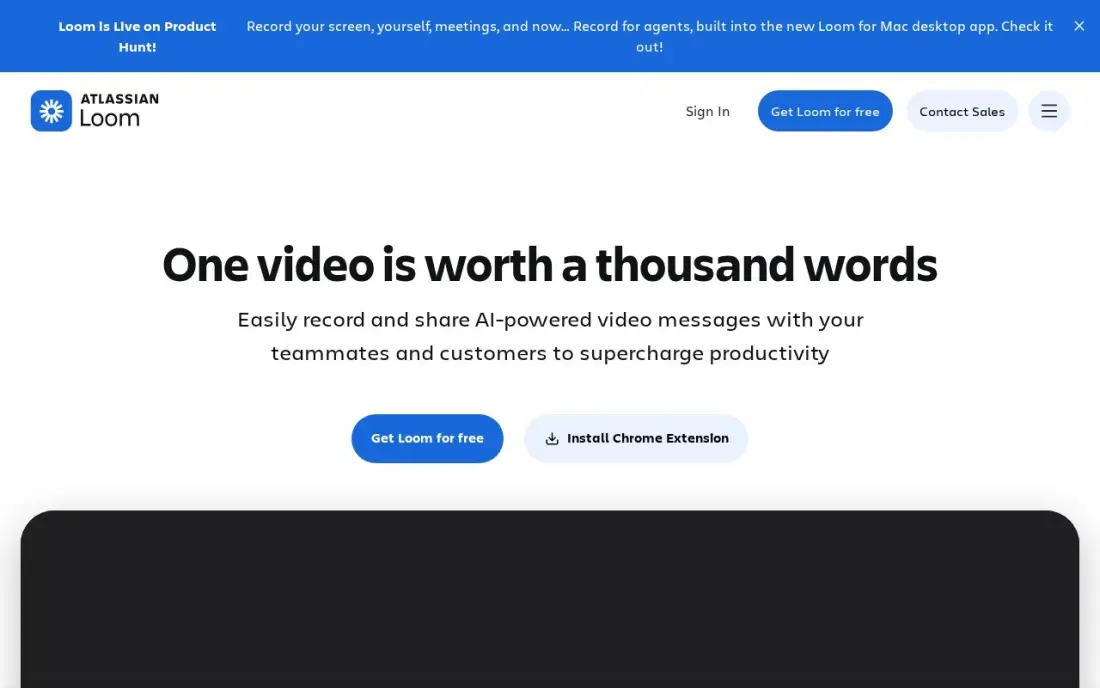
Loom is the quickest way to show a prospect one feature without a meeting: record your screen and camera, and the video is ready to share by link the moment you stop. Business costs $18 a user a month billed monthly, or $15 billed annually, with unlimited videos and recording length, 4K, custom branding, engagement insights and password protection. Only creators need seats; prospects watch for free.
Loom is linear video, not an interactive demo, so viewers cannot click around the product. AI summaries and chapters need Business + AI at $24 a user a month billed monthly, and the free plan caps videos at five minutes.
What we like
- Unlimited videos and unlimited recording length on Business, with 4K recording
- Only creators need paid seats; viewers watch, comment and react for free
- Custom branding, trim and stitch editing, engagement insights and password protection included
- Recordings upload automatically and share by link, so there is no file to attach or host
Watch out for
- Full AI features (summaries, chapters, filler removal) need Business + AI at $24 a user a month billed monthly
- Only the people who record videos need paid seats, but annual billing now uses fixed user tiers
- The free Starter plan caps recordings at 5 minutes and 25 videos per person

Vidyard
Best for: SaaS sales teams that send video demos by email and want viewing data in HubSpot or Salesforce
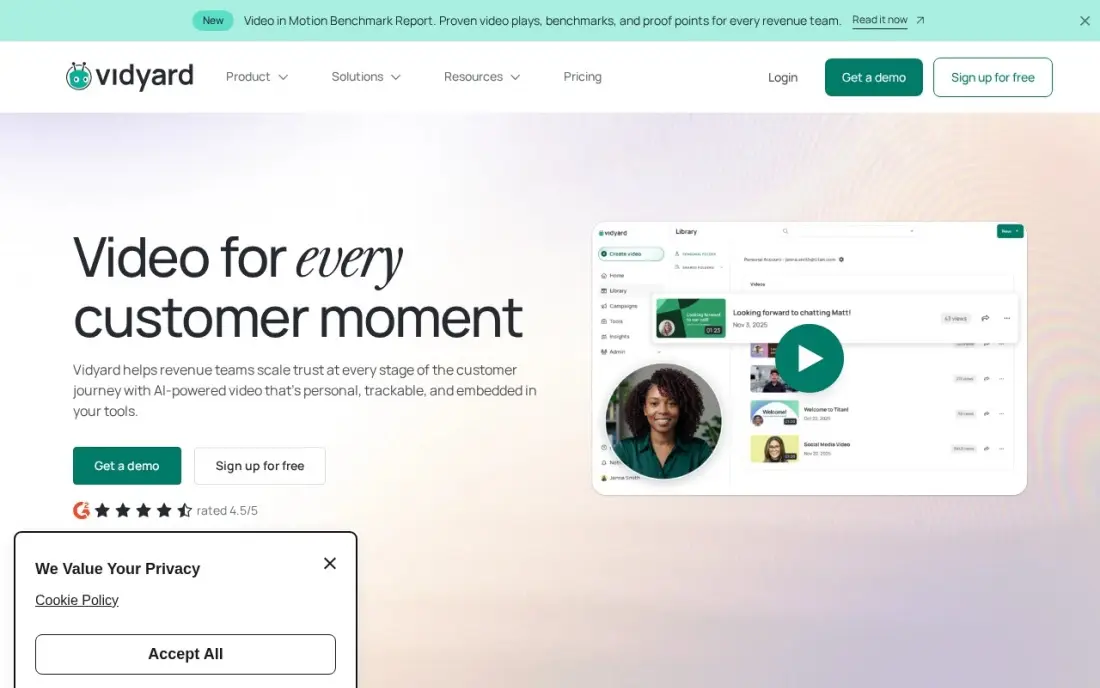
Vidyard is the sales-team version of recorded demos. Reps record from a browser extension, drop the video into Gmail, Outlook, HubSpot, Salesforce or Outreach, and see who watched and for how long, with that engagement data flowing back into the CRM to time follow-ups. Animated thumbnails help the video get opened.
The free plan covers 25 videos for one rep to test. Starter costs $59 a seat a month billed annually, with no monthly option, and the sales engagement integrations wait for custom-priced Teams or Enterprise plans. It suits a sales team already living in a CRM.
What we like
- Deepest CRM and sales-engagement integrations in this list, with watch data flowing back into HubSpot and Salesforce
- Animated thumbnails and video hosting built for sales outreach, not just recording
- AI avatars and a Video Agent extend it from one-to-one messages into video marketing
- Free plan lets a single rep test video email before the team pays
Watch out for
- Starter at $59/seat a month is billed annually only, with no monthly-billing option
- Sales engagement integrations and the Video Agent wait for Teams, Enterprise or a paid add-on
- Per-seat pricing adds up fast once the whole sales team is on it

Userpilot
Best for: Product-led SaaS teams that want the free trial itself to work as a guided demo
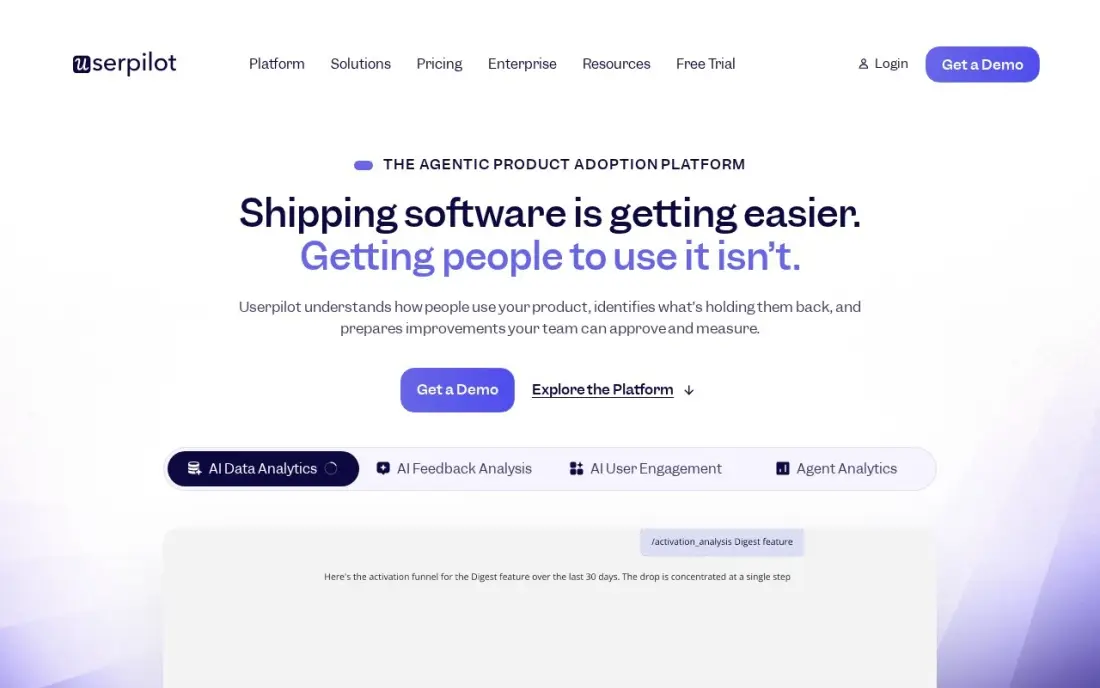
For product-led SaaS, the best demo is often the trial, and Userpilot turns it into a guided one. It adds onboarding flows, tooltips and in-app surveys inside your real product, tracks which features each trial user reaches, and lets you trigger help where users stall. Starter costs $299 a month for up to 2,000 monthly active users and includes product analytics and session replay.
No annual price is published, checklists and A/B testing wait for Growth from $849 a month, and mobile is an Enterprise add-on. Pair it with an interactive demo tool for prospects who are not ready to sign up.
What we like
- Onboarding, analytics, surveys and session replay in one plan, on the same user segments
- AI Agent Lia and an MCP server included from Starter, with no-code feature tagging
- Reviewers report building a first flow in an afternoon, with responsive support when setup gets stuck
Watch out for
- No annual price is published — the page shows $299 a month with no billing toggle
- Checklists, the resource center and A/B testing wait for Growth from $849 a month
- Web applications only; mobile engagement is an Enterprise add-on

Calendly
Best for: SaaS sales teams that want prospects to book live demos straight from the website
A demo tool is only useful if prospects can book it. Calendly puts a booking link on your pricing page, in emails and after an interactive demo, connects to Zoom, Google Meet, Salesforce and HubSpot, and sends automated reminders that cut no-shows. The free plan covers one event type and one calendar.
Standard costs $12 a seat a month billed monthly, or $10 billed annually, with unlimited event types. Round-robin routing across a sales team needs Teams at $16 a seat a month billed annually. It books demos; it does not qualify or route leads by company size on its own.
What we like
- The fastest setup here: one booking link, unlimited one-on-one meetings and no booking cap on every plan
- Free plan is genuinely usable for a solo pro, with one event type and one calendar connection
- Payments at booking through Stripe and PayPal from Standard, plus automated reminders that cut no-shows
- 129 integrations, including Zoom, Google Meet, Salesforce and HubSpot
Watch out for
- Built for meetings, not services: no staff calendars, no service menu and no point of sale
- Round-robin and team scheduling need Teams at $16/seat/month billed annually
- AI add-ons (Notetaker and Callie) cost extra on top of the per-seat price

Zoom Workplace
Best for: SaaS sales teams that run live screen-share demos and want recordings and AI summaries
Larger SaaS deals usually include at least one live demo, and Zoom is the room many buyers expect. Pro costs $16.99 a user a month billed monthly, or $14.16 billed annually, and allows 30-hour meetings for 100 participants, unlimited AI meeting summaries and 10 GB of cloud recording per user.
The free Basic plan caps group meetings at 40 minutes, which is too short for most demos. Only hosts need a Pro licence, so the cost tracks the number of reps who run demos. Recorded demos also make good raw material for Loom-style follow-ups.
What we like
- The most reliable video in this list, with 30-hour meetings for 100 participants on Pro
- Pro adds unlimited meeting summaries, unlimited AI document creation and 10 GB of cloud recording per user
- Team Chat, whiteboard, scheduler and mail sit in the same app, so meetings need no second tool
- The free Basic plan covers 100 participants, so a team can test real meetings before paying
Watch out for
- Pro is the dearest entry price in this list at $16.99 a user a month billed monthly
- Zoom raised Pro from $14.99 to $16.99 a month, so older guides understate the price
- Only hosts need a Pro licence, but every host on the team needs one, so the bill grows with every meeting organiser

Gong
Best for: B2B SaaS sales teams that want to learn which demo conversations win deals
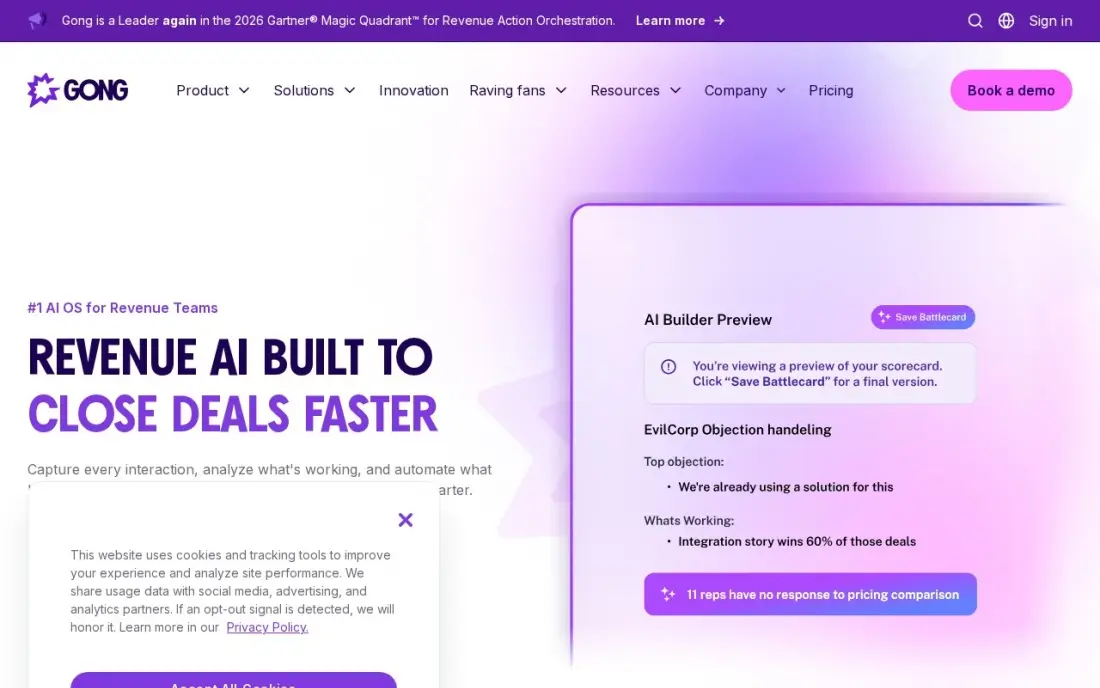
Gong does not build demos; it tells you which ones work. Every recorded demo call is transcribed and analysed, with AI summaries, topic trackers and deal boards that link what reps said to whether the deal moved. For a SaaS sales leader, that shows which features, objections and talk tracks appear in won deals.
Gong publishes no prices. Buyer reports put core licences around $1,300 to $1,600 a user a year plus a mandatory platform fee, and implementation takes four to eight weeks. It has no free plan or trial. It is a purchase for teams with ten or more reps.
What we like
- Records and analyzes every sales call, with AI summaries, trackers and coaching cues tied to real conversations
- Deal boards and forecasting link what was said on calls to pipeline health
- The largest review base in this list — 6,679 G2 reviews — with deep Salesforce and HubSpot integrations
Watch out for
- No published pricing — buyer reports put core licences around $1,300-$1,600/user/year plus a mandatory platform fee
- Implementation typically takes 4-8 weeks and usually needs paid professional services
- Premium pricing puts it out of reach for small teams
The best demo software for SaaS products lets a buyer see the product working before they talk to sales, and helps the sales team run better demos when they do. We compared eight tools across the four ways SaaS companies demo today — interactive click-through demos, recorded video, guided free trials and live calls — and every price below comes from the vendor's own pricing page as checked in November 2026.
How to choose the best demo software for SaaS products
- Match the demo to the buying stage. Website visitors want a two-minute self-guided tour; a shortlisted buyer wants a live call on their use case.
- Decide how real the demo must look. Screenshot demos are quick to build; HTML and sandbox demos feel like the real product but cost more and take longer.
- Insist on lead capture and CRM sync. A demo that 400 people watched is only useful if you know which companies they came from.
- Count creators, not viewers. Most tools price by the people who build demos, so a small product marketing team can serve thousands of prospects.
- Check how easy demos are to update. Your UI will change; a demo you cannot refresh in an hour will soon show an old product.
- Plan the hand-off. Every self-guided demo should end with a clear next step, usually a booking link for a live call.
Interactive demos convert better when the right buyers reach them. If your product pages are not ranking for the searches your buyers make, our SEO audit shows why, and our AI search optimization service helps your product show up when buyers ask AI assistants for tools like yours.
Demo software for SaaS products pricing: what you will actually pay
Take a SaaS company with two product marketers building demos and five account executives running live calls. Supademo Scale costs $38 a creator a month billed yearly, so $76 a month or $912 a year for two creators; Arcade Growth costs $50 a seat a month, or $100 a month for two seats, 15% less on yearly billing. If you want sandbox demos that behave like the real app, Supademo Growth costs $350 a month billed yearly with five creators bundled.
On the sales side, Zoom Workplace Pro costs $14.16 a user a month billed annually, so $70.80 a month for five reps, and Calendly Standard $10 a seat a month billed annually, or $50 a month. Vidyard Starter adds $59 a seat a month billed annually, or $295 a month for five reps. A complete stack of Supademo Scale, Zoom and Calendly for this team costs about $197 a month on yearly and annual billing — less than one Userpilot Starter subscription at $299 a month.
Know the difference: interactive demo vs recorded video demo
An interactive demo is built from captured screens or HTML and lets the viewer click through the steps at their own pace, choosing the path that matches their use case. It shows how the product works, captures leads with forms and reports which steps people completed and where they dropped off.
A recorded video demo, from Loom or Vidyard, is a narrated walkthrough the viewer watches from start to finish. It is faster to make, carries a human voice and face, and suits one-to-one follow-ups after a call. It is weaker on the website, because viewers cannot skip to the part they care about, and analytics stop at how long people watched.
Quick comparison: tool type by need
| Buyer | Best pick | Why |
|---|---|---|
| Interactive demos on a budget | Supademo | Free for 1 creator, Scale $38/creator/month billed yearly |
| Polished marketing demos | Arcade | AI voiceover on every plan, Growth $50/seat/month |
| Quick recorded walkthroughs | Loom | Business $15/user/month billed annually, viewers free |
| Sales video with CRM data | Vidyard | Viewing data to HubSpot and Salesforce, Starter $59/seat/month |
| Product-led trials | Userpilot | In-app guided flows from $299/month |
| Booking live demos | Calendly | Free plan, Standard $10/seat/month billed annually |
| Running live demos | Zoom Workplace | 30-hour meetings and AI summaries on Pro |
| Improving demo calls | Gong | Call analysis tied to deal outcomes, custom quote |
Mistakes to avoid
- Showing every feature. A self-guided demo should cover one job in under two minutes; long tours lose most viewers halfway.
- Gating the demo too early. Ask for an email at the end or at a high-intent step, not before the first click.
- Letting demos go stale. Assign an owner to refresh demos after every major UI release.
- Not connecting demo data to the CRM. If sales cannot see who watched what, the demo is a marketing vanity metric.
- Using a 40-minute free meeting plan for live demos. A demo that cuts off at minute 40 is a bad first impression.
How we chose
We checked each vendor's own pricing page in November 2026 and recorded the starting price exactly as shown, including the annual and monthly rate where both are listed; Supademo and Arcade were read on November 16, 2026. We grouped tools by demo type and ranked them for a SaaS company with a small product marketing team and a sales team running live calls. Ratings come from G2 pages checked on the dates shown in the sources, and we show none where we did not read one. No vendor paid for a place in this list, and none of the links here are affiliate links.
What to do next
Build one two-minute interactive demo of your most-asked-about feature on a free plan, put it on your pricing page with a booking link at the end, and count the bookings after a month. If too few buyers reach that page, book a free SEO call.
Frequently asked questions
What is the best demo software for SaaS products?
Supademo is the best value for interactive demos, free for one creator and $38 a creator a month on Scale billed yearly. Arcade suits marketing teams that want polished demos with AI voiceover, and Loom is best for quick recorded walkthroughs.
What is an interactive demo?
An interactive demo is a click-through copy of your product built from screenshots, recordings or captured HTML. Prospects click through the steps themselves from a website button or email, without signing up or booking a call.
Is there free demo software for SaaS?
Yes. Supademo is free for one creator and five demos, Arcade has a free plan with one published demo, Loom and Vidyard have free plans for recorded videos, and Calendly and Zoom both have free plans for booking and running live demos.
How much does interactive demo software cost?
Supademo Scale costs $38 a creator a month billed yearly, and its HTML and sandbox demos start at $199 and $350 a month. Arcade Growth costs $50 a seat a month, 15% less billed yearly.
Should a SaaS company use interactive demos or live demos?
Both. Interactive demos let early-stage visitors explore the product and qualify themselves, while live demos close larger deals. Many SaaS teams put an interactive demo on the website and offer a live demo booking link at the end of it.
Can demo software capture leads?
Yes. Supademo includes lead capture forms and HubSpot and Salesforce integrations from Scale, and Arcade includes demo CTAs and forms from Growth, so viewers who want to talk to sales can leave their details.
Sources we checked (12)
- Supademo — supademo.com/pricing (checked November 16, 2026)
- Arcade — www.arcade.software/pricing-interactive-demos (checked November 16, 2026)
- Loom — www.loom.com/pricing (checked November 10, 2026)
- Vidyard — www.vidyard.com/pricing (checked November 6, 2026)
- Vidyard reviews on G2 (checked November 6, 2026)
- Userpilot — userpilot.com/pricing (checked November 12, 2026)
- Userpilot reviews on G2 (checked November 12, 2026)
- Calendly — calendly.com/pricing (checked November 12, 2026)
- Calendly reviews on G2 (checked November 12, 2026)
- Zoom Workplace — zoom.us/pricing (checked November 10, 2026)
- Gong — www.gong.io/pricing (checked November 2, 2026)
- Gong reviews on G2 (checked November 2, 2026)
Make one of these tools?
We re-check this list every quarter. Send a correction, request a review, or ask about a clearly labeled sponsored spot.
Request a listingShamim
Founder of SerpAstra
A full-stack SEO and digital marketer who spends most days on Local SEO for dental practices, AI search visibility and lead generation.
Free SEO and AI visibility audit
Find out what is holding your rankings back
Send us your site. Within 2 business days you get a written audit, an AI visibility check and a short fix list ranked by impact. Free, with no contract attached.
Request my free audit→Related buying guides
 Sales & CRM7 Best Video Email Software in 2026: Pricing, Features and Pros & ConsCompare the 7 best video email software tools on price, free plans, AI personalization and CRM links, with every price checked November 6, 2026.Read guide →
 Project & Product Management10 Best Digital Adoption Platforms for 2026 (Pros, Cons and Pricing)Compare the 10 best digital adoption platforms for 2026 on price, free plans and features, with every price checked on the vendor's own pricing page.Read guide →
 Productivity & Office12 Best Scheduling Software for Small Business in 2026, ComparedCompare the 12 best scheduling software for small business options on price, free plans and features, with every price checked November 12, 2026.Read guide →