
8 Best Free Website Visitor Tracking Tools in 2026, Compared
Compare the 8 best free website visitor tracking tools on free-plan limits, privacy, recordings and data retention, with every price checked on vendor pages.
 Shamim Mia, Founder, SerpAstraLast verified November 1, 20268 min read
We compare pricing pages, documentation and public reviews. We never accept payment for rankings.

Key takeaways
- Google Analytics 4 is the free baseline every site should run: no traffic fee, channel and conversion reports, and links to Google Ads and Search Console.
- Microsoft Clarity is the best free add-on, with unlimited session recordings and heatmaps and no paid tier at all.
- For privacy-first tracking, Umami's free Cloud plan covers 100,000 events a month, and Matomo and Plausible are free if you self-host.
- PostHog and Mixpanel give 1 million free events a month for product-style analysis of signed-up users.
On this page
Quick comparison
| Tool | Best for | Starting price | Free plan |
|---|---|---|---|
| Google Analytics 4 | Every website that needs free traffic, source and conversion reporting tied to Google Ads and Search Console | Free | Yes (free) |
| Microsoft Clarity | Site owners who want free, unlimited session recordings and heatmaps to see what visitors actually do | Free | Yes (free forever) |
| Umami | Small sites and developers that want free, cookieless visitor stats without a consent banner | Free; Pro $20/mo | Yes (Hobby) |
| Matomo | Organisations that want Google-Analytics-level depth with full data ownership on their own server | €29/mo | Yes (self-hosted) |
| Plausible Analytics | Bloggers and content sites that want a one-page, cookie-free dashboard and can self-host | Free self-hosted; Cloud $9/mo | Yes (self-hosted) |
| PostHog | Startups and SaaS sites that want free product analytics, replays and feature flags in one tool | Free to 1M events | Yes (1M events) |
| Mixpanel | Product teams that want free funnel and retention analysis on signed-up visitors | Free to 1M events | Yes (free plan) |
| Hotjar | Marketing teams that want heatmaps and recordings to see why visitors leave a page | Free plan; Growth $39/mo (annual) | Yes (free plan) |
Make one of these tools?
We re-check this list every quarter. Send a correction, request a review, or ask about a clearly labeled sponsored spot.
Request a listingThe best free website visitor tracking tools

Google Analytics 4
Best for: Every website that needs free traffic, source and conversion reporting tied to Google Ads and Search Console
Google Analytics 4 is the free baseline for almost every site. The standard version costs nothing at any normal traffic level and reports where visitors come from, which pages they view and which channels lead to conversions, with data-driven attribution by default. It connects to Google Ads, Search Console and BigQuery, which no other free tool here matches.
The cost is time. GA4's interface has a steep learning curve, events need careful setup to be useful, and exploration data is kept for 14 months at most on the free version. EU and UK sites also need a consent setup. Install it first, then add a second tool for what it does poorly.
What we like
- Free for most sites, with no traffic fee and no paid upgrade inside the product
- Data-driven attribution is the default model, crediting touchpoints across the journey
- Deep integration with Google Ads, Search Console and BigQuery export
- Key events, audiences and explorations cover most reporting needs without a second tool
Watch out for
- Attribution is session and event based, not person or account based, so long B2B cycles blur
- Exploration data is kept for 14 months at most on the free version
- The interface has a steep learning curve and setup takes real time to get right

Microsoft Clarity
Best for: Site owners who want free, unlimited session recordings and heatmaps to see what visitors actually do
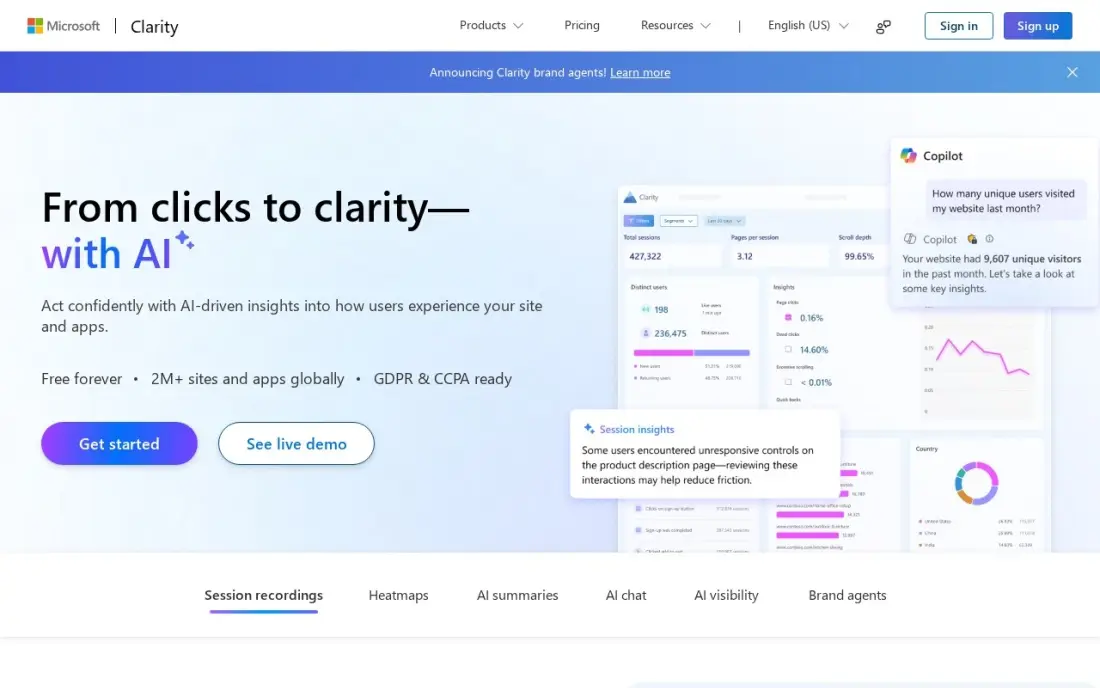
Microsoft Clarity is the most generous free tool in this list. There is no paid tier: recordings and heatmaps are unlimited, up to 100,000 sessions per project per day, with dead-click and error-click maps that show where visitors click on things that do nothing. Copilot summaries and a native GA4 integration are included.
It shows what happened in a session rather than how groups of users change over time, so there are no deep funnels or cohorts. Recordings are kept for 30 days, and sites with EEA, UK or Swiss traffic must pass a consent signal. Pair it with GA4 and you have traffic numbers and the reasons behind them for free.
What we like
- Free forever with no traffic caps: unlimited recordings and heatmaps, up to 100,000 sessions per project per day
- Dead-click and error-click heatmaps show exactly where visitors click things that do nothing or break
- Copilot AI summaries and a native GA4 integration come free on every account
- No credit card, no session sampling, no paid tier to grow into
Watch out for
- Recordings are kept only 30 days, so long-term trend analysis is out
- No deep funnels or cohort analysis — it shows what happened in a session, not how behaviour changes across user groups
- Microsoft uses aggregated, anonymised Clarity data to improve its own products, and EEA, UK and Swiss traffic needs a consent signal since October 31, 2025

Umami
Best for: Small sites and developers that want free, cookieless visitor stats without a consent banner
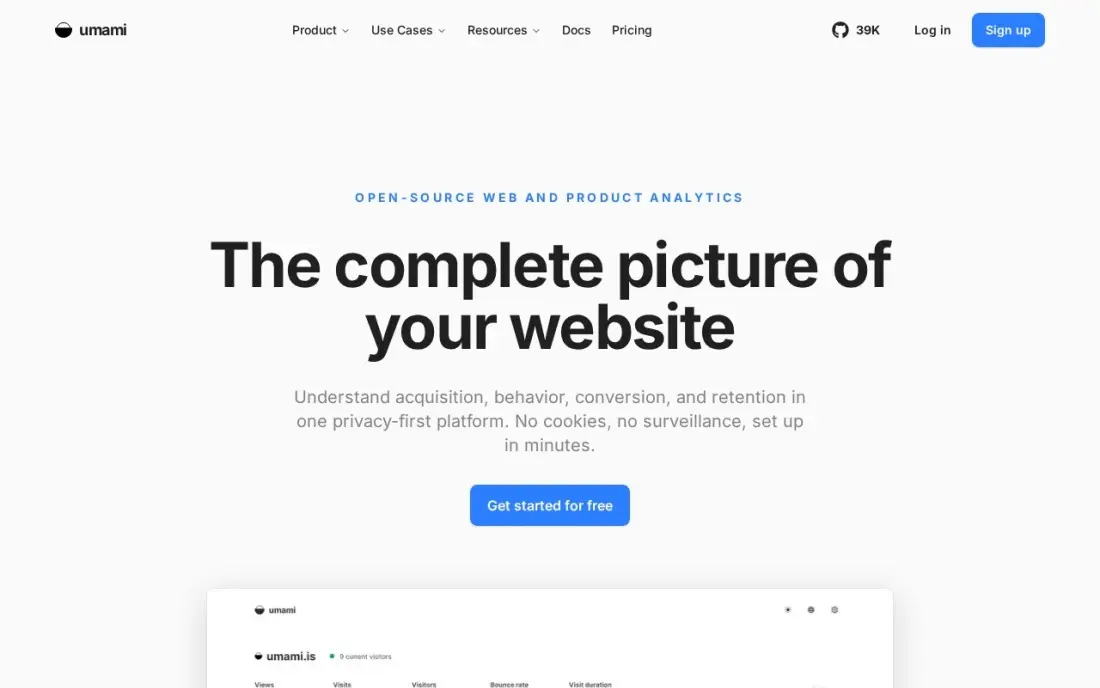
Umami is the easiest free privacy-first tracker to start with. The Cloud Hobby plan is free for 100,000 events a month on one site and includes goals, funnels and journeys, with cookieless, anonymised tracking that usually needs no consent banner. The code is MIT-licensed, so you can self-host it on a small server with the same features.
The free Cloud plan covers only one site and six months of data; Pro costs $20 a month for a million events. Session replays and heatmaps need the $200 Business plan, and self-hosting means running Node.js and PostgreSQL yourself. For a blog or small business site, it is clean and enough.
What we like
- Free Cloud Hobby tier: 100,000 events a month on one site, with goals, funnels and journeys included
- MIT-licensed and self-hostable on a small VPS with Docker Compose — the same features as Cloud
- Cookieless, anonymized tracking with no consent banner, plus a live public demo dashboard
Watch out for
- Self-hosting needs Node.js and PostgreSQL, plus your own updates and backups
- Cloud Hobby covers only 1 site and 6 months of data; replays and heatmaps need the $200/month Business plan

Matomo
Best for: Organisations that want Google-Analytics-level depth with full data ownership on their own server

Matomo is the full analytics suite you can run for free. The On-Premise Community edition has no limit on users or hits, never samples data, and keeps every visitor record on a server you control, which suits privacy-regulated businesses and public bodies. Reports cover sources, pages, goals and ecommerce in an interface close to the old Universal Analytics.
Free means self-hosted: you own the server, upgrades and archiving. Premium plugins such as heatmaps and A/B tests cost extra, and the hosted Cloud Business plan starts at €29 a month excluding tax for 50,000 hits. Choose it when data ownership matters more than setup time.
What we like
- Full data ownership, with hosting in Frankfurt and cookieless tracking options
- Only tool here that replaces GA plus a heatmap tool plus an A/B tool in one interface
- On-Premise Community edition is free forever with unlimited users and hits
- No data sampling on any plan, unlike free GA4 explorations
Watch out for
- Cloud pricing is hit-based and climbs with traffic, so high-volume sites pay far more than €29
- Self-hosting means owning the server, upgrades and archiving yourself
- Premium features on On-Premise need paid plugin bundles from €230 a month

Plausible Analytics
Best for: Bloggers and content sites that want a one-page, cookie-free dashboard and can self-host
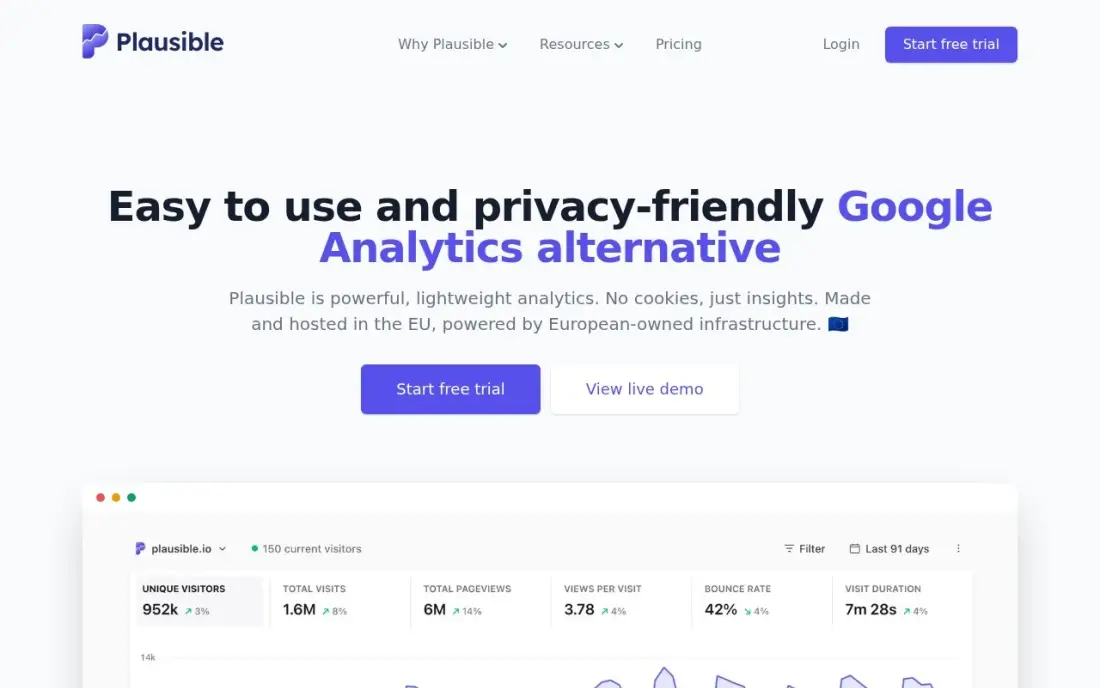
Plausible answers the everyday questions on one screen: visitors, top pages, sources, countries and devices. The tracking script is under 1KB, sets no cookies and stores no personal data, so most sites can drop the consent banner. The Community Edition is open source under AGPL and free to self-host.
There is no free Cloud plan. Hosted Plausible starts at $9 a month for 10,000 pageviews after a 30-day trial, and funnels, custom properties and the Stats API need the $19 Business plan. If you will not run a server, Umami's free Cloud plan is the closer match; if you will, Plausible is the simplest dashboard here.
What we like
- One-page dashboard that answers the everyday questions without a menu maze
- Tracking script under 1KB, no cookies, no personal data — no consent banner needed in most regions
- Open-source Community Edition (AGPL) means no vendor lock-in if you self-host
Watch out for
- No free Cloud plan — the cheapest way in is $9/month, or free only if you self-host the Community Edition
- Funnels, custom properties and the Stats API are gated behind the $19/month Business plan

PostHog
Best for: Startups and SaaS sites that want free product analytics, replays and feature flags in one tool
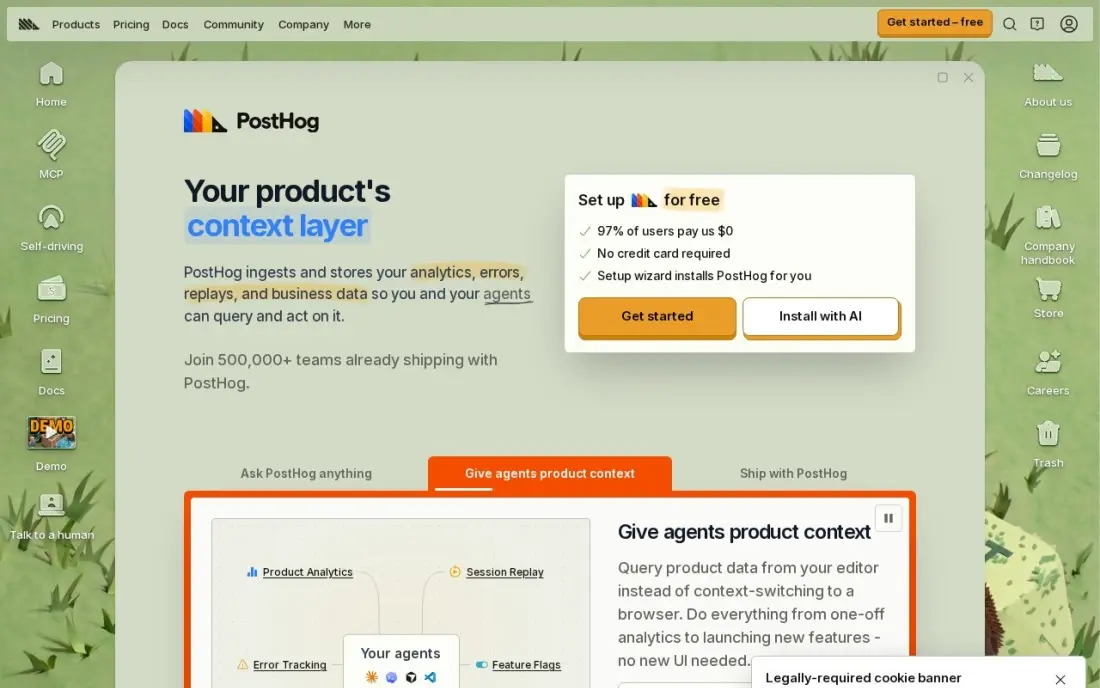
PostHog suits a site where visitors become users, such as a SaaS product or web app. The free allowance covers 1 million events, 5,000 session replays and 1 million feature-flag requests a month, with no seat charges and no base fee. The core is open source and can be self-hosted, with EU hosting available.
It is built for product teams, so a marketing site gets more than it needs. Each product is metered separately once you pass the free allowances, and identified events for logged-in users carry an extra charge, which makes the bill harder to forecast than a flat plan. For a startup, the free tier usually lasts a long time.
What we like
- Open-source core you can self-host, with EU hosting and HIPAA compliance
- Every product has its own free allowance, so a small app can run analytics, replay and flags for $0
- Per-unit prices fall with volume, down to $0.000009 per event above 250M events
- No seat charges and no base fee — you pay only for the usage above the free allowances
Watch out for
- Identified events carry an extra person-profile charge (+$0.000198 per event at 1–2M), so logged-in traffic costs more
- Each product is metered separately, so the bill is harder to forecast than a flat subscription
- Self-hosting the open-source edition means running the infrastructure yourself

Mixpanel
Best for: Product teams that want free funnel and retention analysis on signed-up visitors
Mixpanel's free plan covers 1 million events and 10,000 session replays a month with no credit card, which is enough for most early products. It is strongest on funnels, retention and cohorts: which visitors sign up, which come back and which feature brings them back. Growth publishes its prices, starting at $140 a month at 1.5 million events.
Every action you want to measure has to be named and added to the code, usually by an engineer. Going over the free limit freezes queries until you upgrade, and group analytics is a paid add-on. Use it for product behaviour, alongside GA4 for traffic sources.
What we like
- Free plan covers 1 million events and 10,000 session replays a month with no credit card
- Growth publishes its full price list — $140 a month at 1.5 million events, $1,176 at 10 million
- Session replay is included on every plan, and heatmaps do not count toward billable events
Watch out for
- Every action you want to measure has to be named and added to code, usually by an engineer
- Going over 1 million events on Free freezes your queries until you upgrade, and the whole month counts toward volume
- Group analytics and data pipelines are paid add-ons, not in the base price

Hotjar
Best for: Marketing teams that want heatmaps and recordings to see why visitors leave a page
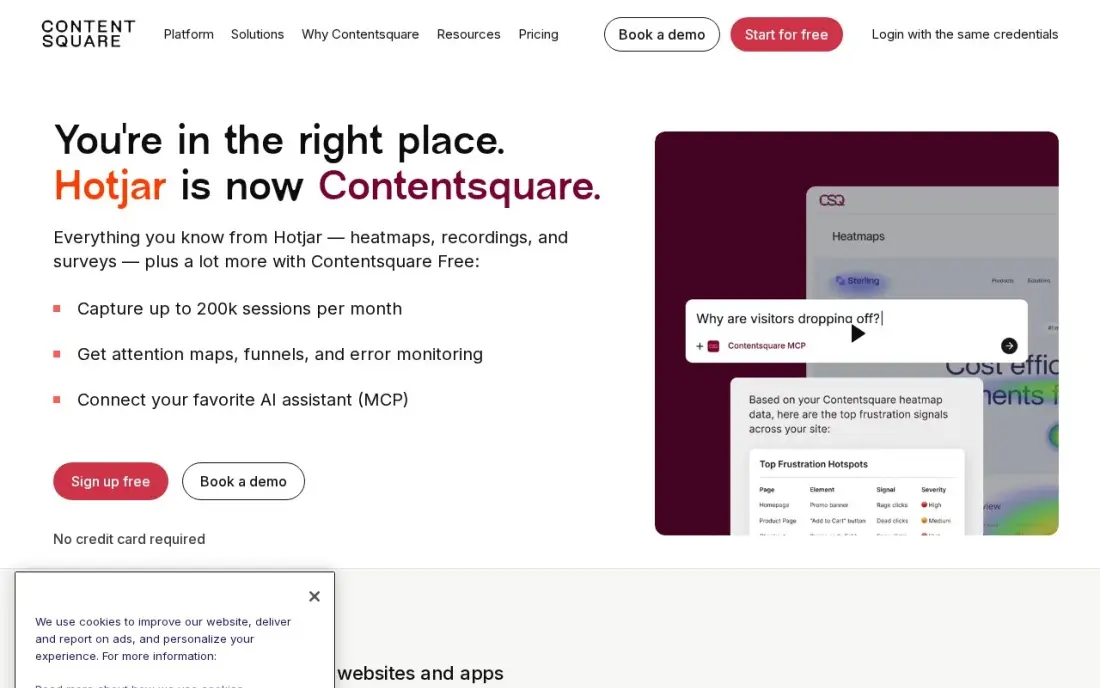
Hotjar is the original heatmap and session recording tool, and its free plan still shows where visitors click, scroll and drop off. The paid Growth plan starts at $49 a month, or $39 billed annually, from 7,000 sessions. Marketing teams like it because results are visual and easy to share with a designer or client.
Hotjar no longer sells standalone accounts; new sign-ups go through its parent company Contentsquare, and surveys are now a separate product from $79 a month. Reviewing recordings also takes real time. If you only need heatmaps and recordings, compare it with Microsoft Clarity, which costs nothing at any volume.
What we like
- Heatmaps and session recordings show exactly where visitors click, scroll and drop off
- The free plan covers up to 200,000 sessions a month — far more than most small sites need
- Surveys and feedback widgets sit in the same tool, so the why sits next to the what
Watch out for
- Hotjar no longer sells standalone accounts — new sign-ups go through Contentsquare, and surveys are now a separate product from $79 a month
- The vendor's own pricing page shows euros in the EU view, so US buyers should confirm the dollar price at checkout
- Filtering and segmentation feel thin on large session volumes, and reviewing recordings takes real time
The best free website visitor tracking tools tell you how many people visit, where they come from, what they read and where they leave, without a monthly bill. We compared eight tools on what the free plan really covers, privacy and consent, session recordings, data retention and how much setup each needs, and every price and limit below comes from the vendor's own pricing page as checked in November 2026.
How to choose the best free website visitor tracking tools
- Decide what question you need answered. Traffic sources and conversions call for GA4 or a privacy tracker; why visitors leave calls for recordings and heatmaps.
- Read the free-plan limit carefully. Limits are set in events, sessions or pageviews, and one pageview can trigger several events.
- Check consent rules for your visitors. Cookieless tools such as Umami and Plausible usually avoid a banner; GA4 and recording tools need a consent setup for EU and UK traffic.
- Know how long data is kept. GA4 keeps exploration data up to 14 months on the free version, Clarity keeps recordings 30 days and Umami's free Cloud plan keeps six months.
- Count the setup time. Self-hosted free tools cost nothing in fees but need a server, updates and backups.
- Keep the page fast. Every tracking script adds weight, so pick the lightest tool that answers your question.
Visitor data is most useful when it shows which pages bring search traffic and which lose it. Our UTM builder tags campaign links so they show up correctly in any of these tools, and our SEO audit service turns the numbers into a fix list.
Free website visitor tracking tools pricing: what you will actually pay
Take a small business site with 20,000 visitors a month viewing three pages each, about 60,000 pageviews. GA4 and Microsoft Clarity cost $0 at that level. Umami's free Cloud Hobby plan covers 100,000 events a month on one site, so it also costs $0. PostHog and Mixpanel each give 1 million free events a month, so $0 as well. Plausible's Cloud plan would cost more than its $9 Starter tier, which covers only 10,000 pageviews, but the self-hosted Community Edition is free.
Matomo's On-Premise Community edition is free with unlimited hits; the hosted Cloud Business plan starts at €29 a month excluding tax for 50,000 hits, so this site would need a higher tier. Hotjar has a free plan, and Growth costs $49 a month or $39 billed annually, which is $468 a year. A small server to self-host Umami, Plausible or Matomo typically costs a few dollars a month, but the real cost is the time spent on updates.
Know the difference: traffic analytics vs behaviour analytics
Traffic analytics counts visitors and attributes them. GA4, Umami, Plausible and Matomo tell you how many people came, from which search engine, campaign or referral, which pages they viewed and whether they completed a goal. This is the data you use to decide where to spend marketing time and money.
Behaviour analytics watches what happens on the page. Microsoft Clarity and Hotjar record sessions and draw heatmaps of clicks and scrolling, so you can see a form field that confuses people or a button nobody notices. Product analytics tools such as PostHog and Mixpanel sit between the two, following signed-up users across sessions. Most sites need one traffic tool and one behaviour tool, not five.
Quick comparison: tool type by need
| Buyer | Best pick | Why |
|---|---|---|
| Every website | Google Analytics 4 | Free traffic and conversion reports tied to Google Ads |
| Recordings and heatmaps | Microsoft Clarity | Unlimited recordings and heatmaps, no paid tier |
| Cookieless, no server | Umami | Free Cloud plan to 100,000 events a month |
| Data ownership | Matomo | Free self-hosted suite with unlimited hits |
| Simple self-hosted stats | Plausible Analytics | One-page dashboard, script under 1KB |
| SaaS and web apps | PostHog | 1M free events plus replays and flags |
| Funnels and retention | Mixpanel | 1M free events and 10,000 replays a month |
| Marketing teams | Hotjar | Free plan, Growth $39/month billed annually |
Mistakes to avoid
- Installing and never configuring. Without goals or key events set up, any tracker only counts visits; define two or three conversions on day one.
- Running four trackers at once. Each script slows the page and splits the data; pick one traffic tool and one behaviour tool.
- Ignoring consent. Recording and cookie-based tools need a consent setup for EU and UK visitors, and fines are real.
- Forgetting to filter your own visits. Internal traffic inflates numbers on small sites; exclude your office and team.
- Comparing tools by their numbers. Each tool counts visitors differently, so do not expect GA4 and Plausible to match; watch trends in one tool.
How we chose
We checked each vendor's own pricing page in November 2026 and recorded the free-plan limits and the first paid price exactly as shown, including annual-billing figures where listed. We included only tools with a genuinely free option, either a free hosted plan or a free self-hosted edition, and grouped them by the question each answers best. Ratings come from G2 pages checked on the dates shown in the sources; where we did not read a review page we show no rating. No vendor paid for a place in this list, and none of the links here are affiliate links.
What to do next
Install GA4 and Microsoft Clarity this week, set up two key events such as a form submission and a call click, and watch ten recordings of visitors who left your top landing page. If the numbers show traffic is the problem rather than the page, book a free SEO review.
Frequently asked questions
What is the best free website visitor tracking tool?
Google Analytics 4 is the best free tool for most sites because it reports traffic sources, pages and conversions at no cost and connects to Google Ads and Search Console. Add Microsoft Clarity, which is free with unlimited recordings and heatmaps, to see how visitors behave on each page.
Is there a free alternative to Google Analytics without cookies?
Yes. Umami's free Cloud plan covers 100,000 events a month with cookieless tracking, and Plausible and Matomo are free when you self-host them. All three can usually run without a consent banner, depending on your configuration and local rules.
Can I see who visits my website for free?
Free tools show how many people visit, where they come from and what they do, but not who they are by name. Tools that identify companies from IP addresses are paid B2B products, and naming individual visitors without consent is not allowed under GDPR and similar laws.
Is Microsoft Clarity really free?
Yes. Microsoft Clarity has no paid tier, no traffic cap below 100,000 sessions per project per day and no session sampling. Recordings are kept for 30 days, and sites with EEA, UK or Swiss visitors must pass a consent signal.
Do I need more than one visitor tracking tool?
Usually two is right: one for numbers, such as GA4, Umami or Plausible, and one for behaviour, such as Microsoft Clarity. Running more than that tends to slow the site and split the team's attention.
Do free visitor tracking tools slow down my site?
Some do more than others. Plausible's script is under 1KB, and Umami is similarly light, while full suites and recording tools load more code. Check page speed before and after installing any tracker.
Sources we checked (13)
- Google Analytics 4 — marketingplatform.google.com/about/analytics (checked November 4, 2026)
- Google Analytics 4 reviews on G2 (checked November 4, 2026)
- Microsoft Clarity — clarity.microsoft.com (checked November 12, 2026)
- Microsoft Clarity reviews on G2 (checked November 12, 2026)
- Umami — umami.is/pricing (checked November 1, 2026)
- Matomo — matomo.org/pricing (checked November 12, 2026)
- Matomo reviews on G2 (checked November 12, 2026)
- Plausible Analytics — plausible.io (checked November 1, 2026)
- PostHog — posthog.com/pricing (checked November 12, 2026)
- PostHog reviews on G2 (checked November 12, 2026)
- Mixpanel — mixpanel.com/pricing (checked November 12, 2026)
- Mixpanel reviews on G2 (checked November 12, 2026)
- Hotjar — hotjar.com/pricing (checked November 12, 2026)
Make one of these tools?
We re-check this list every quarter. Send a correction, request a review, or ask about a clearly labeled sponsored spot.
Request a listingShamim
Founder of SerpAstra
A full-stack SEO and digital marketer who spends most days on Local SEO for dental practices, AI search visibility and lead generation.
Free SEO and AI visibility audit
Find out what is holding your rankings back
Send us your site. Within 2 business days you get a written audit, an AI visibility check and a short fix list ranked by impact. Free, with no contract attached.
Request my free audit→Related buying guides
 Marketing7 Best Web Analytics Platforms for 2026 (Pros, Cons and Pricing)Compare the 7 best web analytics platforms on price, free plans and features — from free GA4 to privacy-first Plausible, with prices checked November 12, 2026.Read guide →
 MarketingBest Free Heatmap Software for 2026: 12 Options Compared by Use CaseCompare the 12 best free heatmap software tools on price, free plans, session caps and heatmap types, with every price checked November 4, 2026.Read guide →
 Marketing10 Best Website Heatmap Tools in 2026 (Free and Paid, Compared)Compare the 10 best website heatmap tools on price, free plans and session limits, from free Clarity to FullStory, with every price checked November 5, 2026.Read guide →