
8 Best Free Lead Management Software in 2026, Compared
Compare the 8 best free lead management software on lead capture, follow-up, free user and contact limits and upgrade cost, with plans checked on vendor pages.
 Shamim Mia, Founder, SerpAstraLast verified November 4, 20268 min read
We compare pricing pages, documentation and public reviews. We never accept payment for rankings.

Key takeaways
- HubSpot is the best free lead management software for two users: free forms, unlimited contacts, email tracking and one pipeline that never expires.
- Zoho CRM and Freshsales handle leads free for 3 users, and Bitrix24 for up to 12, so most small teams can manage leads at $0.
- Kylas Embark is free for unlimited users with lead capture forms, but caps records at 1,000 and has no lead routing on the free plan.
- Apollo's free plan adds 75 data credits a month for finding and enriching leads, and Mailchimp's free plan nurtures up to 250 contacts by email.
On this page
Quick comparison
| Tool | Best for | Starting price | Free plan |
|---|---|---|---|
| HubSpot CRM | Small teams that want lead capture, tracking and follow-up free in one system | Free; Starter $20/seat/mo | Yes (free CRM) |
| Zoho CRM | Teams of three that want a separate leads module before contacts and deals | $20/mo | Yes (3 users) |
| Freshsales | Three-person sales teams that follow up leads mainly by phone and email | $11/mo | Yes (3 users) |
| Bitrix24 | Teams of up to 12 that want free lead tracking with tasks and chat attached | $49/mo | Yes (free plan) |
| EngageBay | Small businesses that want free lead capture, email and live chat for a whole team | $14.99/user/mo | Yes (15 users) |
| Kylas | Growing teams that want free lead capture forms and a lead pipeline for unlimited users | Free; Elevate flat fee | Yes |
| Apollo | B2B teams that want to find, enrich and email new leads on a free plan | $65/user/mo | Yes (75 credits/mo) |
| Mailchimp | Small businesses that nurture leads by email before they are ready to buy | $13/mo | Yes (free plan) |
Make one of these tools?
We re-check this list every quarter. Send a correction, request a review, or ask about a clearly labeled sponsored spot.
Request a listingThe best free lead management software

HubSpot CRM
Best for: Small teams that want lead capture, tracking and follow-up free in one system
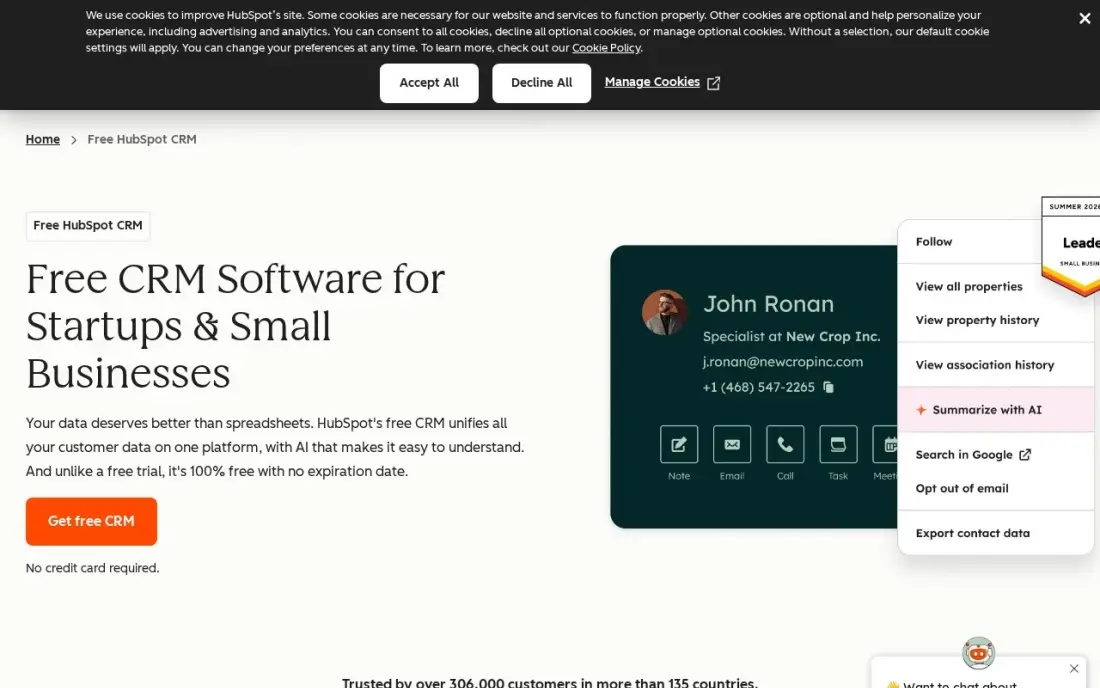
HubSpot covers the whole lead journey for free. A website form or chat creates the contact, the lead's page views and email opens land on its timeline, and the rep moves it through one deal pipeline with tasks and meeting links. The free CRM covers unlimited contacts for two users, with a shared inbox and apps on iOS, Android, Windows and Mac.
Lead scoring and automated routing are paid features, with automation on Professional at $90 a seat a month, and a third user needs a Starter seat at $20 list. For a two-person team handling inbound leads, it is the most complete free setup here.
What we like
- Free CRM with unlimited contacts and companies, one deal pipeline and email tracking
- Every contact carries its full history — emails, calls, meetings and deals — on one timeline
- Apps on iOS, Android, Windows and Mac, plus a web app that syncs everywhere
Watch out for
- Two free users only — a third teammate forces a paid Starter seat at $20/month
- Automation and reporting live on Professional at $90/seat/month, a steep step up

Zoho CRM
Best for: Teams of three that want a separate leads module before contacts and deals
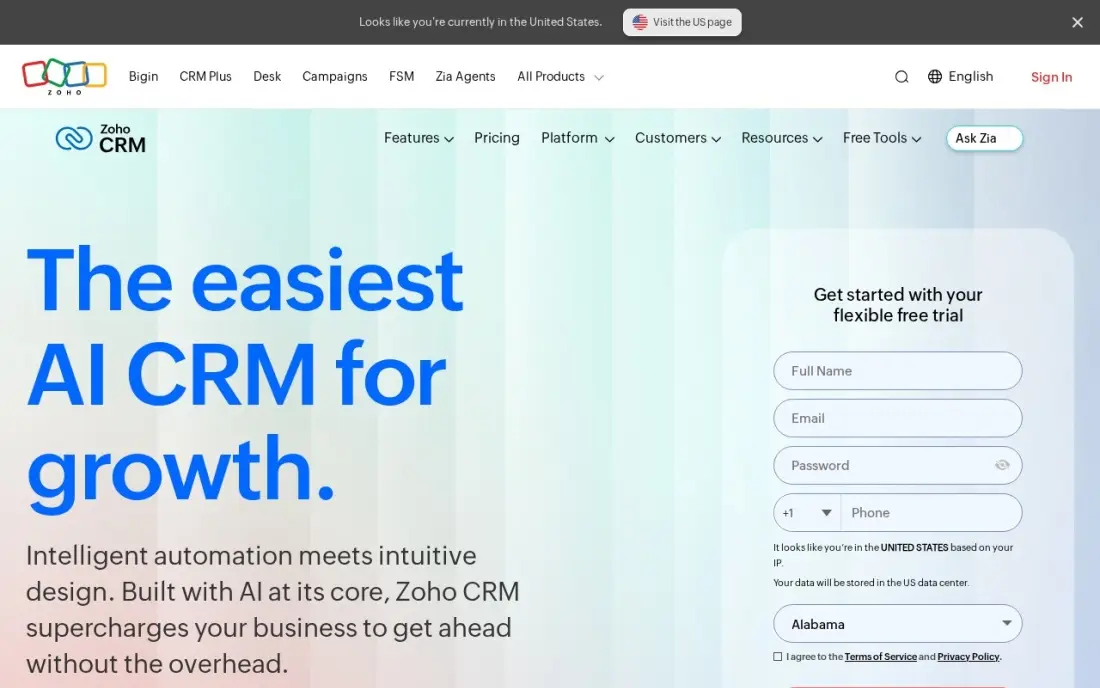
Zoho CRM treats leads as their own record type: an enquiry stays a lead until someone qualifies it, then converts into a contact, account and deal. That separation keeps the pipeline clean, and the free plan covers up to three users with leads, contacts and pipelines.
Standard costs $14 a user a month billed annually, or $20 monthly, and adds built-in calling, five pipelines, forecasting and assignment rules for spreading leads across reps. Zia, Zoho's AI lead prediction, sits on Enterprise at $40. Expect more setup than HubSpot, but a clearer leads stage.
What we like
- Free plan covers up to 3 users with pipelines, leads and contacts — the only free tier here that fits a tiny team, not just a solo user
- Zia, Zoho's AI assistant, predicts deal outcomes, flags anomalies and suggests the best time to contact a lead on Enterprise and the top tier
- The cheapest full-featured ladder here: Standard $14, Professional $23 and Enterprise $40 a user a month billed annually
Watch out for
- Zia's predictions and AI features need Enterprise at $40 a user a month — Standard buyers get scoring rules, not the AI assistant
- G2 reviewers rate ease of setup 8.0, the lowest here, and support scores trail HubSpot and Pipedrive
- Add-ons for support tiers, storage and training sit outside the seat price, so the invoice can exceed the plan price

Freshsales
Best for: Three-person sales teams that follow up leads mainly by phone and email
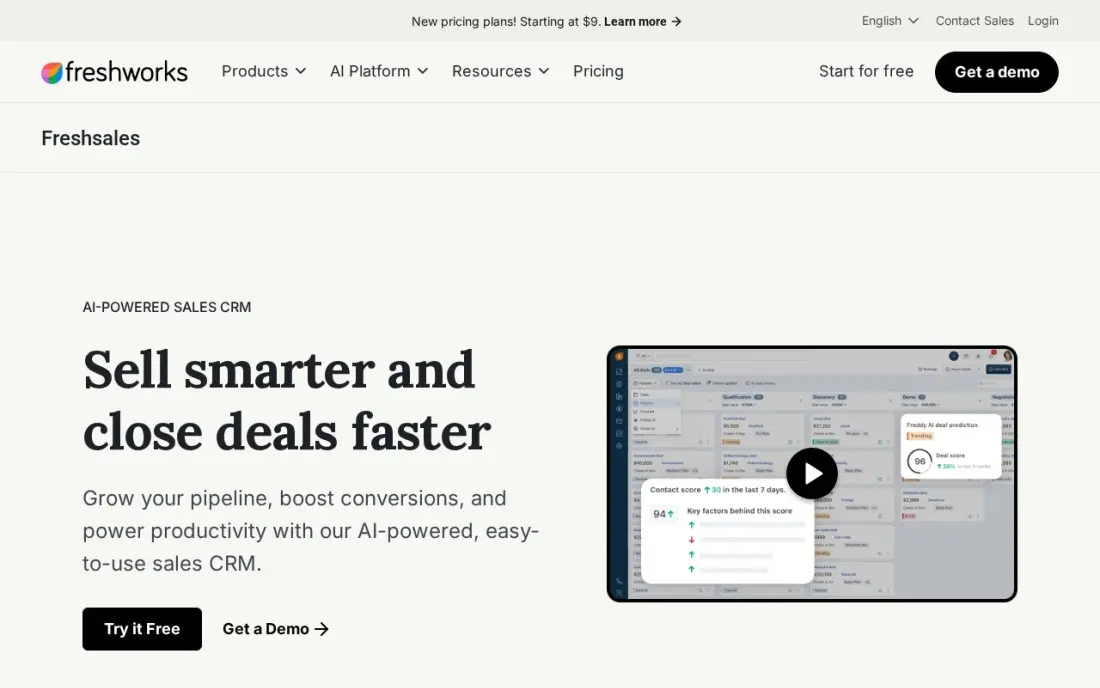
Freshsales is free for up to three users and suits teams that work leads by calling and emailing quickly after an enquiry. Its paid Growth plan, at $9 a user a month billed annually or $11 monthly, puts phone, chat and email inside the lead record, with a Kanban pipeline and lifecycle stages from new lead to customer.
Contact scoring by Freddy AI and automated sequences need Pro at $39 a user a month, so on free and Growth the follow-up discipline is manual. There is no onboarding fee, and the 21-day trial covers the full product.
What we like
- The lowest paid price in this list: $11 a user a month billed monthly ($9 billed annually) on Growth, with a Kanban pipeline, lifecycle stages and built-in chat, email and phone
- Freddy AI scores contacts, drafts sales emails and surfaces deal insights from the Pro plan at $39 a user a month
- No onboarding fee on any tier, and 500 Freddy AI Agent sessions come free once per account on paid plans
Watch out for
- Growth allows only one sales pipeline — multiple pipelines need Pro at $39 a user a month
- Freddy's scoring, sequences and AI sales emails need Pro at $39 — Growth is the pipeline, not the AI
- Branded documents cost $19 a user a month extra, and the Freddy AI Agent is $49 per 100 sessions beyond the free allowance

Bitrix24
Best for: Teams of up to 12 that want free lead tracking with tasks and chat attached
Bitrix24's free plan covers up to 12 users with core CRM features, so a whole small sales and support team can log leads, assign them and track follow-up tasks at no cost. Team chat and telephony sit in the same tool, which helps when leads are handed between people.
Paid plans charge per organisation: Basic is $49 a month for up to five users billed annually, or $61 monthly, and Standard $99 for up to 50. AI sales features need Professional at $199 a month, and telephony uses paid credits even on paid plans.
What we like
- Flat per-organization pricing: Basic is $49 a month for up to 5 users, Standard $99 for up to 50
- Free plan covers up to 12 users with core CRM features included
- CRM, tasks, projects, HR, telephony and a website builder sit in one login
- At 50 users on Standard, the cost works out near $2 a user a month
Watch out for
- Flat pricing means a 6-user team pays the same $49 as a 5-user team pays nothing extra for
- AI-powered sales features start on Professional at $199 a month, not on Basic
- Telephony runs on paid credits even on paid plans, so calling costs sit outside the subscription

EngageBay
Best for: Small businesses that want free lead capture, email and live chat for a whole team
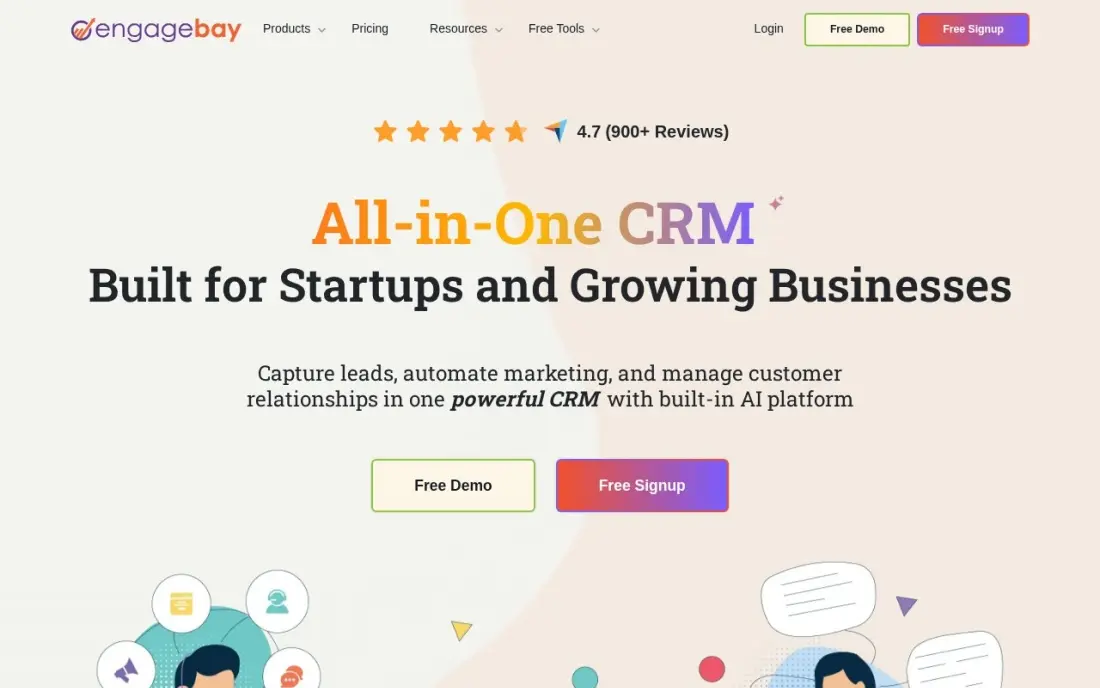
EngageBay's free plan combines CRM, email marketing, helpdesk and live chat for up to 15 users, so a lead that arrives through chat can be emailed and followed up in the same system. That breadth makes it the free plan closest to HubSpot's all-in-one model.
The free plan stops at 250 contacts, which suits a new business more than an established one. Basic costs $13.79 a user a month billed annually, or $14.99 monthly, for 500 contacts and adds lead scoring and landing pages. Marketing automation needs Growth at $64.99 a user a month.
What we like
- Most generous free plan here: CRM, email, helpdesk and live chat for up to 15 users and 250 contacts
- Flat per-user pricing with no onboarding fees, and Basic adds landing pages, lead scoring and SMS marketing
- One login covers marketing, sales and service, so small teams avoid three subscriptions
Watch out for
- Marketing automation needs Growth at $64.99 a user a month — a 4.3x jump from Basic
- The pricing page defaults to biennial billing, so the $12.74 headline assumes a two-year commitment

Kylas
Best for: Growing teams that want free lead capture forms and a lead pipeline for unlimited users
Kylas's lifetime free Embark plan gives unlimited users lead capture forms, pipelines, contacts, deals, quotations, tasks and a mobile app, so a team of any size can collect and work leads without per-seat fees. Records are capped at 1,000, which a steady flow of form leads can reach within months.
The lead management features that save the most time — lead routing, including location-based routing, and 30 workflows — are on Elevate, the paid flat-fee plan for unlimited users. Its price was not displayed on the pricing page when we checked; it has a 7-day trial with no card.
What we like
- Unlimited users on the lifetime free Embark plan
- Lead capture forms, pipelines, deals and a mobile app included free
- Elevate adds lead routing, including location-based routing, and 30 workflows
- Elevate has a 7-day free trial with no credit card
Watch out for
- Embark caps records at 1,000
- No workflows, lead routing, calling or email integration on Embark
- The Elevate flat fee is not displayed on the pricing page

Apollo
Best for: B2B teams that want to find, enrich and email new leads on a free plan
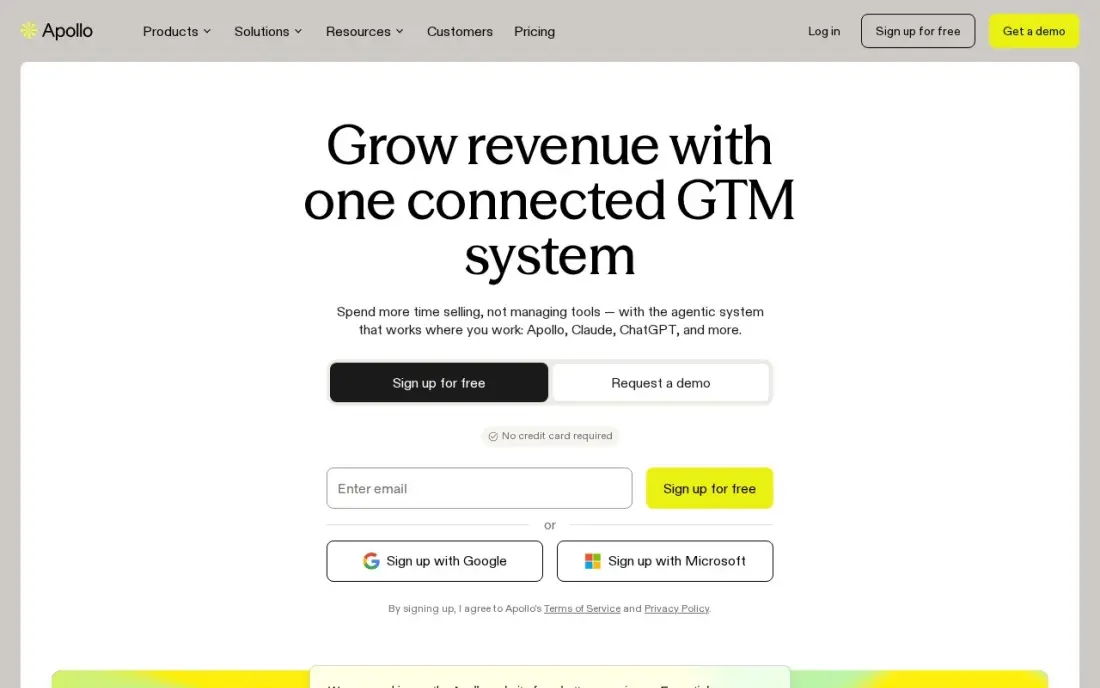
Apollo adds what the CRMs here lack: a database of more than 210 million contacts, so you can find new leads and fill in missing emails and job titles on the ones you have. The free plan includes 75 credits a month, and sequences send follow-up emails from the same tool, with CRM integrations to push leads into your pipeline.
Credits run out quickly: an email reveal costs 1 credit and a phone number 8, and credits do not roll over. Basic costs $49 a user a month billed annually, or $65 monthly, with 30,000 credits a year. G2 reviewers rate it 4.7.
What we like
- A 210M+ contact database and sequencing in one login, so one subscription covers finding and sending
- Basic includes 30,000 credits a year with unlimited email sequences and CRM integrations
- Free plan with 75 credits a month lets a small team test data quality before paying
- Per-seat pricing is predictable: every seat on the account is on the same plan
Watch out for
- Credits expire at the end of each billing cycle and do not roll over
- A phone number costs 8 credits, so mobile-heavy prospecting burns the allowance fast
- The built-in dialer starts on Professional at $79/user/month billed annually, not Basic

Mailchimp
Best for: Small businesses that nurture leads by email before they are ready to buy
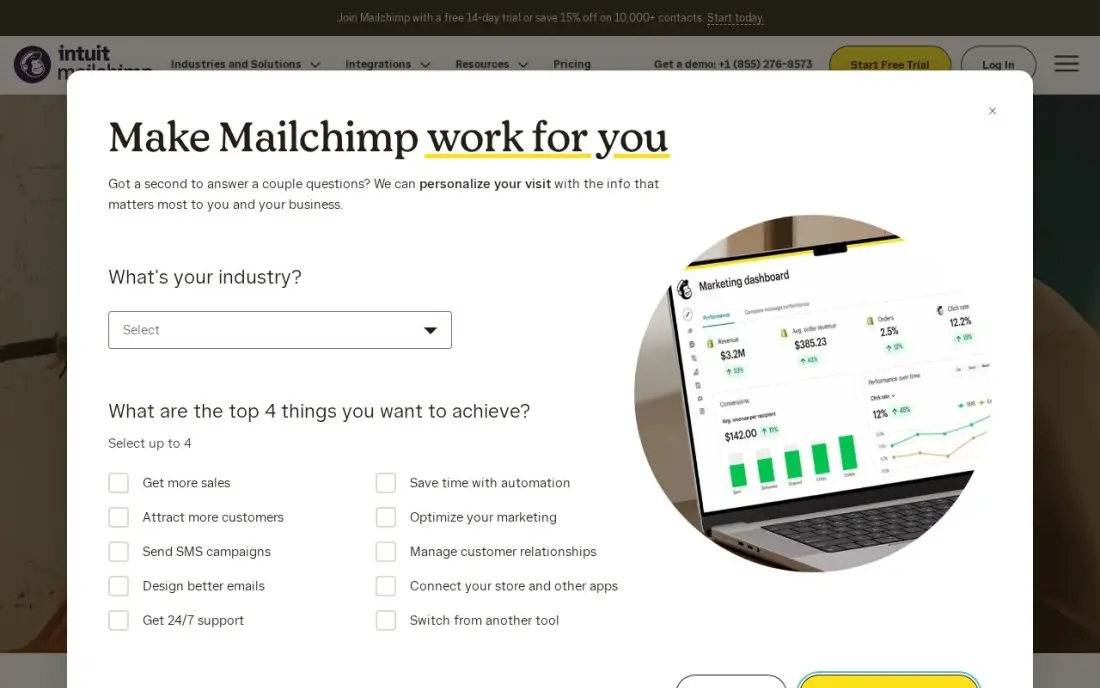
Not every lead is ready to talk, and Mailchimp is the free way to keep the rest warm. The free plan covers 250 contacts and 500 sends a month, enough to send a monthly newsletter to new enquiries, and signup forms feed new subscribers into the audience.
It is an email tool, not a lead tracker, so pair it with a CRM. Essentials costs $13 a month for 500 contacts, and multi-step automation needs Standard at $20 a month. Mailchimp charges by contacts stored, so the bill rises as the list grows.
What we like
- A free plan covers a tiny list at $0, with 250 contacts and 500 sends a month
- SMS add-on and a website builder sit in the same account as the email
- Predictive segments and send-time optimization come with Standard
- 500 contacts are included at the $13 entry price
Watch out for
- The price climbs fast as the list grows — contacts, not sends, set the bill
- Multi-step automation needs Standard at $20 a month, not Essentials
- SMS costs extra on every plan
The best free lead management software makes sure every enquiry is captured, owned and followed up, without paying for a seat. We compared eight tools with permanent free plans — six CRMs that track leads from first contact to sale, plus a data tool for finding new leads and an email tool for nurturing slow ones — and every plan detail below comes from the vendor's own pricing page as checked in November 2026.
How to choose the best free lead management software
- Map where your leads come from. Website forms, chat, phone calls, ads and marketplaces should all land in the same place without retyping.
- Check how leads are assigned. Free plans usually rely on manual assignment; automatic routing tends to start on paid tiers.
- Look for a clear lead stage. A tool that separates unqualified leads from real deals keeps the pipeline honest.
- Make follow-up visible. Tasks, reminders and a timeline per lead show who called, when and what happens next.
- Watch the free limits. User caps decide who can work leads; contact and record caps decide how long the free plan lasts.
- Plan for nurturing. Many leads are not ready yet, so decide where they go — an email list or a long-term stage — instead of deleting them.
Lead management only matters if leads arrive. If your website brings in too few, our SEO audit shows what is holding it back, and the free UTM builder tags your campaign links so you can see which source each lead came from.
Free lead management software pricing: what you will actually pay
All eight tools start at $0, so compare the first paid step. HubSpot is free for two users, then Starter seats cost $20 a month list, and lead automation needs Professional at $90 a seat. Zoho CRM Standard, which adds assignment rules, costs $14 a user a month billed annually, so $70 a month for five reps or $840 a year. Freshsales Growth costs $9 a user billed annually, or $540 a year for five. EngageBay Basic costs $13.79 a user billed annually and lifts the contact cap to 500.
Two tools stay free for bigger teams. Bitrix24 is free for up to 12 users, and Kylas Embark for unlimited users within 1,000 records. Apollo's free 75 credits a month covers occasional enrichment; Basic at $49 a user billed annually adds 30,000 credits a year. Mailchimp is free for 250 contacts, then $13 a month for 500.
Know the difference: lead management vs contact management
Lead management is about movement. A lead is someone who has shown interest but not yet bought, and the job is to capture them, assign an owner, follow up quickly and either qualify them into a deal or park them for nurturing. Speed and ownership are what matter.
Contact management is about memory. It keeps a clean, complete record of everyone you know — customers, suppliers, partners — with their history. Most CRMs here do both, but buyers who only need an address book should not pay for lead features, and teams with a flood of enquiries should not settle for a contact list.
Quick comparison: tool type by need
| Buyer | Best pick | Why |
|---|---|---|
| Inbound leads, two users | HubSpot CRM | Forms, tracking and pipeline free, unlimited contacts |
| Separate leads stage | Zoho CRM | Leads module free for 3 users, assignment rules on Standard |
| Phone follow-up | Freshsales | Free for 3 users, built-in phone on Growth at $9 billed annually |
| Teams up to 12 | Bitrix24 | Free lead tracking with tasks and chat |
| Leads from live chat | EngageBay | CRM, email and chat free for 15 users |
| Unlimited free users | Kylas | Lead forms and pipeline free within 1,000 records |
| Finding new B2B leads | Apollo | 210M+ contacts, 75 free credits a month |
| Nurturing slow leads | Mailchimp | Free for 250 contacts and 500 sends a month |
Mistakes to avoid
- Leaving leads unassigned. A lead owned by everyone is followed up by no one; assign every new lead to a named person.
- Collecting leads in several inboxes. Route every form and chat into the CRM, or some enquiries will never be seen.
- Treating every lead as ready to buy. Qualify first, and move cold leads to a nurture list instead of chasing them weekly.
- Deleting lost leads. Mark them lost with a reason; that data shows which sources and offers do not work.
- Ignoring free-plan caps until they bite. A full contact limit can stop new leads being saved; watch the count each month.
How we chose
We checked each vendor's own pricing page in November 2026 and included only tools with a free plan that has no end date; Kylas was read on November 16, 2026. We ranked the CRMs by how well their free plans capture, assign and track leads for a small team, and added one data tool and one email tool to cover finding and nurturing. Ratings come from G2 pages checked on the dates shown in the sources. No vendor paid for a place in this list, and none of the links here are affiliate links.
What to do next
List every place a lead reached you last month, connect each one to a free CRM from this list, and set a same-day follow-up rule for the team. If the count of leads is the problem, book a free SEO call.
Frequently asked questions
What is the best free lead management software?
HubSpot is the best free lead management software for up to 2 users, covering forms, contact tracking, email tracking and a pipeline. Zoho CRM and Freshsales are free for 3 users, and Bitrix24 for up to 12.
What does lead management software do?
It captures enquiries from forms, chat, calls and ads, stores them in one place, assigns them to the right person, tracks each follow-up and moves qualified leads into the sales pipeline.
Is there free lead management software with lead routing?
Automated routing is mostly a paid feature. Zoho CRM includes assignment rules from Standard at $14 a user a month billed annually, and Kylas includes lead routing on its paid Elevate plan.
Which free lead management tool has the most users?
Kylas Embark allows unlimited users within 1,000 records, EngageBay allows 15 users with 250 contacts, and Bitrix24 allows 12 users on its free plan.
Can free software find new leads as well as manage them?
Apollo's free plan includes 75 data credits a month for finding and enriching B2B contacts. The CRMs in this list manage leads you already have but do not supply new ones.
How fast should leads be followed up?
As fast as you can. Set a team rule, such as calling every new inbound lead within the same working hour, and use the CRM's task reminders to enforce it.
Sources we checked (13)
- HubSpot CRM — www.hubspot.com/products/crm (checked November 12, 2026)
- HubSpot CRM reviews on G2 (checked November 12, 2026)
- Zoho CRM — www.zoho.com/crm/pricing (checked November 12, 2026)
- Zoho CRM reviews on G2 (checked November 12, 2026)
- Freshsales — www.freshworks.com/crm/pricing (checked November 12, 2026)
- Freshsales reviews on G2 (checked November 12, 2026)
- Bitrix24 — www.bitrix24.com/prices (checked November 12, 2026)
- EngageBay — www.engagebay.com/pricing/all-in-one (checked November 4, 2026)
- Kylas — kylas.io/pricing (checked November 16, 2026)
- Apollo — www.apollo.io/pricing (checked November 12, 2026)
- Apollo reviews on G2 (checked November 12, 2026)
- Mailchimp — mailchimp.com/pricing (checked November 12, 2026)
- Mailchimp reviews on G2 (checked November 12, 2026)
Make one of these tools?
We re-check this list every quarter. Send a correction, request a review, or ask about a clearly labeled sponsored spot.
Request a listingShamim
Founder of SerpAstra
A full-stack SEO and digital marketer who spends most days on Local SEO for dental practices, AI search visibility and lead generation.
Free SEO and AI visibility audit
Find out what is holding your rankings back
Send us your site. Within 2 business days you get a written audit, an AI visibility check and a short fix list ranked by impact. Free, with no contract attached.
Request my free audit→Related buying guides
 Sales & CRM9 Best CRM Lead Management Software in 2026, ComparedCompare the 9 best crm lead management software options for small sales teams on price, free plans and lead tools, with every price checked November 12, 2026.Read guide →
 Sales & CRM11 Best AI Lead Generation Software in 2026, ComparedCompare the 11 best ai lead generation software tools for small sales teams on price, free plans and AI features, with every price checked November 12, 2026.Read guide →
 Sales & CRMBest CRM for Small Business in 2026: 10 Options Ranked and ReviewedCompare the 10 best crm for small business options on starting price, free plans and AI features, with every price checked on November 12, 2026.Read guide →