
8 Best Website Feedback Tools in 2026, Compared
Compare the 8 best website feedback tools for visual bug reports, client reviews, on-page surveys and heatmaps, from Userback and Pastel to Hotjar and Clarity.
 Shamim Mia, Founder, SerpAstraLast verified November 2, 20268 min read
We compare pricing pages, documentation and public reviews. We never accept payment for rankings.

Key takeaways
- Userback is the best website feedback tool for most teams: an on-site widget for screenshot and video feedback, with Team at $29 a month billed annually and free seats for reporters.
- Pastel and MarkUp.io are the picks for client reviews of a website in progress; Pastel's free plan covers one active canvas and Pro costs $29 a month billed annually.
- To ask live visitors a question, Qualaroo Nudges and Survicate run on-page surveys, and Typeform suits longer branded feedback forms.
- Microsoft Clarity is free and shows what visitors do without asking them, so pair it with any survey or feedback widget.
On this page
Quick comparison
| Tool | Best for | Starting price | Free plan |
|---|---|---|---|
| Userback | Product and web teams that want visual bug reports and feedback from an on-site widget | $29/mo (annual) | Yes (2 seats) |
| Pastel | Web designers collecting client comments on a site before launch | $35/mo | Yes (free plan) |
| MarkUp.io | Agencies reviewing many websites and assets a month with unlimited reviewers | $79/mo | No (14-day trial) |
| Hotjar | Marketing teams that want heatmaps and recordings next to visitor feedback | $49/mo | Yes (free plan) |
| Microsoft Clarity | Site owners who want free behavioural feedback from recordings and heatmaps | Free | Yes (free forever) |
| Qualaroo | UX and product teams that want short on-page surveys at the right moment | $19.99/mo (annual) | Yes (50 responses) |
| Survicate | Product teams running website, in-product and email feedback surveys together | $89/mo | Yes (25 responses/mo) |
| Typeform | Teams that want longer, branded feedback forms that people actually finish | $28/mo (annual) | Yes (10 responses/mo) |
Make one of these tools?
We re-check this list every quarter. Send a correction, request a review, or ask about a clearly labeled sponsored spot.
Request a listingThe best website feedback tools

Userback
Best for: Product and web teams that want visual bug reports and feedback from an on-site widget
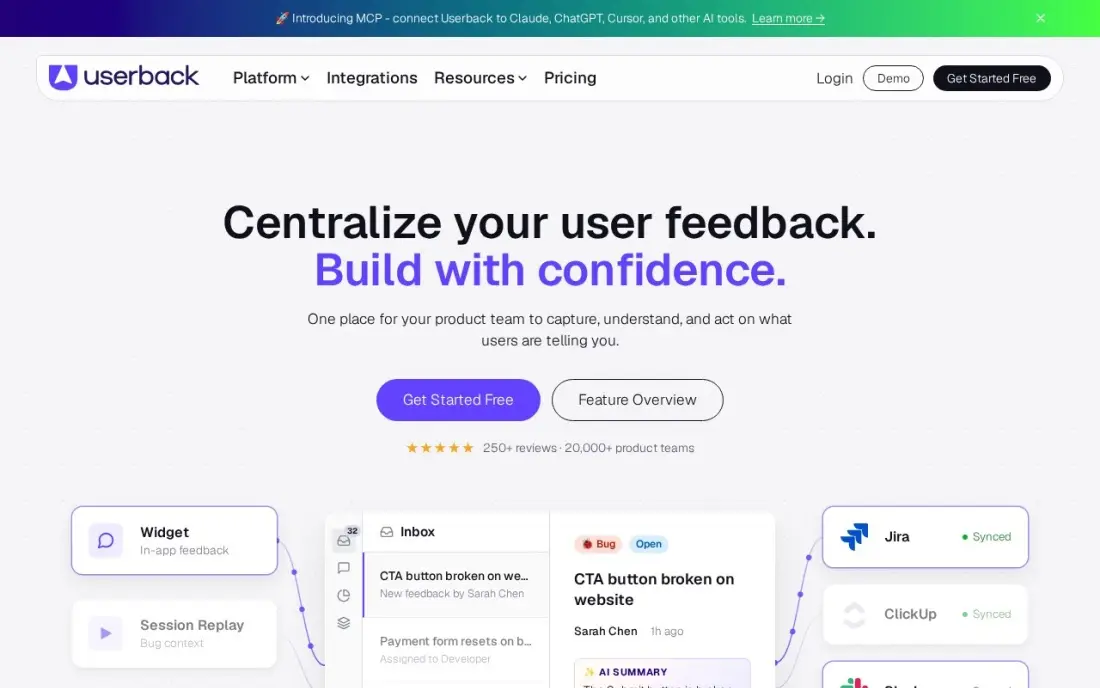
Userback adds a feedback widget to your website or app so users and clients can report a problem where it happens, with an annotated screenshot or a video with voice attached. Reports arrive with browser and device details, so developers can reproduce issues without a chain of emails, and people who only leave feedback do not need a paid seat.
Team costs $39 a month, or $29 billed annually. Surveys and session replay sit on Business at $79 a month billed annually, which caps at 25 projects, and the free plan keeps feedback visible for only seven days. For a team that mainly needs bug reports from a live site, Team is enough.
What we like
- Screenshot and video feedback with annotations, straight from the page where the problem is
- Session replay and in-app surveys on Business, plus a feature-request portal add-on
- Flat per-organization pricing: clients and reporters who only leave feedback are free
Watch out for
- Surveys and session replay need the Business plan ($79/month billed annually), not Team
- The free plan keeps feedback visible for only 7 days
- Business caps at 25 projects, so agencies with many client sites outgrow it

Pastel
Best for: Web designers collecting client comments on a site before launch
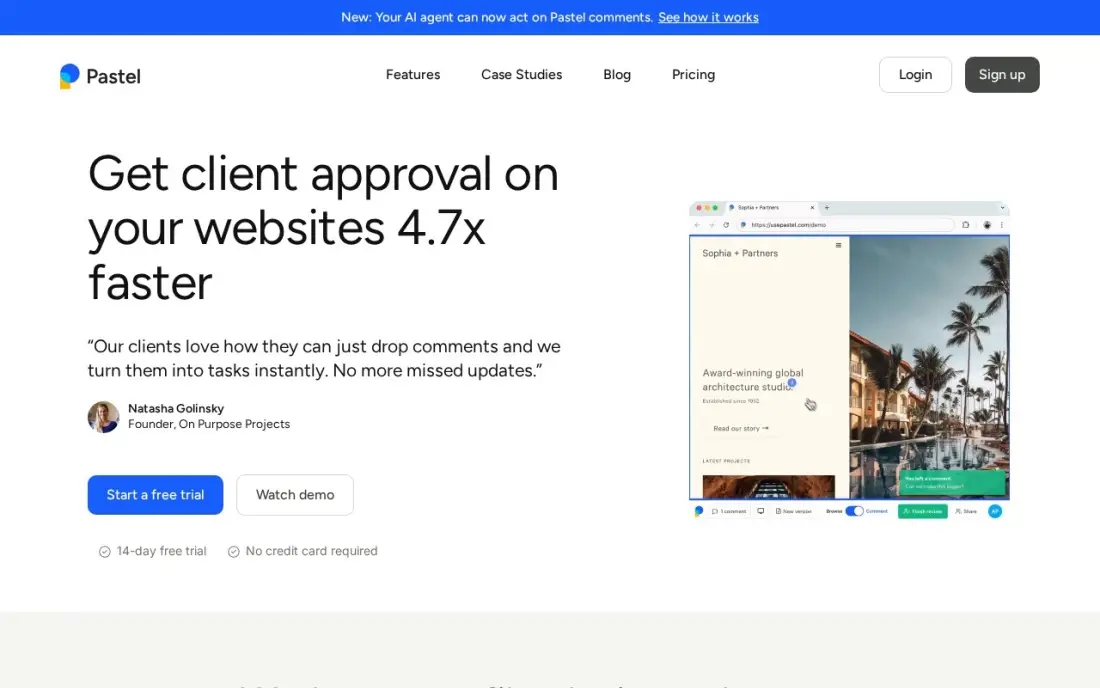
Pastel turns any live web page into a review canvas: paste a URL, share the link, and clients click anywhere to pin a comment, with no account and nothing installed on the site. That makes it the easiest way to collect feedback on a redesign or staging site from clients who will not learn a new tool. It also reviews PDFs, emails, images and video.
The free plan covers one user and one active canvas. Pro costs $35 a month, or $29 billed annually, for two users and three active canvases; a third project or teammate moves you to Team at $99 a month billed annually, where integrations also start. Its G2 score rests on only 14 reviews.
What we like
- Turns any live web page into a review canvas with nothing to install on the site
- Guests comment by clicking the page, with no account needed
- Free plan suits a solo designer with one active canvas and unlimited reviewers
- Also reviews PDFs, emails, uploaded images and video, not only websites
Watch out for
- Pro covers only 2 users and 3 active canvases, so a 3-person team needs Team at $99 a month
- Trackers and integrations arrive on Team, not Pro
- Only 14 G2 reviews, so the 4.5/5 score rests on a small base

MarkUp.io
Best for: Agencies reviewing many websites and assets a month with unlimited reviewers
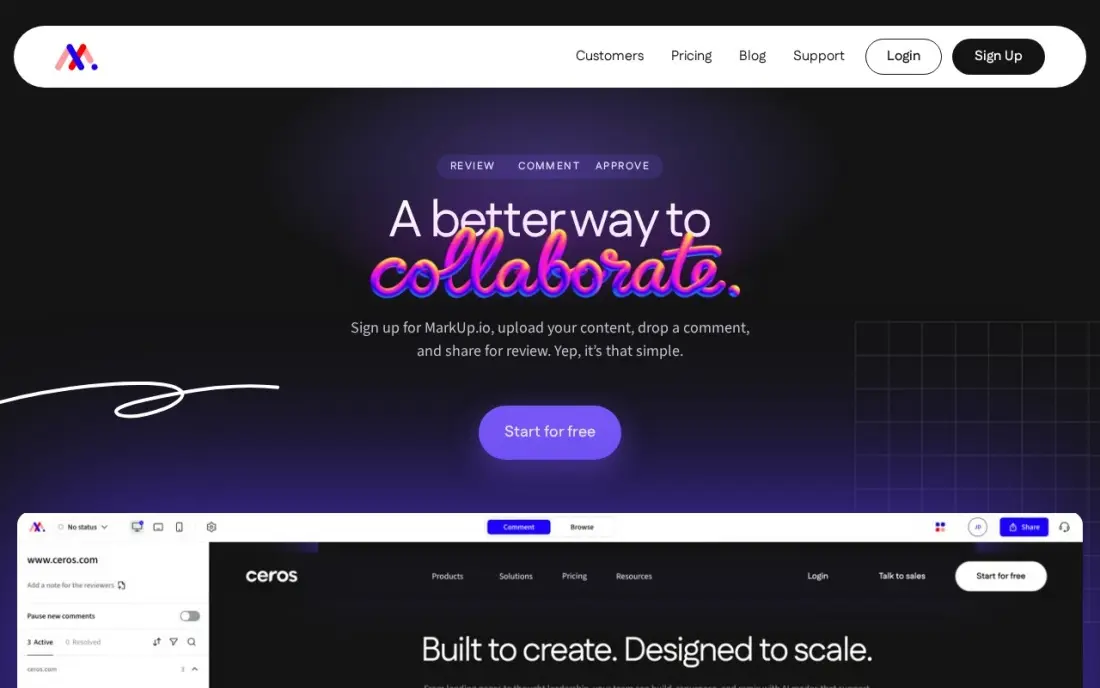
MarkUp.io handles feedback on live websites as well as images, PDFs and video, across more than 30 file types, and guests comment without signing up. Pricing is by volume rather than seats, so a whole agency team and every client can comment without adding cost, which suits studios running several site reviews at once.
Pro costs $79 a month for 50 MarkUps with unlimited users, after a 14-day trial; there is no free plan. Extra MarkUps cost $4 each in batches of ten, and past 100 a month the next published plan is Business at $499. Budget on your real monthly review volume.
What we like
- Unlimited users on every plan, so the whole team and every client can comment
- Reviews live websites, images, PDFs, video and more than 30 file types
- Guests comment without signing up, which keeps client reviews frictionless
- Frame-precise video comments tie every note to a timestamp
Watch out for
- Pro caps at 50 MarkUps a month; extra MarkUps cost $4 each in batches of ten
- Past 100 MarkUps a month the next published plan is Business at $499 a month
- No free plan — the free tier was retired, and Pro is the only self-serve entry

Hotjar
Best for: Marketing teams that want heatmaps and recordings next to visitor feedback
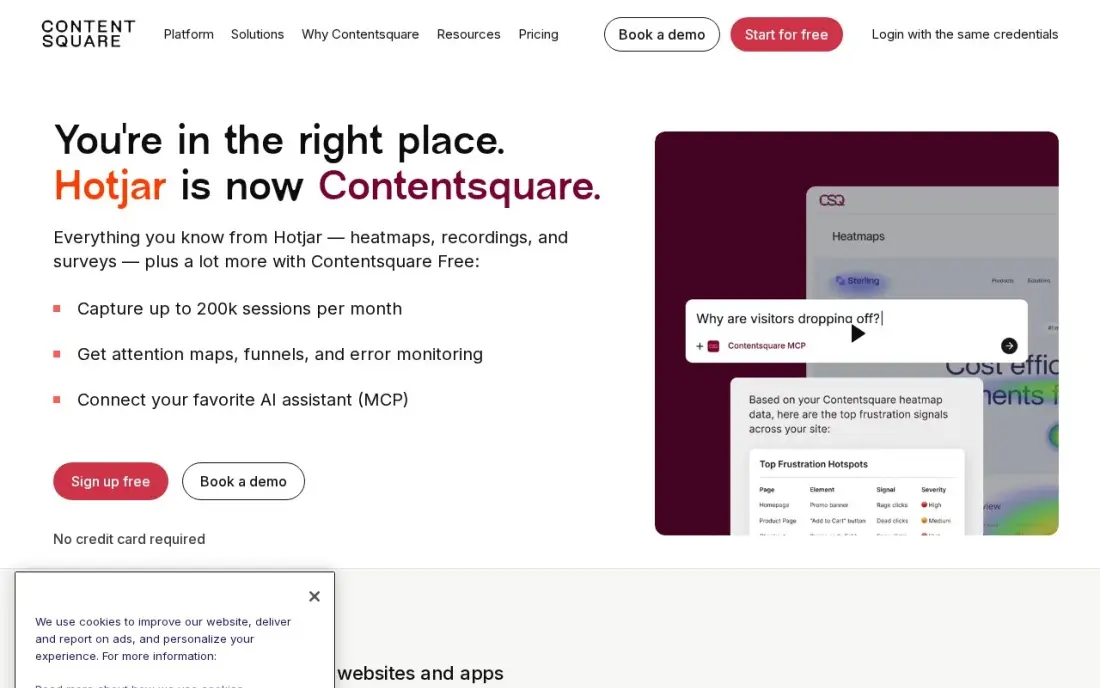
Hotjar combines what visitors do with what they say: heatmaps and session recordings show where people click, scroll and hesitate, and feedback widgets collect comments in context. The free plan covers up to 200,000 sessions a month, which is enough for most small sites to start understanding why a page is not converting.
Growth costs $49 a month, or $39 billed annually. New sign-ups now go through Contentsquare, and surveys are a separate product from $79 a month, so check what your plan includes. Reviewing recordings takes time, so start with your highest-traffic, lowest-converting pages.
What we like
- Heatmaps and session recordings show exactly where visitors click, scroll and drop off
- The free plan covers up to 200,000 sessions a month — far more than most small sites need
- Surveys and feedback widgets sit in the same tool, so the why sits next to the what
Watch out for
- Hotjar no longer sells standalone accounts — new sign-ups go through Contentsquare, and surveys are now a separate product from $79 a month
- The vendor's own pricing page shows euros in the EU view, so US buyers should confirm the dollar price at checkout
- Filtering and segmentation feel thin on large session volumes, and reviewing recordings takes real time

Microsoft Clarity
Best for: Site owners who want free behavioural feedback from recordings and heatmaps
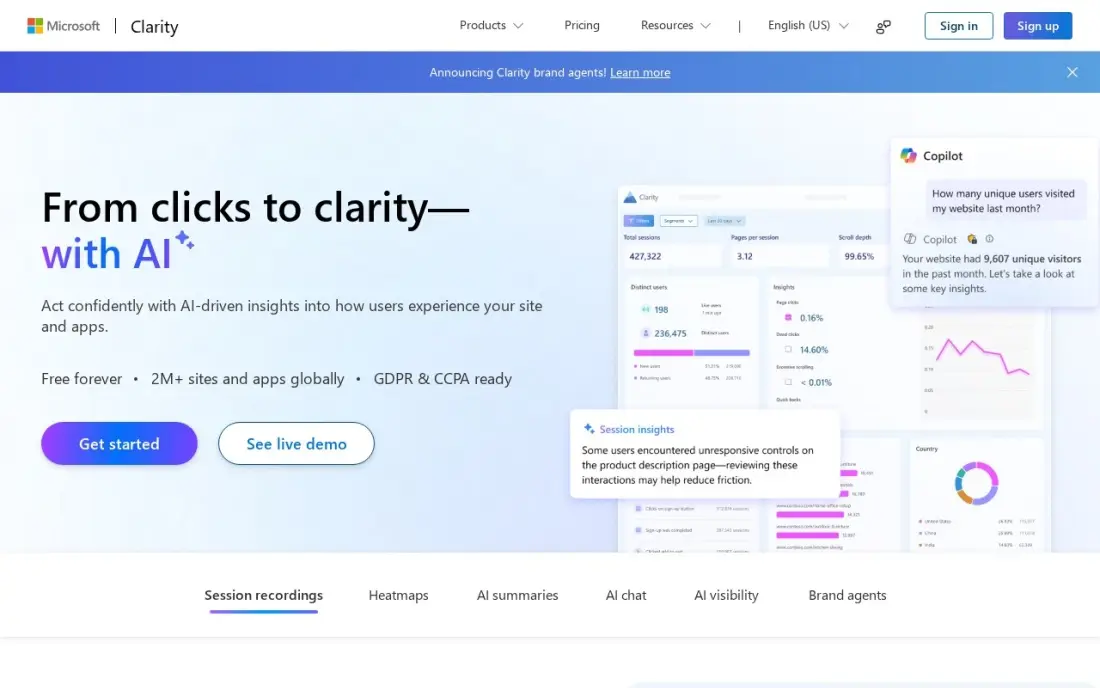
Microsoft Clarity gives you feedback without asking for it. Unlimited session recordings, heatmaps and dead-click and error-click maps show where visitors get stuck, click things that do nothing or hit errors, and Copilot AI summaries highlight patterns across sessions. It is free forever with no paid tier.
It cannot ask visitors a question, and recordings are kept for only 30 days, so pair it with a survey or widget from this list. EEA, UK and Swiss traffic needs a consent signal, and Microsoft uses aggregated, anonymised data to improve its products.
What we like
- Free forever with no traffic caps: unlimited recordings and heatmaps, up to 100,000 sessions per project per day
- Dead-click and error-click heatmaps show exactly where visitors click things that do nothing or break
- Copilot AI summaries and a native GA4 integration come free on every account
- No credit card, no session sampling, no paid tier to grow into
Watch out for
- Recordings are kept only 30 days, so long-term trend analysis is out
- No deep funnels or cohort analysis — it shows what happened in a session, not how behaviour changes across user groups
- Microsoft uses aggregated, anonymised Clarity data to improve its own products, and EEA, UK and Swiss traffic needs a consent signal since October 31, 2025

Qualaroo
Best for: UX and product teams that want short on-page surveys at the right moment
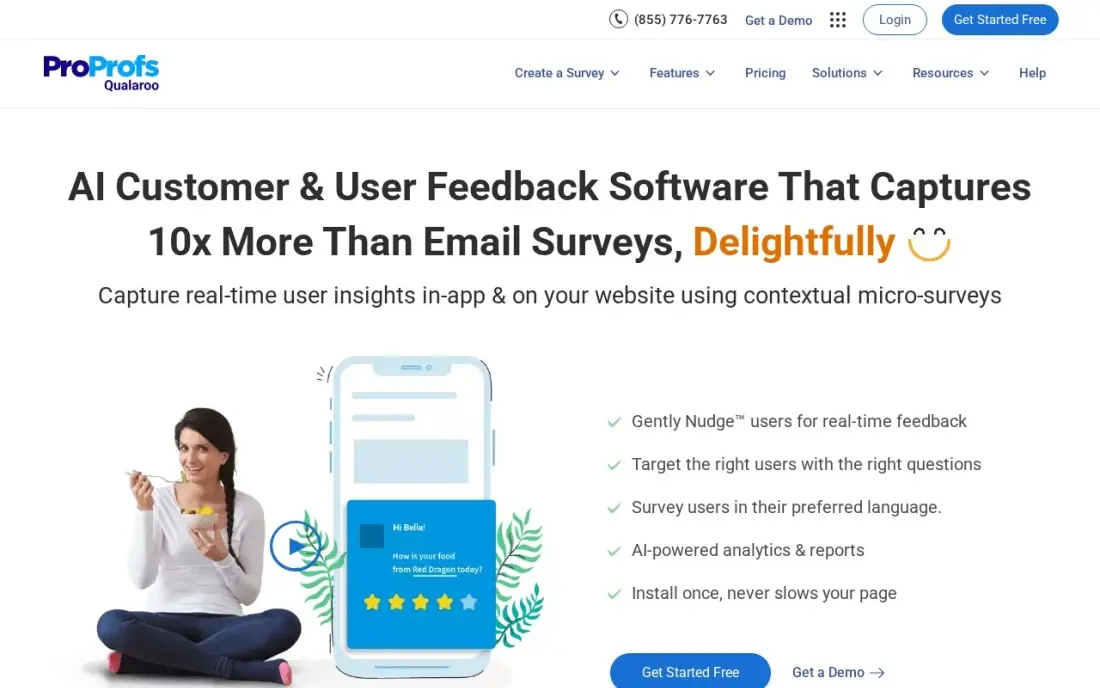
Qualaroo's Nudges are microsurveys that appear while someone uses a page, so you can ask why a visitor is leaving the pricing page or what stopped them finishing checkout at the moment it happens. An AI survey creator drafts questions and IBM Watson sentiment analysis reads open-text answers, and paid plans include unlimited responses. A free plan covers 50 responses.
Essentials shows $19.99 a month billed annually as a promotion, with $39.99 billed monthly, so confirm the checkout price. NPS Nudges and advanced targeting need Business at $49.99 a month, and the G2 reviewer base is small at 48 reviews.
What we like
- Nudges appear while people use your website or app, so answers reflect the moment
- Unlimited responses on every paid plan, with an AI survey creator and IBM Watson sentiment analysis
- Business adds heatmaps, session replay, prototype testing and A/B testing in the same subscription
Watch out for
- Only 48 G2 reviews, a far smaller reviewer base than the survey giants in this list
- Advanced targeting, mobile Nudge and NPS Nudges need the Business plan ($49.99/month)
- The pricing page shows a promotional $19.99 rate, so confirm the checkout price before you buy

Survicate
Best for: Product teams running website, in-product and email feedback surveys together
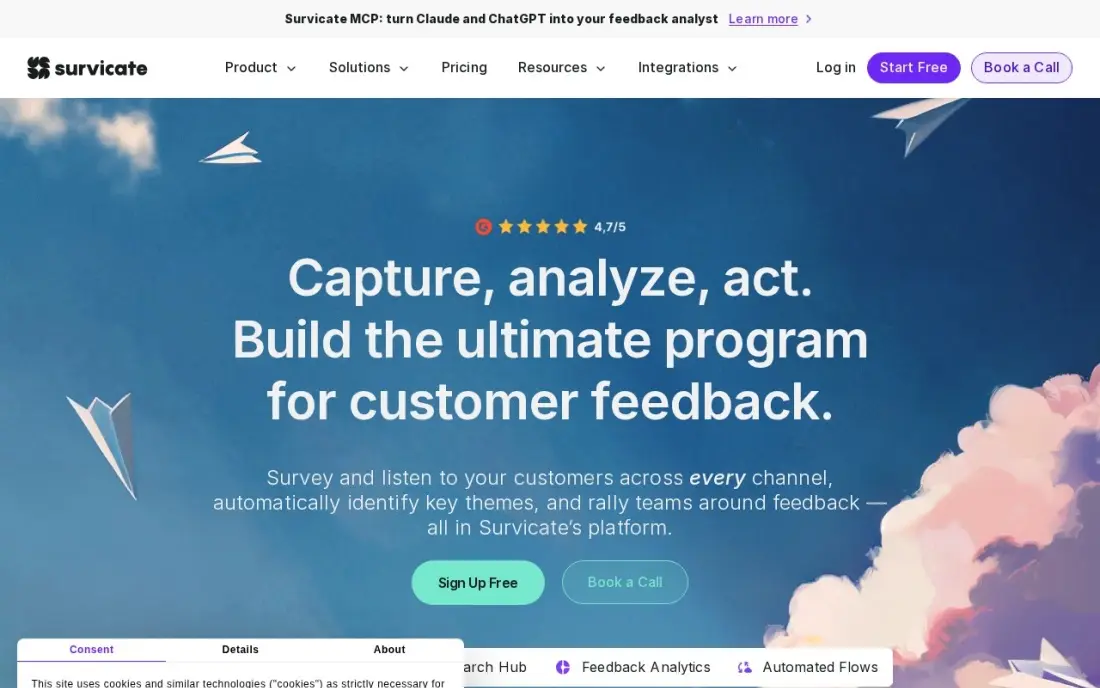
Survicate runs website pop-ups, in-product prompts, mobile surveys, email and link surveys from one dashboard, and its Research Hub pulls app reviews, support tickets and call transcripts next to the answers. That suits a SaaS team that wants website feedback and customer feedback in the same place. A free plan covers 25 responses a month.
Starter costs $89 a month for 100 responses and two active surveys, with overage beyond the cap. Most teams land on Growth, which starts at $56 a month billed annually and adds the AI Research Assistant, branding removal and advanced integrations.
What we like
- Website, in-product, mobile SDK, email and link surveys in one plan
- Research Hub aggregates app reviews, support tickets and call transcripts next to survey answers
- AI Research Assistant summarizes open-text feedback, and Growth starts at $56/month billed annually
Watch out for
- Starter caps at 2 active surveys and 100 responses a month
- Overage charges apply on Starter once you pass the response cap
- Branding removal, AI insights and advanced integrations need the Growth plan or above

Typeform
Best for: Teams that want longer, branded feedback forms that people actually finish
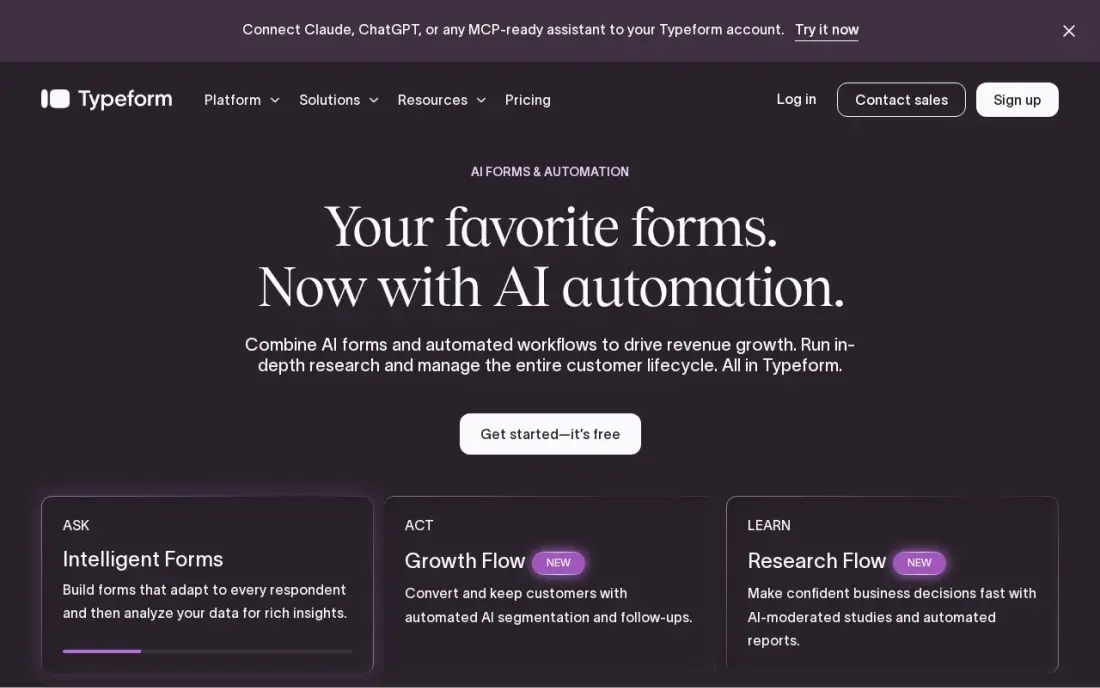
Typeform asks one question at a time with smooth transitions, which keeps visitors moving through longer feedback forms, website satisfaction surveys or redesign questionnaires that would stall as a grid. Logic and branching, file uploads and webhooks come on Basic, so answers can route into your other tools. A free plan covers 10 responses a month.
Basic costs $39 a month, or $28 billed annually, but caps at 100 responses a month and keeps the Typeform logo; Plus at $56 a month billed annually removes branding. It collects feedback on forms, not pinned to the page, so pair it with a widget for bug reports.
What we like
- One-question-at-a-time conversational format that keeps respondents moving through long surveys
- Basic includes logic and branching, payments, file uploads and webhooks for $28/month billed annually
- Plus ($56/month billed annually) removes Typeform branding and adds 1,000 responses a month
Watch out for
- Basic caps at 100 responses a month and keeps the Typeform logo on every form
- Monthly billing costs about 40% more than annual billing on every plan
- Drop-off analysis and conversion tracking need the Business plan ($91/month billed annually)
The best website feedback tool tells you what is broken, confusing or missing on your site — from the people using it. We compared eight website feedback tools across four jobs: visual bug reports from a widget, client reviews of a site in progress, on-page surveys and behaviour data from recordings and heatmaps. Every price below was checked on the vendor's pricing page in November 2026.
How to choose the best website feedback tools
- Name whose feedback you want. Clients reviewing a draft, colleagues testing a launch and anonymous visitors each need a different tool.
- Make reporting effortless. The best tools let reviewers click the page and comment without creating an account.
- Capture context automatically. Screenshots, browser, device and URL save developers hours of back-and-forth.
- Ask at the right moment. On-page surveys work when triggered by behaviour, such as exit intent on a pricing page.
- Check how pricing scales. Some tools charge per seat, some per project or canvas, some per response.
- Connect it to your workflow. Feedback should land in the tracker or inbox your team already uses.
Feedback shows what visitors struggle with; search data shows what they were looking for when they arrived. Our free heading structure checker and readability checker help fix the content problems feedback often reveals, and our SEO audit service covers the technical side.
Website feedback tool pricing: what you will actually pay
Take a small agency that reviews client sites and collects feedback after launch. For client reviews, Pastel Pro costs $29 a month billed annually, or $348 a year, for two users and three active canvases, and MarkUp.io Pro costs $79 a month for 50 MarkUps with unlimited users. For post-launch bug reports, Userback Team costs $29 a month billed annually, or $348 a year, and $39 monthly.
For visitor surveys, Qualaroo Essentials shows $19.99 a month billed annually on promotion, or $39.99 monthly, Survicate Growth starts at $56 a month billed annually, and Typeform Basic costs $28 a month billed annually for 100 responses a month. For behaviour data, Microsoft Clarity costs $0 and Hotjar Growth $39 a month billed annually. A practical small-team setup — Pastel Pro plus Userback Team plus Clarity — costs about $58 a month on annual billing.
Know the difference: visual feedback vs visitor surveys
Visual feedback tools such as Userback, Pastel and MarkUp.io let someone point at the exact element that is wrong and attach a comment, screenshot or video. They suit people who are actively reviewing the site — clients, testers, colleagues and engaged users reporting bugs — and they turn feedback into fixable tasks.
Visitor surveys such as Qualaroo, Survicate and Typeform ask questions of people who are not reviewing anything, just using the site. They reveal motivations and objections — why someone did not buy or what they expected to find — which visual feedback rarely captures. Behaviour tools such as Clarity and Hotjar fill the gap between them by showing what visitors did without asking at all.
Quick comparison: tool type by need
| Buyer | Best pick | Why |
|---|---|---|
| Bug reports from a live site | Userback | Screenshot and video widget, Team $29/month billed annually |
| Client reviews before launch | Pastel | Click-to-comment links, free plan for one canvas |
| High-volume agency reviews | MarkUp.io | Unlimited users, Pro $79/month for 50 MarkUps |
| Behaviour plus feedback | Hotjar | Heatmaps and recordings, free to 200,000 sessions |
| Free behaviour data | Microsoft Clarity | Unlimited recordings and heatmaps, $0 |
| In-the-moment microsurveys | Qualaroo | Nudges with AI sentiment analysis |
| Multi-channel product surveys | Survicate | Web, in-product and email, Growth from $56/month billed annually |
| Longer branded forms | Typeform | One question at a time, Basic $28/month billed annually |
Mistakes to avoid
- Asking for feedback by email. Emailed comments lose the context of where on the page they apply.
- Showing surveys to everyone, immediately. Trigger them by page and behaviour, or visitors will close them unread.
- Collecting feedback nobody reviews. Assign an owner and a weekly time to triage reports.
- Ignoring silent visitors. Most people never leave feedback; recordings show what they experienced.
- Forgetting consent. Recordings and surveys may need consent under privacy rules in your visitors' countries.
How we chose
We checked each vendor's pricing page in November 2026 and recorded the starting price exactly as shown, including whether it is billed monthly or annually and what each plan caps — seats, canvases, MarkUps or responses. We grouped the tools by the type of feedback they collect and ranked them by fit for the most common buyer, a small team improving a business website. Ratings come from G2 pages on the dates shown in the sources; where no rating was verified, we left it out. No vendor paid for a place in this list, and none of the links here are affiliate links.
What to do next
Install Microsoft Clarity today, add one feedback widget or one exit survey on your most important page, and review what you learn every Friday for a month. If the feedback points to visitors not finding what they searched for, book a free SEO review.
Frequently asked questions
What is the best website feedback tool?
Userback is the best website feedback tool for most teams, with an on-site widget for annotated screenshot and video feedback and Team at $29 a month billed annually. Pastel is best for client reviews before launch, and Microsoft Clarity is the best free option for seeing what visitors do.
Is there a free website feedback tool?
Yes. Microsoft Clarity is free forever, Hotjar's free plan covers up to 200,000 sessions a month, Pastel's free plan covers one active canvas, Userback has a free plan for 2 seats, and Qualaroo, Survicate and Typeform have free plans with small response limits.
How do I collect client feedback on a website design?
Share a review link from Pastel or MarkUp.io so clients can click the live page and pin comments, with no account needed. It keeps every comment attached to the right element and replaces long email threads.
What is the difference between a feedback widget and a survey tool?
A feedback widget lets visitors report a problem on the page with a screenshot or video. A survey tool asks visitors specific questions, either on the page, like Qualaroo and Survicate, or in a full form, like Typeform.
Do website feedback tools slow down my site?
Every script adds some weight. Load widgets only on pages where you need them, avoid running several tools that do the same job, and check page speed after installing.
How many questions should a website survey ask?
On-page surveys work best with one or two questions, such as what stopped you today. Save longer questionnaires for email or a Typeform link sent to customers who opted in.
Sources we checked (14)
- Userback — userback.io/pricing (checked November 2, 2026)
- Pastel — usepastel.com/plans (checked November 8, 2026)
- Pastel reviews on G2 (checked November 8, 2026)
- MarkUp.io — www.markup.io/pricing (checked November 8, 2026)
- MarkUp.io reviews on G2 (checked November 8, 2026)
- Hotjar — hotjar.com/pricing (checked November 12, 2026)
- Microsoft Clarity — clarity.microsoft.com (checked November 12, 2026)
- Microsoft Clarity reviews on G2 (checked November 12, 2026)
- Qualaroo — qualaroo.com/pricing (checked November 2, 2026)
- Qualaroo reviews on G2 (checked November 2, 2026)
- Survicate — survicate.com/pricing (checked November 2, 2026)
- Survicate reviews on G2 (checked November 2, 2026)
- Typeform — www.typeform.com/pricing (checked November 2, 2026)
- Typeform reviews on G2 (checked November 2, 2026)
Make one of these tools?
We re-check this list every quarter. Send a correction, request a review, or ask about a clearly labeled sponsored spot.
Request a listingShamim
Founder of SerpAstra
A full-stack SEO and digital marketer who spends most days on Local SEO for dental practices, AI search visibility and lead generation.
Free SEO and AI visibility audit
Find out what is holding your rankings back
Send us your site. Within 2 business days you get a written audit, an AI visibility check and a short fix list ranked by impact. Free, with no contract attached.
Request my free audit→Related buying guides
 Data, Analytics & AI10 Best Feedback Analytics Software in 2026, ComparedThe 10 best feedback analytics software tools for 2026, compared on real prices, free plans, and NPS, CSAT and CES tracking. Prices checked November 2, 2026.Read guide →
 Graphic Design & Creative12 Best Online Proofing Software in 2026, ComparedCompare the 12 best online proofing software tools on price, free plans, file support and approvals, with every price checked November 8, 2026.Read guide →
 Marketing10 Best Website Heatmap Tools in 2026 (Free and Paid, Compared)Compare the 10 best website heatmap tools on price, free plans and session limits, from free Clarity to FullStory, with every price checked November 5, 2026.Read guide →