
8 Best Private Video Hosting Platforms in 2026, Compared
Compare the 8 best private video hosting platforms on password protection, white-label players, paywalls, bandwidth and real cost, prices from vendor pages.
 Shamim Mia, Founder, SerpAstraLast verified November 2, 20268 min read
We compare pricing pages, documentation and public reviews. We never accept payment for rankings.

Key takeaways
- Vimeo is the best private video hosting platform for most businesses: an ad-free 4K player with password protection from $12 a month billed annually.
- SproutVideo is the value pick for private, white-label hosting: Seed at $12 a month billed annually includes lead capture, 150 GB and 2 seats.
- Dacast and Brightcove suit organisations that charge for access or need DRM; Dacast starts at $39 a month billed annually, Brightcove is quote-only.
- For internal team videos, Loom is simpler and cheaper than a full host, with password protection on Business at $15 a user a month billed annually.
On this page
Quick comparison
| Tool | Best for | Starting price | Free plan |
|---|---|---|---|
| Vimeo | Businesses that want ad-free private hosting with password protection and review tools | $20/mo | Yes (free plan) |
| SproutVideo | Small businesses that want private, white-label hosting at the lowest price | $12/mo | No (30-day trial) |
| Wistia | Marketing teams that host gated videos and want viewer data tied to leads | $19/mo | Yes (free plan) |
| Dacast | Organisations that sell access to live or on-demand video behind a paywall | $39/mo (annual) | No (14-day trial) |
| Vidyard | Sales teams that send private, personalised videos and want watch data in the CRM | $59/seat/mo | Yes (free plan) |
| Loom | Teams sharing internal videos, walkthroughs and updates privately | $15/mo (annual) | Yes (25 videos) |
| Brightcove | Media companies and enterprises that need DRM, monetization and global delivery | Custom quote | No (free trial) |
| Mux | Developers building private video into their own app or platform | Usage-based | Yes (free tier) |
Make one of these tools?
We re-check this list every quarter. Send a correction, request a review, or ask about a clearly labeled sponsored spot.
Request a listingThe best private video hosting platforms

Vimeo
Best for: Businesses that want ad-free private hosting with password protection and review tools
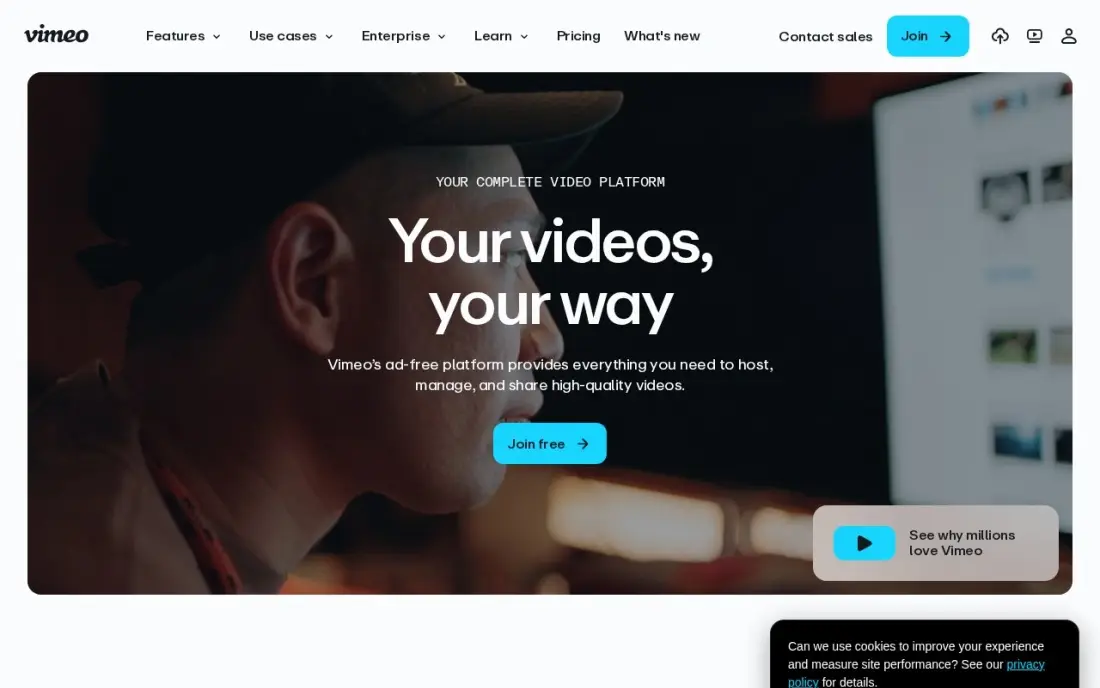
Vimeo is the default private video host because privacy is built into every plan: an ad-free 4K player, strong privacy controls and password-protected videos, so client work, training and paid content stay off public feeds. Vimeo Review collects time-stamped feedback on cuts, which helps agencies share drafts privately. Starter costs $20 a month, or $12 billed annually, with 100 GB of storage.
Starter covers one seat, so a team pays per extra seat, and removing Vimeo branding and adding lead capture needs Standard at $25 a month billed annually. Vimeo restructured its plans during 2026, so check which plan you will move to at renewal. It is the safest all-round choice for private business video.
What we like
- Ad-free 4K player with strong privacy controls on every plan
- Vimeo Review collects time-stamped feedback on cuts
- 100 GB of storage on Starter, with live events on higher tiers
- The most recognised name in business video hosting
Watch out for
- Starter covers 1 seat — a team pays per extra seat
- Player branding removal and lead capture wait for Standard at $25/month billed annually
- Vimeo restructured its plans in 2026, so some accounts are moved to new plans at renewal

SproutVideo
Best for: Small businesses that want private, white-label hosting at the lowest price
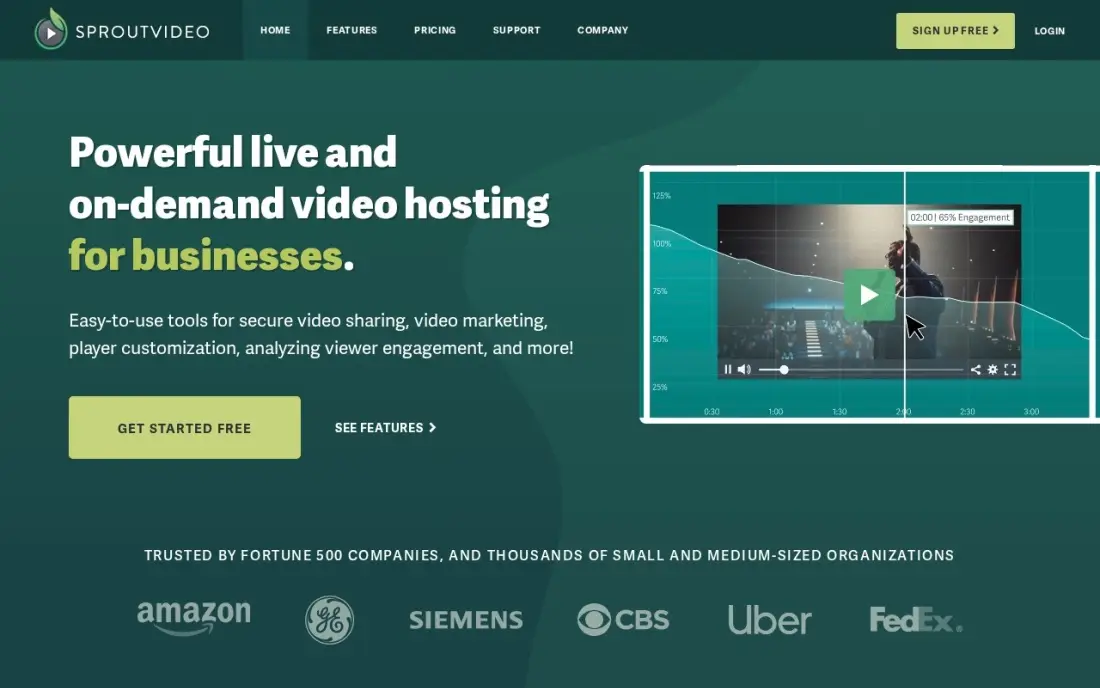
SproutVideo is built around private hosting, and it puts the features others hold back into its cheapest plan. Seed costs $12 a month billed annually and includes a white-label player, lead capture, live streaming, 150 GB of storage and 2 seats, so a course creator or consultant can share private videos under their own brand from day one.
Bandwidth is metered: Seed includes 1,800 GB a year, then charges per GB, so a widely shared video costs extra. No monthly-billing price is published for Seed, and there is no free plan, only a 30-day trial with every feature. Choose SproutVideo when budget is tight and the player must carry your brand.
What we like
- White-label player and lead capture on every plan, including Seed at $12/month
- Transparent storage and bandwidth allowances with no usage caps that stop playback
- 150 GB of storage and 2 seats on the cheapest plan
- Live streaming included from the entry plan
Watch out for
- Bandwidth is metered — 1,800 GB a year on Seed, then per-GB overage charges
- No monthly-billing price is published for Seed, so annual billing is the only listed option
- Smaller brand than Wistia or Vimeo, so fewer third-party integrations

Wistia
Best for: Marketing teams that host gated videos and want viewer data tied to leads
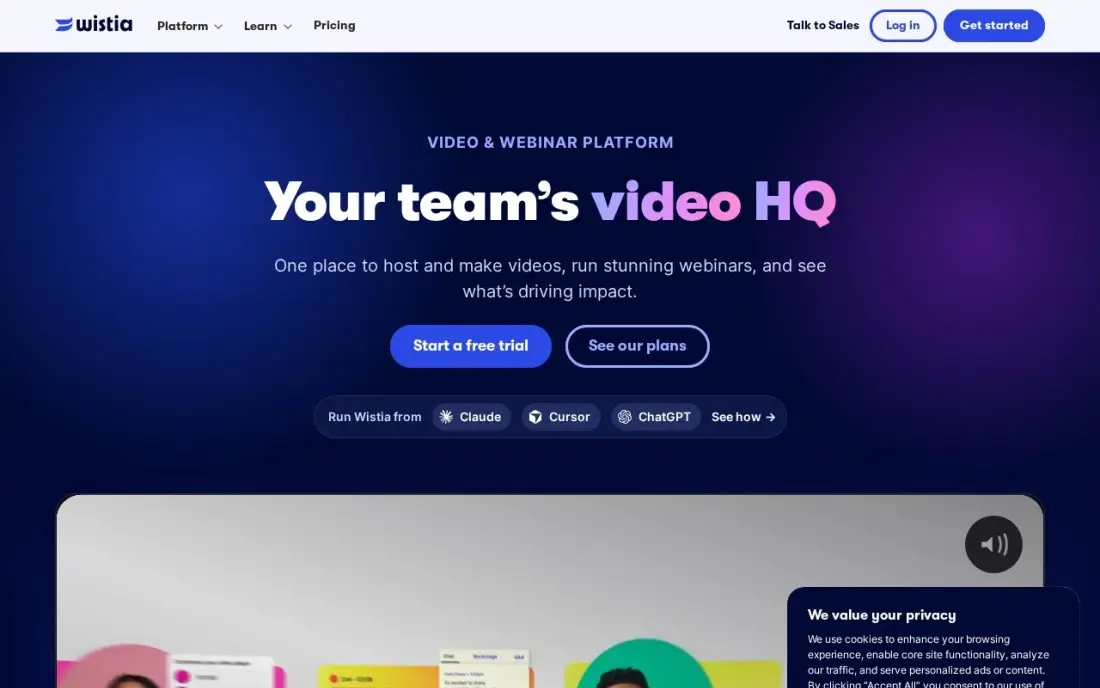
Wistia suits private video that has a marketing job: gated webinars, product demos and customer videos where knowing who watched matters as much as keeping the video off YouTube. The player carries your branding with no Wistia logo from Plus, and viewer analytics show which named viewers watched to the end. Plus costs $19 a month billed annually, with a free plan for 10 videos.
Plus caps the number of videos, and lead capture forms and heatmaps wait for Pro at $79 a month, so a growing library moves up quickly. Per-video pricing means the bill grows with the archive. Choose Wistia when private videos need to feed your sales pipeline.
What we like
- Built for marketing: lead capture, CTAs and viewer analytics are core, not add-ons
- Custom player colours and no Wistia branding from the Plus plan
- Turns viewer behaviour into pipeline with marketing automation integrations
- Free plan covers 10 videos, enough to test hosting properly
Watch out for
- Plus caps the video count, so a growing library pushes you to Pro at $79/month
- Lead capture forms and heatmaps wait for Pro, not Plus
- Per-video pricing means the bill grows with every video you add

Dacast
Best for: Organisations that sell access to live or on-demand video behind a paywall
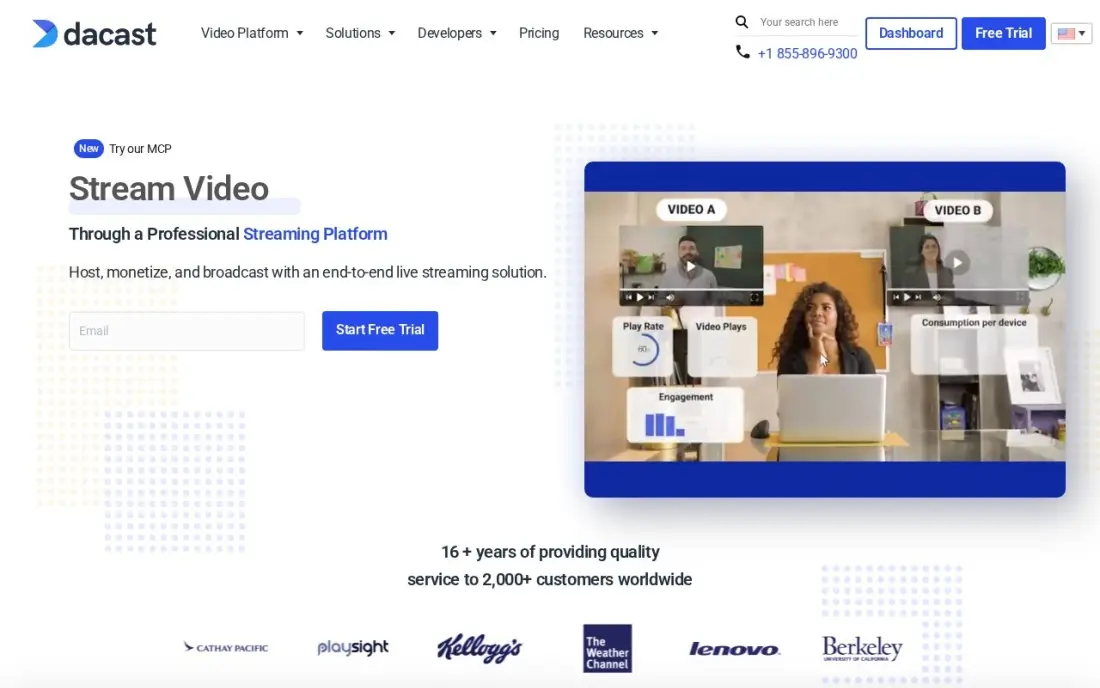
Dacast is the pick when private means paid. Live streaming and on-demand hosting come with a built-in paywall for pay-per-view and subscriptions, a fully white-label player on every plan and real-time analytics during live events. That suits churches, schools, sports clubs and event organisers who want to sell access without building a membership site.
Starter costs $39 a month billed annually, with no month-to-month option, so $468 is paid up front; it includes 2.4 TB of bandwidth a year and 500 GB of storage. G2 reviewers report auto-renewal charges without a reminder, so diarise the renewal. Choose Dacast when the video itself is the product.
What we like
- Live streaming, VOD hosting, paywall and analytics in one plan from $39/month billed annually
- Fully white-label player on every plan, with monetization through pay-per-view and subscriptions
- Real-time analytics cover concurrent viewers, geography and engagement during live events
Watch out for
- Starter is billed annually only — $468 up front — with no month-to-month option
- G2 reviewers report auto-renewal charges with no reminder, and mixed support experiences
- The dashboard and API feel dated next to Wistia and Vimeo, per G2 reviewers

Vidyard
Best for: Sales teams that send private, personalised videos and want watch data in the CRM
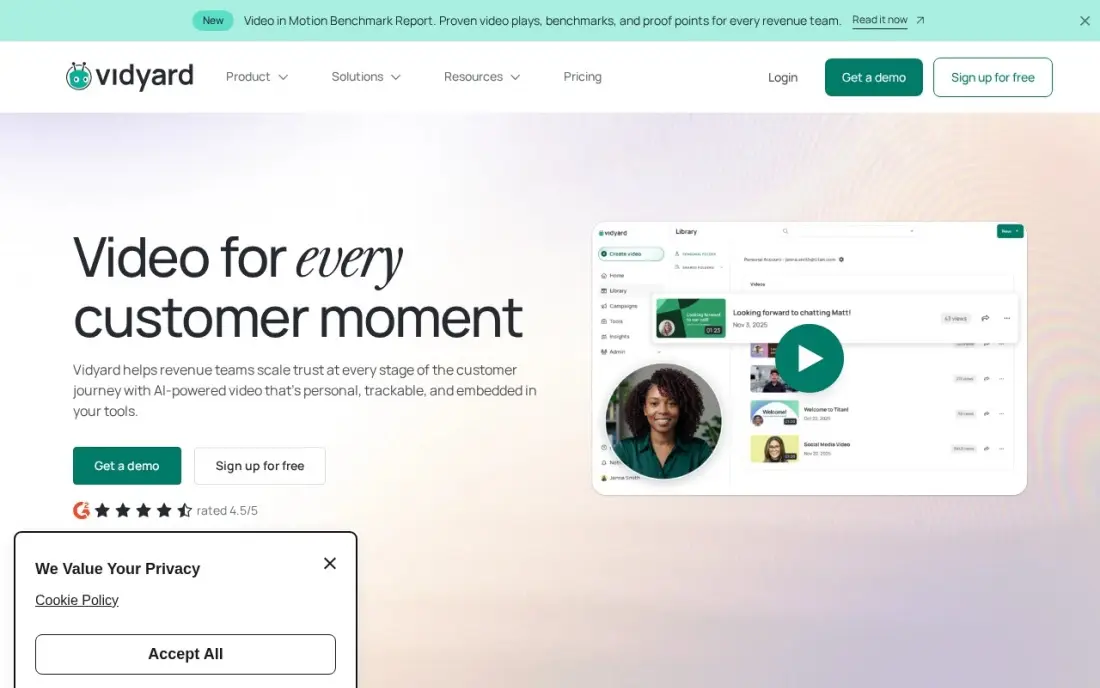
Vidyard hosts video for sales. Reps record and share personal videos to individual prospects, with animated thumbnails in Gmail, Outlook, HubSpot and Salesforce, and watch data flows back into the CRM so follow-ups happen at the right moment. Each video goes to a named person rather than a public page, which is its own kind of private hosting.
The free plan covers 25 videos for one person to test it. Starter costs $59 a seat a month billed annually, with no monthly option, and the deeper sales-engagement integrations sit on custom-priced Teams and Enterprise plans. Per-seat pricing adds up across a team. Choose Vidyard when private video is part of your sales outreach.
What we like
- Deepest CRM and sales-engagement integrations in this list, with watch data flowing back into HubSpot and Salesforce
- Animated thumbnails and video hosting built for sales outreach, not just recording
- AI avatars and a Video Agent extend it from one-to-one messages into video marketing
- Free plan lets a single rep test video email before the team pays
Watch out for
- Starter at $59/seat a month is billed annually only, with no monthly-billing option
- Sales engagement integrations and the Video Agent wait for Teams, Enterprise or a paid add-on
- Per-seat pricing adds up fast once the whole sales team is on it

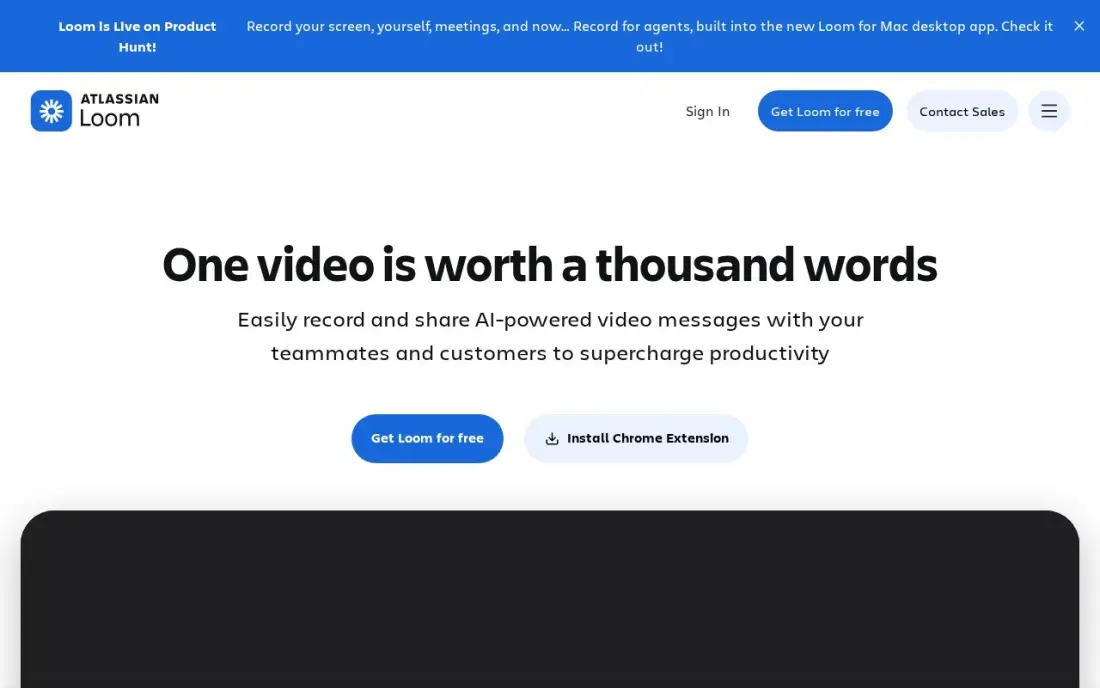
Loom is the simplest way to share private video inside a company. You record your screen and camera, the video uploads automatically and shares by link, and viewers watch, comment and react without paying for a seat. Business adds password protection, custom branding, unlimited videos and unlimited recording length, which covers most internal training and update videos.
Business costs $18 a user a month billed monthly, or $15 billed annually, and full AI features need Business + AI at $24 a month billed monthly. The free Starter plan caps recordings at 5 minutes and 25 videos per person. Loom is not a public-facing player or paywall; use it for internal and client walkthroughs.
What we like
- Unlimited videos and unlimited recording length on Business, with 4K recording
- Only creators need paid seats; viewers watch, comment and react for free
- Custom branding, trim and stitch editing, engagement insights and password protection included
- Recordings upload automatically and share by link, so there is no file to attach or host
Watch out for
- Full AI features (summaries, chapters, filler removal) need Business + AI at $24 a user a month billed monthly
- Only the people who record videos need paid seats, but annual billing now uses fixed user tiers
- The free Starter plan caps recordings at 5 minutes and 25 videos per person

Brightcove
Best for: Media companies and enterprises that need DRM, monetization and global delivery
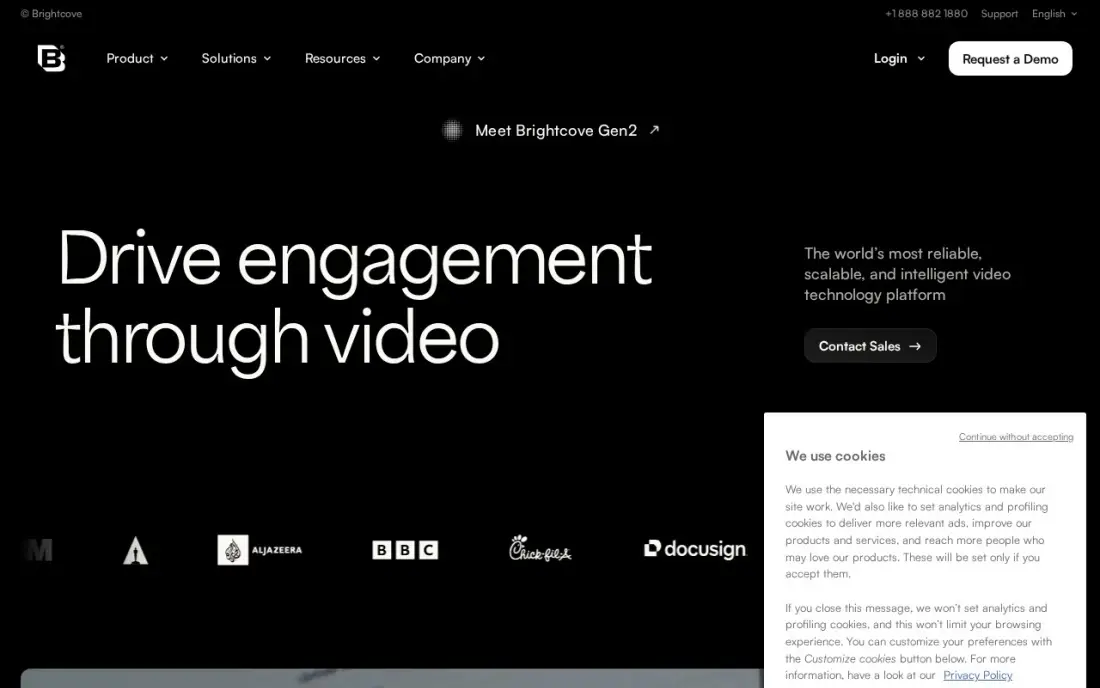
Brightcove is the enterprise option for video that must be protected at scale. DRM, global CDN delivery and monetization through advertising, subscriptions and pay-per-view are built in, with broadcast-grade analytics across live, on-demand and OTT. Large training libraries, paid streaming services and media companies use this level of protection.
There is no published price; every deal is a custom quote, and buyers report contracts of $20,000 or more a year, with implementation averaging three months on G2. For a small team that only needs password-protected videos, that is far more platform than the job needs. Choose Brightcove when content rights and scale demand it.
What we like
- Broadcast-grade analytics with audience insights across live, on-demand and OTT delivery
- Monetization built in — advertising, subscriptions and pay-per-view — with DRM and global CDN delivery
- Integrations with marketing automation and CMS platforms, plus dedicated support on enterprise plans
Watch out for
- No published pricing — every deal is a custom quote, and buyers report $20,000-plus annual contracts
- Implementation averages three months on G2, with a 28-month average payback period
- Overkill and overpriced for a small team that only needs hosting and basic analytics

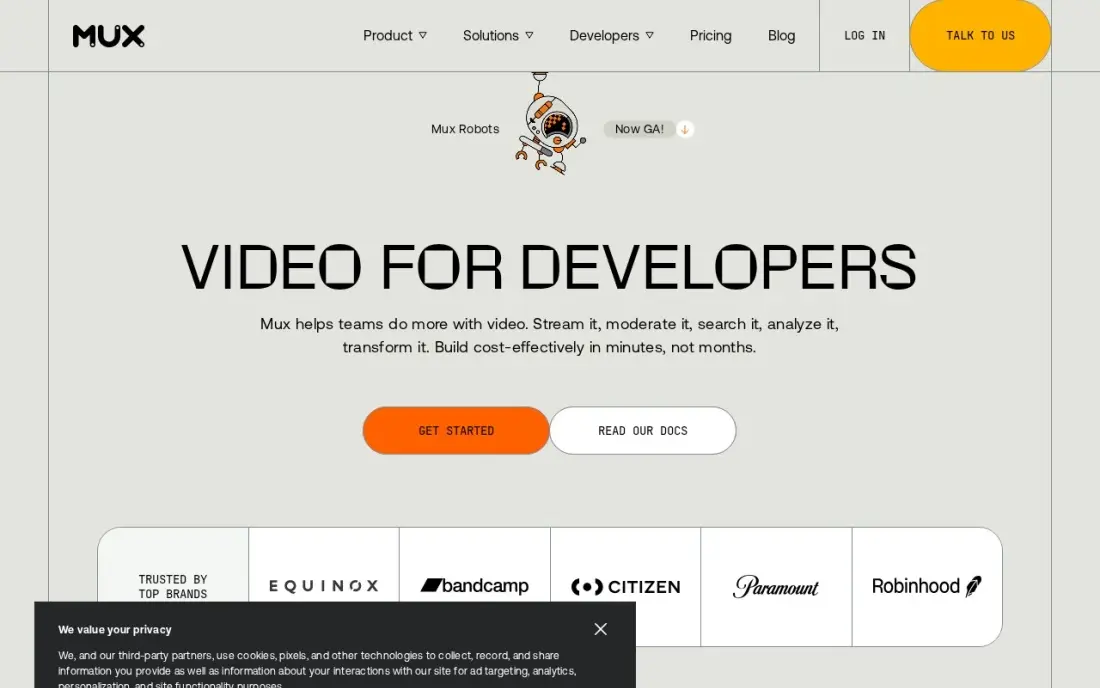
Mux is video infrastructure for teams that want to build their own private video experience. APIs handle encoding, storage and delivery, so a course platform, SaaS product or members' app can control exactly who sees each video through its own login, and Mux Data reports playback quality for every viewer and device.
There is no flat price: delivery is billed by minutes watched, and the first 100,000 delivery minutes each month are free, so small libraries cost very little until viewing grows. It needs engineers to set up and has no ready-made portal. Choose Mux when your product, not a hosted page, is where private videos live.
What we like
- Mux Data tracks playback quality in real time — buffering, errors and startup time per viewer and device
- API-first: encoding, storage and delivery are all programmable, with the first 100,000 delivery minutes free each month
- Per-second billing means small libraries cost almost nothing until viewing grows
Watch out for
- No flat starting price — costs scale with minutes watched, so a popular video raises the bill
- Built for developers; non-technical teams will need engineering help to set it up
- Mux Data's paid monitoring starts at $499/month on the Media plan, per third-party pricing data
The best private video hosting platforms keep your videos off public feeds, control who can watch and where they can be embedded, and show your brand rather than someone else's. We compared eight platforms — business hosts, a white-label budget option, a paywall platform, sales and internal video tools, an enterprise service and developer infrastructure — on privacy controls, player branding, bandwidth and cost, with every price taken from the vendor's own page as checked in November 2026.
How to choose the best private video hosting platforms
- Define what private means for you. Password protection, domain-restricted embeds, named viewers and paywalls solve different problems.
- Check player branding. A white-label player matters for client work and paid content; some hosts hold it for higher plans.
- Read the bandwidth terms. Metered bandwidth can turn a popular video into an unexpected bill.
- Count seats. Several hosts price per user, so a team of five can cost five times the headline price.
- Decide whether you will charge. Pay-per-view and subscriptions need a host with a built-in paywall or a separate membership tool.
- Look at analytics. Knowing who watched, and how much, is what makes private video useful for sales and training.
Private videos stay out of search on purpose, so your public videos have to do the ranking work. Our video SEO guide covers transcripts, schema and embedding, and our AI search optimization service helps your public content appear in AI answers.
Private video hosting platforms pricing: what you will actually pay
Take a small business hosting private client and training videos on annual billing. SproutVideo Seed costs $12 a month, or $144 a year, with 2 seats and a white-label player. Vimeo Starter also costs $12 a month billed annually, or $144 a year, for one seat, and Standard, which removes Vimeo branding, costs $25 a month billed annually, or $300. Wistia Plus costs $19 a month billed annually, or $228.
Paid access costs more: Dacast Starter is $39 a month billed annually, or $468 paid up front. For internal video, Loom Business costs $15 a user a month billed annually, so five creators pay $900 a year, while viewers are free. Vidyard Starter is $59 a seat a month billed annually, Mux bills by minutes watched after 100,000 free delivery minutes a month, and Brightcove is a custom quote.
Know the difference: private hosting vs paywalled hosting
Private hosting keeps a video away from the public: password protection, embed restrictions, unlisted links and branded players. Vimeo, SproutVideo, Wistia and Loom work this way, and they suit client reviews, internal training and gated marketing content where viewers do not pay.
Paywalled hosting adds a business model. Dacast and Brightcove can charge viewers through pay-per-view or subscriptions and handle access when payment succeeds. If you sell courses or events, you need either a paywall host or a separate membership platform in front of a private host.
Quick comparison: tool type by need
| Buyer | Best pick | Why |
|---|---|---|
| Most businesses | Vimeo | Ad-free 4K player with password protection, $12/month billed annually |
| Budget white-label hosting | SproutVideo | White-label player and 2 seats, Seed $12/month billed annually |
| Gated marketing video | Wistia | Branded player and viewer analytics, Plus $19/month billed annually |
| Paid live and on-demand access | Dacast | Paywall and white-label player, Starter $39/month billed annually |
| Sales outreach | Vidyard | Personal videos with CRM watch data, free plan for 25 videos |
| Internal team video | Loom | Password protection on Business, viewers free |
| Enterprise and media | Brightcove | DRM and monetization, custom quote |
| Video inside your own app | Mux | APIs billed by minutes watched |
Mistakes to avoid
- Relying on unlisted links. Anyone with the link can share it; use passwords or embed restrictions for anything sensitive.
- Ignoring bandwidth limits. Check what happens when a private video is shared more widely than expected.
- Paying for seats you do not need. Only people who upload or record usually need seats; viewers rarely do.
- Leaving the host's branding on client work. A white-label player looks more professional and keeps viewers focused on you.
- Forgetting renewals. Several hosts bill annually only, so set a reminder before the renewal date.
How we chose
We checked each platform's pricing page in November 2026 and recorded the starting price as shown, including whether it is billed monthly or annually only. We ranked platforms for a business that needs to share video privately with clients, staff or paying viewers, weighting privacy controls, player branding, bandwidth terms, seats and cost. Ratings come from G2 pages checked on the dates shown in the sources; platforms without one show none. No vendor paid for a place in this list, and none of the links here are affiliate links.
What to do next
List the three kinds of video you need to keep private and who should see each, then upload one real video to the free plan or trial of your top two hosts and test the password, embed and sharing settings. If you also want your public videos to rank, book a free call.
Frequently asked questions
What is the best private video hosting platform?
Vimeo is the best for most businesses, with an ad-free player and password protection from $12 a month billed annually. SproutVideo is the value pick for white-label private hosting, Dacast is best for paywalled video, and Brightcove serves enterprises needing DRM.
How can I host videos privately for free?
Vimeo, Wistia, Vidyard and Loom all have free plans with limits — Wistia's covers 10 videos, Vidyard's 25 and Loom's 25 videos of up to 5 minutes per person. Check that the free plan includes the privacy controls you need before relying on it.
Can I charge for access to private videos?
Yes. Dacast includes a paywall for pay-per-view and subscriptions from Starter at $39 a month billed annually, and Brightcove supports subscriptions, pay-per-view and advertising on custom plans.
Is YouTube unlisted private enough for business video?
Unlisted videos can be shared by anyone who has the link and carry YouTube branding and suggestions. Paid hosts such as Vimeo and SproutVideo add password protection, embed controls and branded players, which is safer for client work, training and paid content.
What is the cheapest private video hosting?
SproutVideo Seed and Vimeo Starter both cost $12 a month billed annually; SproutVideo adds a white-label player, lead capture and 2 seats, while Vimeo Starter is one seat. Wistia Plus costs $19 a month billed annually.
Does private video hosting affect SEO?
Private and password-protected videos are not meant to be indexed, so they do not help search rankings. Host public marketing videos on pages with transcripts and video schema, and keep private hosting for client, training and paid content.
Sources we checked (12)
- Vimeo — vimeo.com/upgrade-plan (checked November 5, 2026)
- SproutVideo — sproutvideo.com/pricing (checked November 5, 2026)
- Wistia — wistia.com/pricing (checked November 5, 2026)
- Dacast — www.dacast.com/pricing (checked November 2, 2026)
- Dacast reviews on G2 (checked November 2, 2026)
- Vidyard — www.vidyard.com/pricing (checked November 6, 2026)
- Vidyard reviews on G2 (checked November 6, 2026)
- Loom — www.loom.com/pricing (checked November 10, 2026)
- Brightcove — www.brightcove.com (checked November 2, 2026)
- Brightcove reviews on G2 (checked November 2, 2026)
- Mux — mux.com/pricing (checked November 2, 2026)
- Mux reviews on G2 (checked November 2, 2026)
Make one of these tools?
We re-check this list every quarter. Send a correction, request a review, or ask about a clearly labeled sponsored spot.
Request a listingShamim
Founder of SerpAstra
A full-stack SEO and digital marketer who spends most days on Local SEO for dental practices, AI search visibility and lead generation.
Free SEO and AI visibility audit
Find out what is holding your rankings back
Send us your site. Within 2 business days you get a written audit, an AI visibility check and a short fix list ranked by impact. Free, with no contract attached.
Request my free audit→Related buying guides
 Marketing12 Best Video Marketing Platforms for 2026 (Pros, Cons and Pricing)Compare the 12 best video marketing platforms on price, free plans, hosting and AI creation for small teams, with every price checked November 5, 2026.Read guide →
 IT SecurityBest Video Analytics Software for 2026: 9 Options Compared by Use Case9 best video analytics software tools compared on price, engagement analytics and free plans. Prices checked on the vendor pricing page, November 2, 2026.Read guide →
 ContentVideo SEO: how to rank videos on Google and YouTubeVideo SEO explained: how to rank videos on Google and YouTube with titles, thumbnails, chapters, transcripts and the signals each platform actually rewards.Read guide →