
8 Best Platforms for Portfolio Websites in 2026, Compared
Compare the 8 best platforms for portfolio websites for designers, artists and freelancers on design control, free plans and yearly cost, prices checked.
 Shamim Mia, Founder, SerpAstraLast verified November 4, 20268 min read
We compare pricing pages, documentation and public reviews. We never accept payment for rankings.

Key takeaways
- Squarespace is the best platform for most portfolio websites: polished templates from $25 a month, or $19 billed annually, and almost no setup.
- Framer and Webflow suit designers who want custom layouts and motion; Framer starts at $10 a month billed yearly, Webflow's CMS plan at $25 billed annually.
- If you already pay for Adobe's Photography plan at $9.99 a month billed annually, Adobe Portfolio is included at no extra cost.
- Carrd is the cheapest real option at $9 a year for a one-page portfolio; Cargo is the pick for artists who want an editorial, non-template look.
On this page
Quick comparison
| Tool | Best for | Starting price | Free plan |
|---|---|---|---|
| Squarespace | Creatives and freelancers who want a polished portfolio live in an afternoon | $25/mo | No (14-day trial) |
| Framer | Designers who want a modern portfolio with motion and a free start | $10/mo (annual) | Yes (free plan) |
| Webflow | Web designers who want pixel-level control and a real CMS for case studies | $39/mo | Yes (Starter) |
| Wix | Freelancers who want a free start and bookings or selling in the same site | $36/mo | Yes (free plan) |
| Cargo | Artists and designers who want an editorial, non-template portfolio look | $19/mo | Students only |
| Adobe Portfolio | Photographers and designers who already pay for a Creative Cloud plan | Included with CC | With Creative Cloud |
| Carrd | Students and freelancers who need a one-page portfolio for almost nothing | $9/yr | Yes (free plan) |
| WordPress.com | Writers and creatives who want a portfolio with a strong blog and plugins | $40/mo | Yes (free plan) |
Make one of these tools?
We re-check this list every quarter. Send a correction, request a review, or ask about a clearly labeled sponsored spot.
Request a listingThe best platforms for portfolio websites

Squarespace
Best for: Creatives and freelancers who want a polished portfolio live in an afternoon
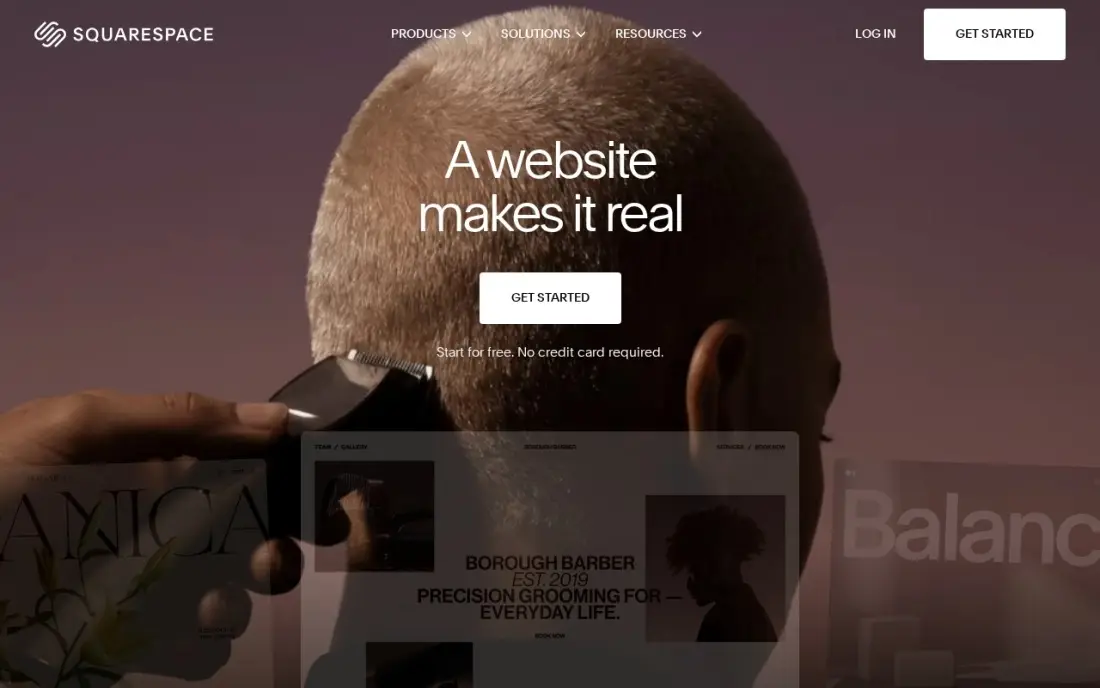
Squarespace is the default portfolio platform for most creatives because the templates do the design work: strong grids, full-bleed images and project pages that look right on mobile without adjustment. Hosting and SSL are included, and you can add a store for prints, products or bookable services later. Basic costs $25 a month, or $19 billed annually, after a 14-day free trial.
The limits matter only as you grow. Basic allows two contributors, has no code injection for custom scripts, and adds a 2% fee on store sales. For a designer, illustrator or architect who wants a professional site without learning a builder, nothing here is quicker to get right.
What we like
- The most polished templates here, with strong photography and video presentation for skin care
- Unlimited products, subscription products and abandoned cart recovery on every plan
- Hosting, SSL and a free custom domain for the first year are included on annual billing
- Invoices, memberships and digital content are built in, not add-ons
Watch out for
- Basic adds a 2% Squarespace fee on every online store sale, on top of card processing
- Only two contributors on Basic, so a team quickly outgrows it
- No code injection on Basic, which limits custom tracking and widgets

Framer
Best for: Designers who want a modern portfolio with motion and a free start
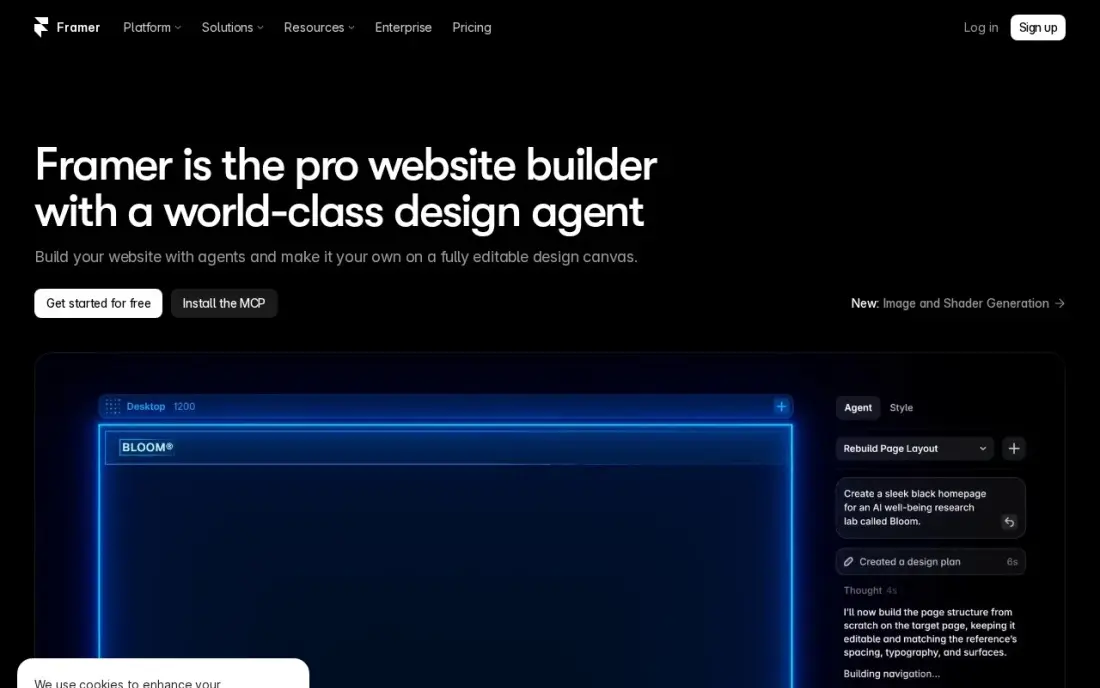
Framer is where many product and UI designers build portfolios now. The canvas feels like a design tool, the templates use smooth interactions, and the AI builder can produce a first draft from a prompt. Basic costs $10 a month billed yearly with a custom domain, and the free plan publishes on a framer.website address, so you can build the whole site before paying.
Basic allows 2 CMS collections and 1,000 items, which covers case studies and a short blog but not a large archive. Extra editors cost $20 a month each, and there is no plugin marketplace. Choose Framer when the portfolio itself should show you can design for the web.
What we like
- AI generation turns a prompt into a publishable modern site
- Modern templates and smooth interactions with no code
- Custom domain and your own branding on Basic
- Fast managed hosting with SEO controls included
Watch out for
- Basic allows only 2 CMS collections and 1,000 items
- Extra editors cost $20/month each, on top of the site plan
- A smaller ecosystem than WordPress — no plugin marketplace

Webflow
Best for: Web designers who want pixel-level control and a real CMS for case studies
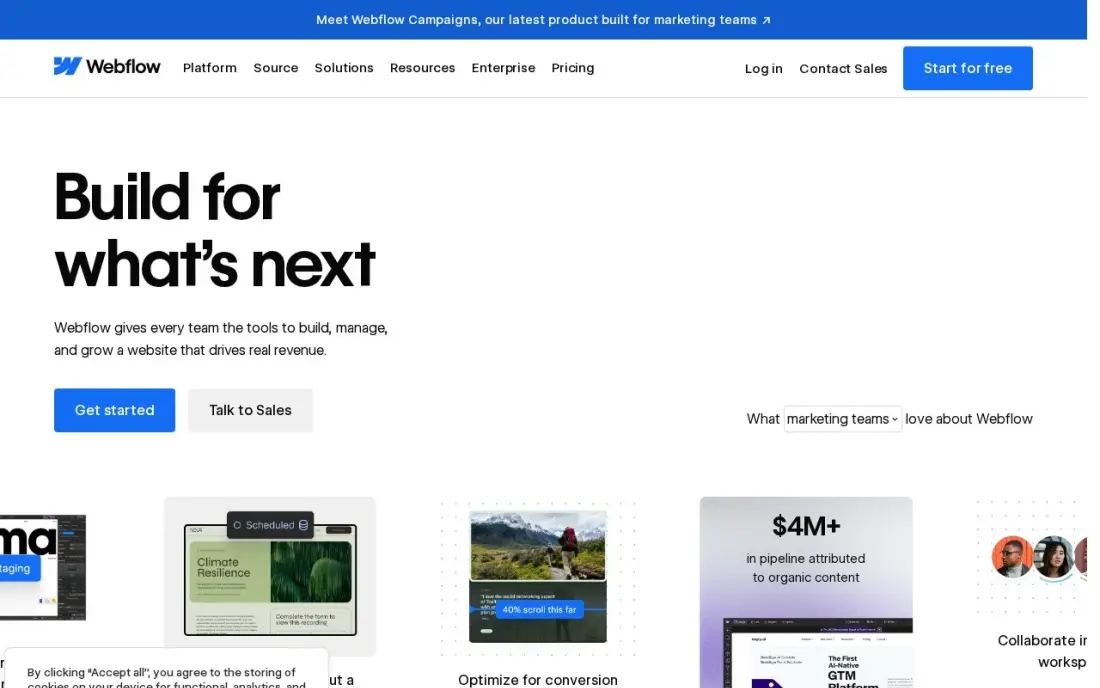
Webflow gives designers the most control of any builder here: a visual editor that writes clean code, plus a CMS for case studies, a blog and a project archive. Premium costs $25 a month billed annually, or $39 monthly, with 20,000 CMS items, 40 collections and site search. The free Starter plan publishes to a webflow.io address.
The learning curve is real, and Basic at $15 a month has no CMS, so a portfolio with case-study collections needs Premium. Editing seats are billed separately. Webflow is the pick for web designers and agencies whose portfolio doubles as proof they can build sites.
What we like
- Visual designer with a real CMS: 20,000 CMS items and 40 collections on Premium
- Premium includes site search, 50 GB bandwidth and code components
- No plugins to update; hosting, security and the CMS come from one vendor
Watch out for
- Basic at $15 a month has no CMS at all, so a blog or content site must pay $25 a month billed annually
- Editing seats are a separate bill: $15 a month for a limited seat and $39 for a full seat, billed yearly

Wix
Best for: Freelancers who want a free start and bookings or selling in the same site
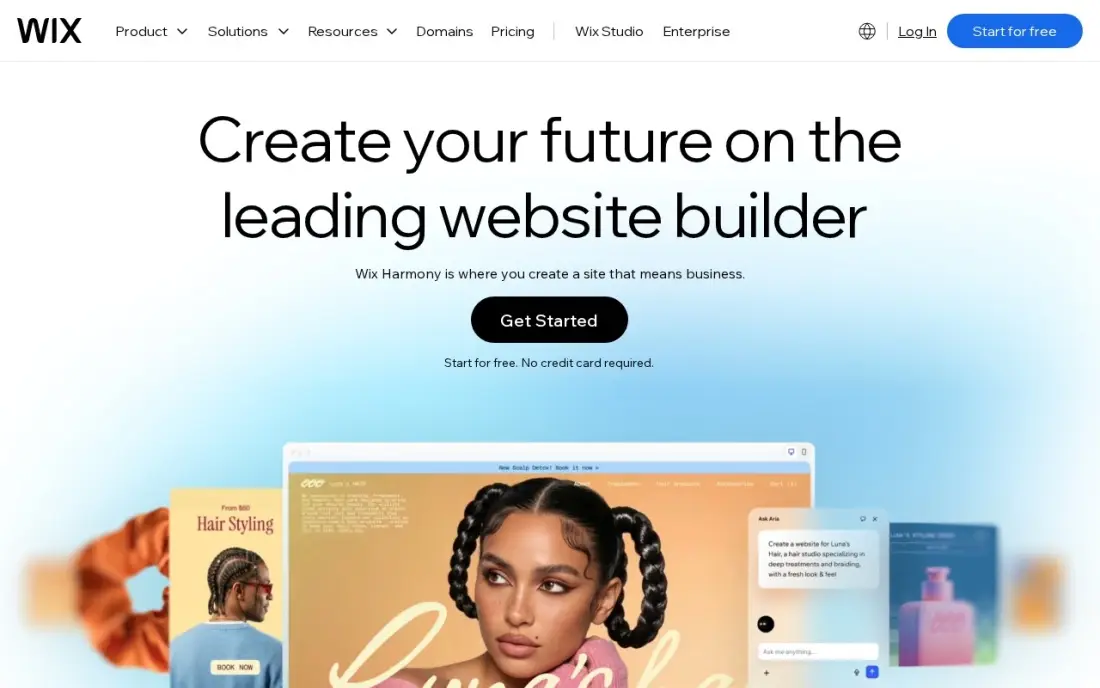
Wix suits freelancers whose portfolio also needs to sell: booking a consultation, taking a deposit or selling prints all sit in one dashboard with hundreds of templates. The free plan lets you build and publish on a Wix address before paying, which makes it the easiest no-risk start for a first portfolio.
Taking payments starts at Core, which costs $36 a month, or $29 billed annually; Light at $17 billed annually cannot accept payments. Core caps storage at 50 GB with five collaborators, and frequent first-year discounts mean you should budget the renewal price. Choose Wix when the portfolio is also a booking or sales page.
What we like
- Core takes payments with 0% platform fee through Wix Payments, at 2.9% + 30c a card sale
- Bookings, a blog and marketing tools sit in the same dashboard as the store
- Hundreds of templates and an app market, with no code needed to launch
- A free plan exists for the website, so the brand can build before it pays
Watch out for
- Light at $17 a month billed annually cannot take payments, so selling starts at Core
- Core's 50 GB of storage and 5 collaborators cap a growing catalog and team
- Wix runs 50%-off first-year promotions often, so the renewal price is the honest one to budget

Cargo
Best for: Artists and designers who want an editorial, non-template portfolio look
Cargo has long been the portfolio platform of art schools and small design studios, and its sites look like it: editorial layouts, type-led pages and an editor that treats the page as a canvas rather than a stack of template blocks. One subscription lets you design and publish one or many public sites, with one free custom domain connection included.
Cargo costs $19 a month billed monthly, or $14 a month billed yearly, and it is free for students. Extra domains cost $2 a month billed yearly or $3 billed monthly. It has fewer business tools than Wix or Squarespace, so pick Cargo when the look of the portfolio matters more than booking or selling from it.
What we like
- One subscription lets you design and publish one or many public sites
- One free custom domain connection included
- Free for students
- Layout-first editor favoured by artists, studios and design students
Watch out for
- No general free plan for non-students
- Extra domains cost $2 a month billed yearly or $3 billed monthly
- Fewer built-in business features such as bookings than Wix or Squarespace

Adobe Portfolio
Best for: Photographers and designers who already pay for a Creative Cloud plan
Adobe Portfolio is the portfolio you may already own. It is not sold on its own: most Creative Cloud plans include it, including Photography, Single App and All Apps, and Behance Pro is the other route Adobe offers. The Photography plan costs $9.99 a month billed annually and also includes Lightroom and Photoshop, so a photographer gets the editing software and a portfolio site in one bill.
The builder is deliberately simple, with a small set of layouts that suit image-led work. It has few business features, and the site depends on keeping your Adobe subscription. Choose it when you already pay Adobe and want a clean portfolio with no extra cost.
What we like
- Included at no extra cost with most Creative Cloud plans, including Photography, Single App and All Apps
- The Photography plan bundles Lightroom Classic, Photoshop and the portfolio in one bill
- Behance Pro is also offered as a route to publishing
- No separate hosting or builder bill if you already subscribe
Watch out for
- No stand-alone subscription — you need a qualifying Adobe plan
- Fewer layout options and business tools than general website builders
- Cancelling Creative Cloud puts the portfolio at risk

Carrd
Best for: Students and freelancers who need a one-page portfolio for almost nothing
Carrd is the cheapest real portfolio in this list. Pro Lite costs $9 a year — not a month — and Pro Standard at $19 a year adds custom domains, forms and up to ten sites. You pick a template, add your work, a short bio and a contact link, and publish a fast, clean page that looks right on a phone.
Every site is a single page, so it suits a link-in-bio portfolio, a student showcase or a freelancer's calling card rather than a deep archive of case studies. There is no built-in analytics, and the free plan shows a Carrd badge on a carrd.co address. Start on Carrd and move up when you have more work to show.
What we like
- Pro Lite costs $9 a year, the cheapest paid option in this list by a wide margin
- Fast to publish: pick a template, edit the text, connect a domain and go live
- Pro Standard at $19 a year adds custom domains, forms and 10 sites
- Pages load fast and look clean on mobile with almost no setup
Watch out for
- One page per site only, so multi-page campaigns need another tool
- No built-in analytics, A/B testing or integrations beyond embeds and forms
- The free plan shows a Carrd badge and uses a carrd.co subdomain

WordPress.com
Best for: Writers and creatives who want a portfolio with a strong blog and plugins
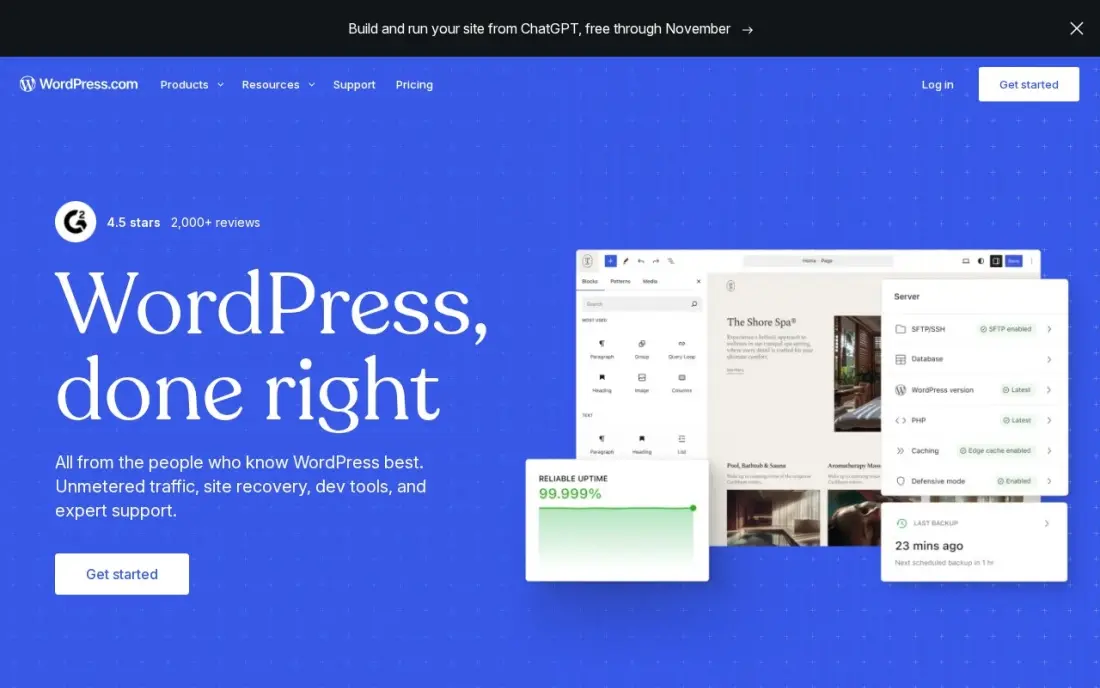
WordPress.com suits a portfolio that is really a portfolio plus a publication: writers, illustrators who blog their process and consultants who publish case studies. Hosting, security and updates are included, and plugins add galleries, contact forms and SEO tools. Personal at $4 a month billed annually can now install plugins, and a free plan exists to start.
Business costs $40 a month billed monthly, or $25 a month billed annually for the first year, renewing at $28, and adds staging and backups. Themes are less design-led than Squarespace or Framer, so expect more setup for a strong visual portfolio. Choose WordPress.com when writing is part of how you win work.
What we like
- The lowest-friction way to run a manufacturing website: hosting, security, updates and CDN included
- Business adds staging, real-time backups, SFTP, WP-CLI and GitHub deployments for developer teams
- More than 60,000 plugins cover product catalogues, quote forms, dealer locators and multilingual sites
- A free plan exists, and Personal at $4 a month billed annually can now install plugins too
Watch out for
- The $25 a month annual figure is a first-year price; Business renews at $28 a month
- Each site needs its own plan, so a second brand site doubles the bill
- Plugin and theme choice is broad, but deep custom development still needs a developer
The best platform for a portfolio website makes your work look its best, lets you add a new project in minutes and costs less than one client job a year. We compared eight platforms — design-led builders, artist favourites, an Adobe add-on and the cheapest one-page option — on design control, ease of updating, free plans and yearly cost, with every price taken from the vendor's own page as checked in November 2026.
How to choose the best platform for a portfolio website
- Match the builder to your craft. Web and UI designers benefit from Framer or Webflow; photographers and illustrators usually want Squarespace, Cargo or Adobe Portfolio.
- Check how easy updates are. A portfolio you cannot update in ten minutes goes stale; test adding a project before you commit.
- Look at case-study structure. If you write up projects in detail, you need a CMS or collections, not just a gallery.
- Confirm custom domain support. A portfolio used to win clients should live on your own domain.
- Count what you already pay for. Adobe Portfolio is included with most Creative Cloud plans, so it may cost you nothing extra.
- Price a full year. Monthly billing costs more on every platform here, and first-year discounts often renew higher.
A portfolio only wins work if the right people find it. If you want your name and services to show up in Google and AI answers, our AI search optimization service covers that, and the free title tag checker helps you write page titles that say what you do.
Portfolio website platform pricing: what you will actually pay
Take a freelancer paying annually for one portfolio site. Carrd Pro Lite costs $9 a year, and Pro Standard with custom domains and forms costs $19 a year. Framer Basic costs $10 a month billed yearly, or $120 a year. Cargo costs $14 a month billed yearly, or $168 a year, and Squarespace Basic costs $19 a month billed annually, or $228 a year.
Webflow Premium, the plan with the CMS, costs $25 a month billed annually, or $300 a year, and Wix Core costs $29 a month billed annually, or $348. Billed monthly, the same plans cost more: Cargo $19, Squarespace $25, Wix Core $36 and Webflow Premium $39 a month. Adobe Portfolio adds nothing if you already pay for the Photography plan at $9.99 a month billed annually.
Know the difference: template builder vs design-first builder
A template builder such as Squarespace, Wix, Carrd or WordPress.com gives you a finished design and lets you swap in your work. You get a professional result quickly, but your portfolio can look like many others built on the same template.
A design-first builder such as Framer, Webflow or Cargo gives you a canvas and expects you to design the layout. The result can be distinctive and can itself prove your skills, especially for web designers, but it takes longer to build and more care to keep consistent across pages and on mobile.
Quick comparison: tool type by need
| Buyer | Best pick | Why |
|---|---|---|
| Most creatives | Squarespace | Polished templates, Basic $19/month billed annually |
| UI and product designers | Framer | Design-tool canvas, Basic $10/month billed yearly |
| Web designers and agencies | Webflow | Visual builder with CMS, Premium $25/month billed annually |
| Freelancers who sell or book | Wix | Free plan, bookings and payments from Core |
| Artists and studios | Cargo | Editorial layouts, $14/month billed yearly |
| Creative Cloud subscribers | Adobe Portfolio | Included with most Creative Cloud plans |
| One-page portfolios | Carrd | Pro Lite $9 a year |
| Writers and bloggers | WordPress.com | Blog and plugins, Personal $4/month billed annually |
Mistakes to avoid
- Showing work without context. Each project needs the brief, your role and the result, or visitors cannot judge what you did.
- Hiding how to hire you. Put a clear contact link or button on every page, not only on a contact page.
- Using heavy images and video. Compress files so the portfolio loads fast on a phone, where most first visits happen.
- Leaving it on a free subdomain. A custom domain costs little and looks far more professional to clients.
- Building and forgetting. Add new work and remove weaker pieces every few months so the portfolio reflects your current level.
How we chose
We read each platform's pricing page in November 2026 and recorded the starting price as shown, with the annual-billing figure where listed. For Adobe Portfolio we used Adobe's help page on how it is priced and the Photography plan price we recorded from Adobe's own pricing. We ranked platforms for a freelancer or creative who needs a portfolio that wins work, weighting design quality, ease of updating, cost and room to grow. Ratings come from G2 pages checked on the dates shown in the sources; tools without one show none rather than a borrowed figure. No vendor paid for a place in this list, and none of the links here are affiliate links.
What to do next
Choose your six best projects, write two or three sentences on each, then build the same portfolio page on the free plan of your top two platforms and keep the one you can update fastest. If you want the finished site to show up when clients search for your service, book a free call.
Frequently asked questions
What is the best platform for a portfolio website?
Squarespace is the best choice for most creatives, from $25 a month or $19 billed annually. Framer and Webflow suit designers who want custom layouts, Cargo suits artists after an editorial look, and Carrd is the cheapest at $9 a year for a one-page portfolio.
What is the best free portfolio website platform?
Wix, Framer, Webflow and Carrd all have free plans that publish on their own subdomains, and Cargo is free for students. Adobe Portfolio is included with most Creative Cloud plans, so it costs nothing extra if you already pay for one.
Which portfolio platform is best for designers?
Framer and Webflow are the strongest for UI, product and web designers because the builders work like design tools. Framer Basic costs $10 a month billed yearly, and Webflow's CMS plan costs $25 a month billed annually.
Is Adobe Portfolio free?
It has no stand-alone subscription. Adobe Portfolio is included with most Creative Cloud plans, including the Photography plan at $9.99 a month billed annually, and Behance Pro is another route Adobe offers for publishing.
Should a portfolio website have a custom domain?
Yes, if you use it to win work. A custom domain looks more professional and keeps your links working if you change platforms. Carrd Pro Standard, Framer Basic, Cargo and Squarespace all support one.
How many projects should a portfolio website show?
Usually six to twelve strong projects, each with the brief, your role and the result. A short, well-explained selection wins more work than a long gallery with no context.
Sources we checked (12)
- Squarespace — www.squarespace.com/pricing (checked November 12, 2026)
- Squarespace reviews on G2 (checked November 12, 2026)
- Framer — www.framer.com/pricing (checked November 5, 2026)
- Webflow — webflow.com/pricing (checked November 10, 2026)
- Webflow reviews on G2 (checked November 10, 2026)
- Wix — www.wix.com/plans (checked November 12, 2026)
- Wix reviews on G2 (checked November 12, 2026)
- Cargo — cargo.site/rates (checked November 16, 2026)
- Adobe Portfolio — help.myportfolio.com/hc/en-us/articles/208422408-Adobe-Portfolio-pricing (checked November 16, 2026)
- Carrd — carrd.co (checked November 4, 2026)
- WordPress.com — wordpress.com/pricing (checked November 12, 2026)
- WordPress.com reviews on G2 (checked November 12, 2026)
Make one of these tools?
We re-check this list every quarter. Send a correction, request a review, or ask about a clearly labeled sponsored spot.
Request a listingShamim
Founder of SerpAstra
A full-stack SEO and digital marketer who spends most days on Local SEO for dental practices, AI search visibility and lead generation.
Free SEO and AI visibility audit
Find out what is holding your rankings back
Send us your site. Within 2 business days you get a written audit, an AI visibility check and a short fix list ranked by impact. Free, with no contract attached.
Request my free audit→Related buying guides
 Website Builders & Hosting7 Best Website Platforms for Photographers in 2026, ComparedCompare the 7 best website platforms for photographers on galleries, client proofing, print sales and real yearly cost, with prices from vendor pages.Read guide →
 MarketingBest Landing Page Software for 2026: 10 Options Compared by Use CaseCompare the 10 best landing page software tools in 2026 on price, A/B testing, AI builders and free plans, with prices checked November 4, 2026.Read guide →
 Marketing10 Best Content Management Tools in 2026 (Free and Paid, Compared)Compare the 10 best content management tools on price, free plans and fit for blogs, teams and enterprises, with prices checked November 10, 2026.Read guide →