
8 Best Legal CRM Software in 2026, Compared
Compare the 8 best legal CRM software tools for law firms on intake, follow-up, lead source tracking and real cost, with every price checked in November 2026.
 Shamim Mia, Founder, SerpAstraLast verified November 4, 20268 min read
We compare pricing pages, documentation and public reviews. We never accept payment for rankings.

Key takeaways
- Lawmatics is the most complete legal CRM, with automated email and SMS nurture, intake, e-signatures and conflict checks, but it is quote-only with a three-user minimum.
- Firms already on Clio should add Clio Grow, which turns a signed lead into an open matter in Clio Manage with no re-keying.
- Lead Docket is built for high-volume personal injury intake, with cost per lead and revenue by source.
- Budget firms can start with MyCase Pro or PracticePanther Business for built-in intake, or HubSpot's free CRM for two users.
On this page
Quick comparison
| Tool | Best for | Starting price | Free plan |
|---|---|---|---|
| Lawmatics | Growing firms that want automated intake and nurture from first enquiry to signed engagement | Custom quote | No (demo only) |
| Clio Grow | Law firms on Clio Manage that want intake and follow-up feeding straight into matters | Custom quote | No (free trial) |
| Lead Docket | Personal injury and mass-tort firms with high lead volume that need source and conversion tracking | $300/mo | No (free trial) |
| MyCase | Small firms that want intake forms and case management in one subscription at a low price | $50/user/mo | No (free trial) |
| PracticePanther | Solo attorneys and small firms that want an easy practice system with intake on the next tier | $49/user/mo | No (free trial) |
| Rocket Matter | Billing-first firms that want trust accounting and an optional CRM add-on in one vendor | $59/user/mo (annual) | No (free trial) |
| Filevine | Litigation-heavy firms that want intake connected to deeply customized case workflows | Custom quote | Yes (LOIS Explore free) |
| HubSpot CRM | Small firms and solo attorneys that want a free general CRM for enquiries and referrals | Free; Starter $20/seat/mo | Yes (free CRM) |
Make one of these tools?
We re-check this list every quarter. Send a correction, request a review, or ask about a clearly labeled sponsored spot.
Request a listingThe best legal CRM software

Lawmatics
Best for: Growing firms that want automated intake and nurture from first enquiry to signed engagement

Lawmatics is a legal CRM built as a marketing platform. It runs the whole client journey: intake forms, automated email and text follow-up, appointment scheduling, e-signatures and conflict checks, so a lead who does not book the first time keeps hearing from the firm. Premium adds workflow automation, round-robin scheduling, custom reporting and ROI tracking by campaign. G2 rates it 4.6 from 251 reviews.
There is no published price; every quote goes through sales, with a three-user minimum on Essential and Premium. Essential covers 500 contacts and Premium 10,000. Reviewers describe a real learning curve during setup, and billing features are add-ons.
What we like
- The deepest legal marketing automation here: multi-step email and SMS nurture runs itself after first contact
- Premium adds workflow automation, round-robin scheduling, custom reporting and ROI tracking
- Intake forms, e-signatures, conflict checking and appointment scheduling cover the full client journey
- Essential covers 500 contacts and Premium covers 10,000, so the tiers scale with lead volume
Watch out for
- No published price — every quote runs through sales, with a three-user minimum on Essential and Premium
- G2 reviewers note a real learning curve during setup, which can take weeks to work through
- Billing and invoicing features are add-ons rather than included in the base subscription

Clio Grow
Best for: Law firms on Clio Manage that want intake and follow-up feeding straight into matters
Clio Grow is the intake and CRM side of Clio. A prospective client fills in an intake form, books an appointment and signs electronically, and when they hire the firm the record becomes an open matter in Clio Manage with no re-keying. A pipeline view shows every lead's stage, and Grow AI on the Elite plan qualifies new enquiries.
It only makes sense inside Clio: Grow is an add-on to Core and Signature and included in Elite, the add-on price is not published, and Grow AI is billed per hired matter. Clio plans start at $49 a user a month. For a firm already on Clio, it is the simplest legal CRM to add.
What we like
- Intake forms, e-signatures and scheduling feed straight into Clio Manage as open matters, with no re-keying
- Online appointment booking and a pipeline view show where every lead stands and what happens next
- Grow AI qualifies leads and captures new-client demand on the Elite plan
- Sits on the Clio platform, which integrates with more than 100 other apps
Watch out for
- Only useful inside the Clio ecosystem — it does not work as a standalone CRM for firms on other practice software
- The Grow add-on price is not published, so budgeting needs a sales call or a bundle quote
- Per-user pricing adds up as the team grows, and Grow AI is billed per hired matter on top

Lead Docket
Best for: Personal injury and mass-tort firms with high lead volume that need source and conversion tracking
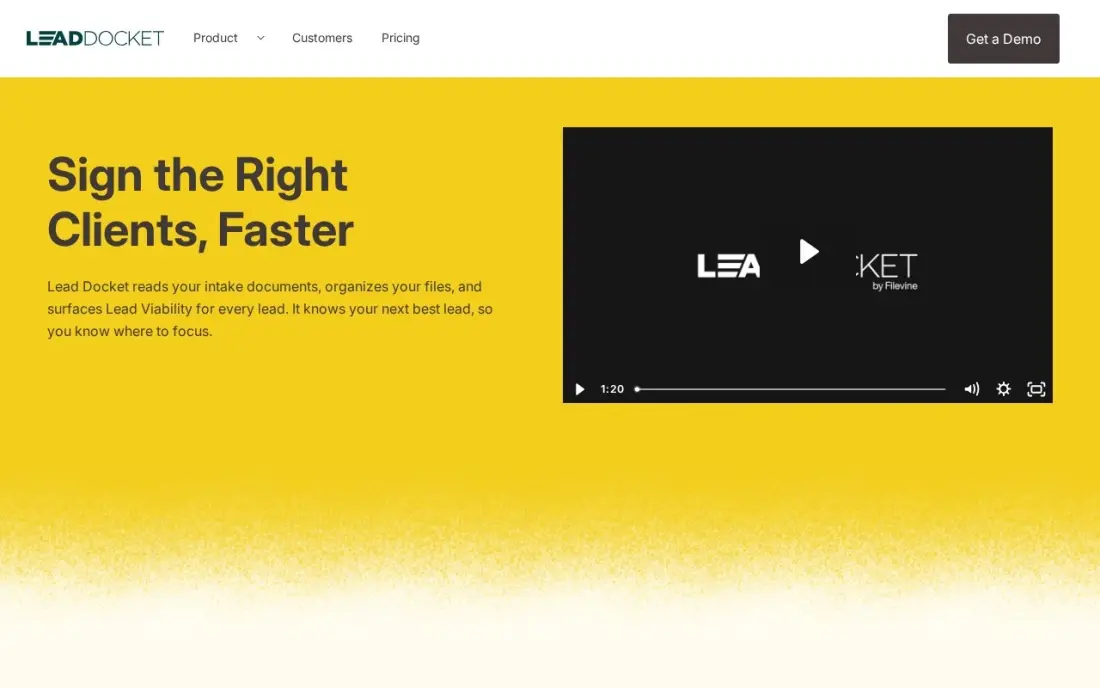
Lead Docket is built for high-volume personal injury intake. Every lead is tracked from source to signed case, with cost per lead and revenue by marketing source, custom intake scripts, lead scoring and automatic routing to the right intake staff. LeadsAI summaries, up to 100 a user a month, condense intake notes, and it connects to Filevine for case work.
The vendor publishes no price; the $300 a month per feature figure comes from third-party directories, so expect the quote to differ. A flat firm-wide fee is expensive for a firm that takes few leads, and G2 reviewers report reporting accuracy problems.
What we like
- Built for high-volume personal injury and mass-tort intake, with lead scoring and custom intake scripts
- Tracks cost per lead and revenue by source, so firms see which marketing channels actually pay
- Automated lead distribution routes each inquiry to the right intake staff by rule
- LeadsAI summaries are included, with up to 100 summarizations per user a month
Watch out for
- $300/month is a third-party figure — the vendor publishes no price, so the real quote may differ
- A flat firm-wide fee is dear for low-volume firms that only take a few new leads a month
- G2 reviewers report reporting accuracy problems, and saved reports did not always carry over to new formats

MyCase
Best for: Small firms that want intake forms and case management in one subscription at a low price
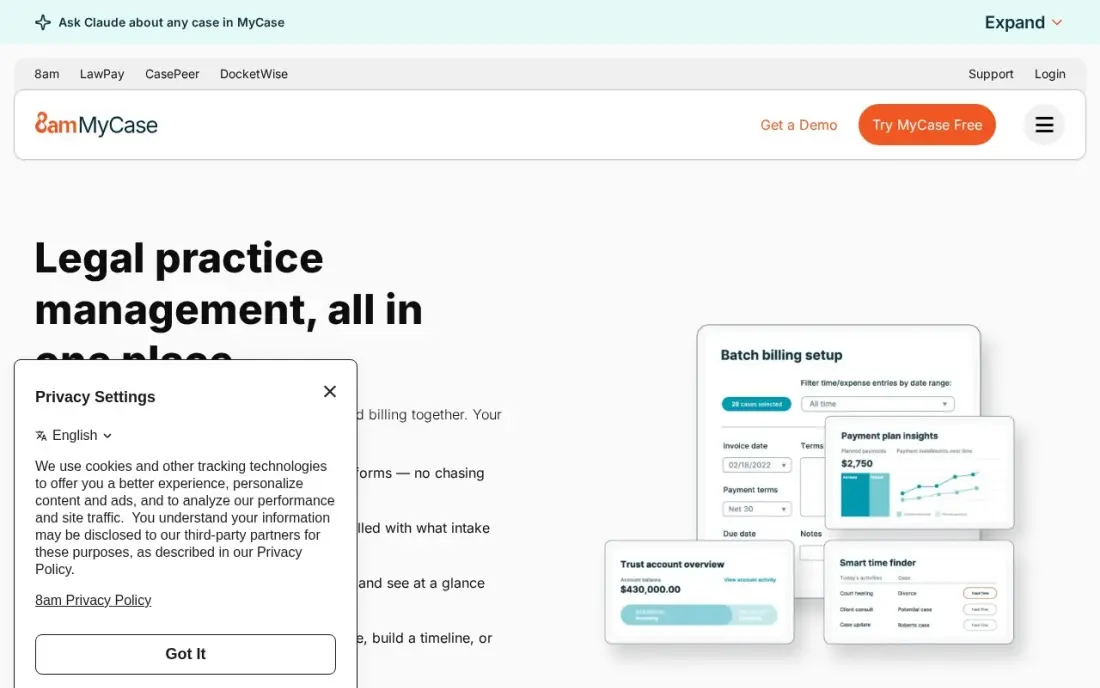
MyCase combines case management, billing, online payments and a client portal, and its Pro plan adds client intake forms, workflows and unlimited eSignature, so a small firm gets a basic legal CRM without a second tool. Basic costs $50 a user a month billed annually, or $60 billed monthly, with no setup fee or long-term contract.
Intake automation and AI writing need Pro at $89 a user a month billed annually. MyCase's own pages disagree on the entry price, with older pages showing $39, so confirm in writing. It fits a firm that wants one login for intake and the matter.
What we like
- Case management, billing, online payments and client portal in a single subscription
- Basic covers the essentials for $50/user/month on annual billing, with no setup fee
- No setup fee and no long-term contract on any plan
- Client intake forms, workflows and unlimited eSignature arrive on Pro without a separate add-on
Watch out for
- MyCase's own pages disagree on the entry price: the help center lists Basic at $50/user/month billed annually, older pages list $39
- AI writing and intake automation wait for Pro at $89/user/month billed annually
- Trust accounting depth is thinner than CosmoLex, which was built around the ledger first

PracticePanther
Best for: Solo attorneys and small firms that want an easy practice system with intake on the next tier
PracticePanther is the easiest system here to set up, with a 9.1 out of 10 ease-of-setup score on G2, live training included and two-way texting with clients. Solo costs $49 a user a month billed annually, or $59 billed monthly, and covers templates, workflows, trust ledgers and unlimited storage.
Intake and LEDES billing wait for Business at $89 a user a month, and full trust accounting needs Business Pro at $114. A five-person firm pays $245 a month even on Solo. Choose it when ease of use matters more than marketing automation.
What we like
- The easiest setup in this list, with a 9.1/10 ease-of-setup score on G2
- Solo includes document templates, task and event workflows, trust account ledgers and unlimited storage
- Native two-way texting and a client portal keep clients informed without extra tools
- Live training is included, so a solo attorney can get running without a consultant
Watch out for
- Full trust and operating accounting needs Business Pro at $114/user/month on annual billing
- Solo covers only basic billing; LEDES billing and intake wait for Business at $89/user/month
- Per-user pricing means a five-person firm pays $245 a month even on the Solo plan

Rocket Matter
Best for: Billing-first firms that want trust accounting and an optional CRM add-on in one vendor
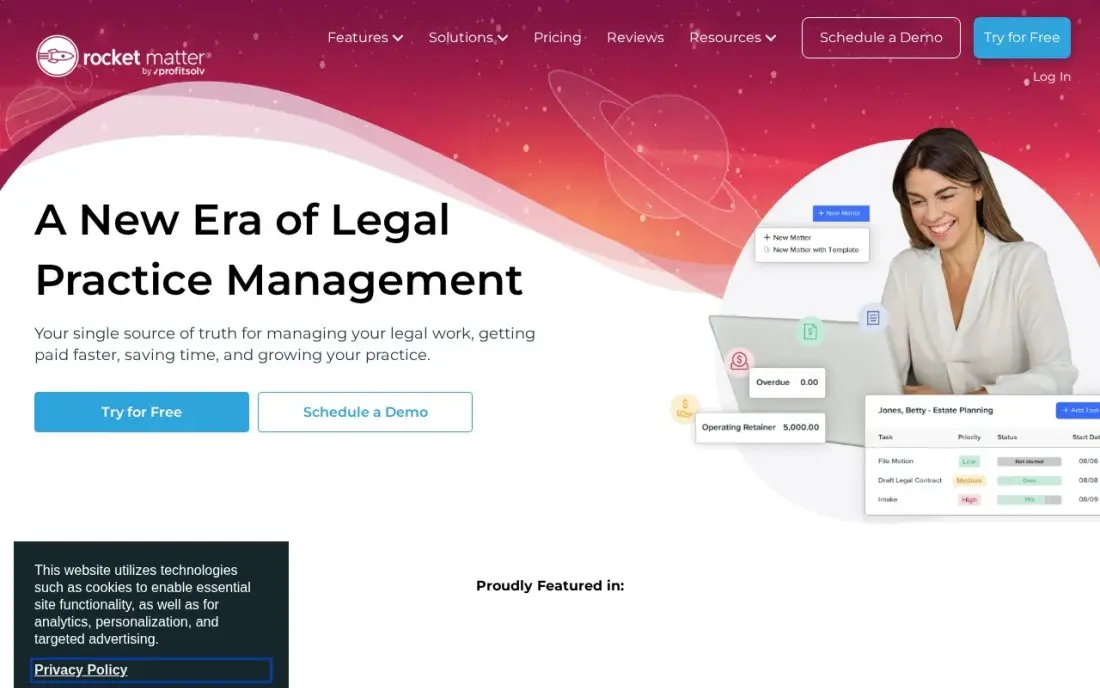
Rocket Matter is a billing-first practice system with batch billing, evergreen retainers and trust accounting included from Essentials, which costs $59 a user a month billed annually. Unlimited support and free data migration come with every plan, and its CRM add-on lets the firm track prospective clients in the same system as billing.
The CRM is a paid add-on with a $399 onboarding fee, and monthly billing costs more than the annual rate, with no monthly figure published. G2 still lists an older $49 price. Choose it when billing is the priority and intake volume is modest.
What we like
- Billing-first design with batch billing, evergreen retainers and paperless pre-bills
- Trust accounting and matter-based trust accounts are included from Essentials
- Unlimited support and free data migration come with every plan
- Built-in business accounting arrives on the higher tiers, with QuickBooks Online integration below them
Watch out for
- The entry price rose to $59/user/month billed annually — G2 still lists the older $49 figure
- CRM and a firm website are paid add-ons, with a $399 onboarding fee for CRM
- No monthly-billing figure is published for the entry plan, so month-to-month costs more than $59

Filevine
Best for: Litigation-heavy firms that want intake connected to deeply customized case workflows
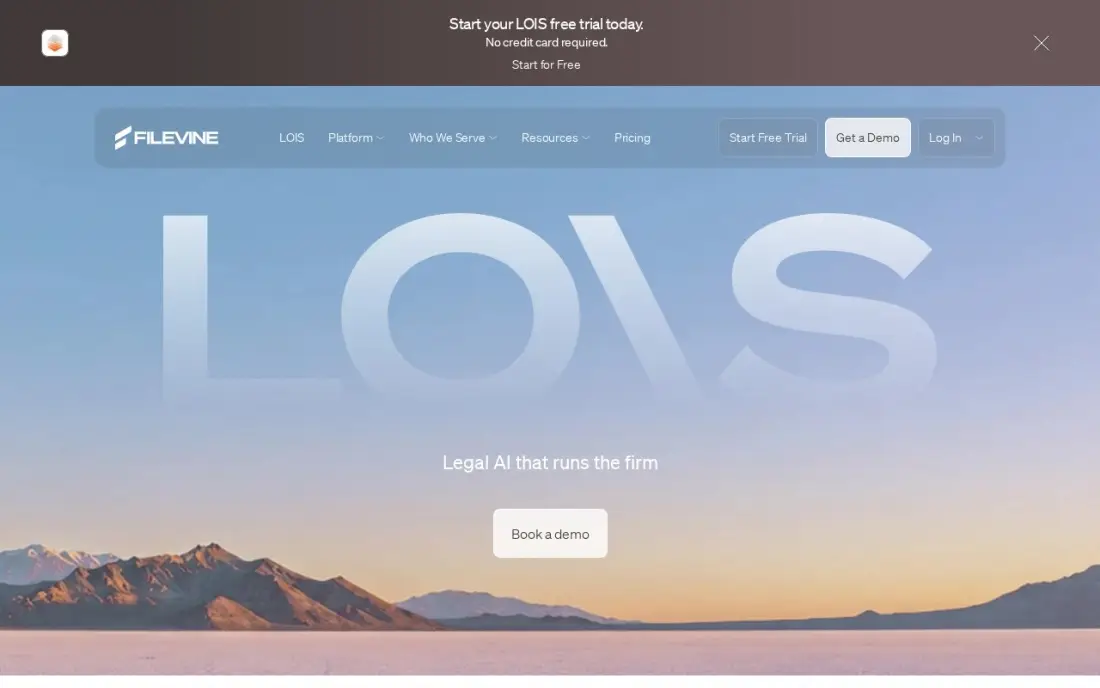
Filevine is case management for high-volume litigation, with intake, depositions and e-signature packages alongside its matters, and case fields and workflows configurable per practice area without code. LOIS, its AI console, drafts, summarizes and flags risks across case materials. G2 rates it 4.6 from 302 reviews.
Every package is custom-built and quoted, implementation runs through certified partners and usually takes one to three months, and the free LOIS Explore tier covers AI research only. Pair it with Lead Docket for intake and source tracking if the firm handles a high volume of new leads.
What we like
- Rated 4.6/5 on G2 from 302 reviews — the joint-highest score among the litigation tools here
- Case workflows, fields and document assembly are configurable per practice area without code
- LOIS, the AI console, drafts, summarizes and flags risks across case materials
- Built for high-volume litigation, with intake, depositions and e-signature packages alongside Matters
Watch out for
- No published prices — every package is custom-built and quoted per organization
- Implementation runs through certified partners and most often takes 1-3 months
- The free LOIS Explore tier covers AI research only — it does not include case management

HubSpot CRM
Best for: Small firms and solo attorneys that want a free general CRM for enquiries and referrals
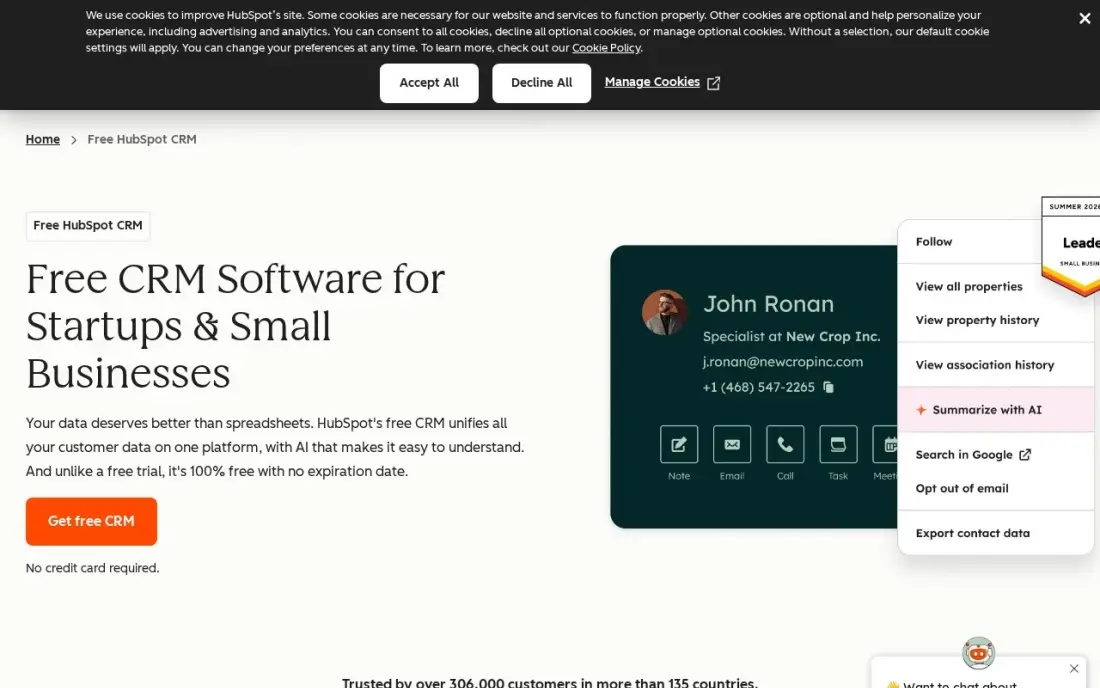
HubSpot is not a legal CRM, but its free plan gives a small firm a solid place to track enquiries, referral sources and follow-ups: unlimited contacts and companies, one deal pipeline, email tracking and meeting scheduling for up to two users, with mobile apps. Each contact keeps every email, call and meeting on one timeline.
It has no conflict checks, legal intake templates or matter handoff, so details must be re-entered in your practice system. A third user needs a Starter seat at $20 a month. Use it as a free start, and move to Lawmatics or Clio Grow once intake volume grows.
What we like
- Free CRM with unlimited contacts and companies, one deal pipeline and email tracking
- Every contact carries its full history — emails, calls, meetings and deals — on one timeline
- Apps on iOS, Android, Windows and Mac, plus a web app that syncs everywhere
Watch out for
- Two free users only — a third teammate forces a paid Starter seat at $20/month
- Automation and reporting live on Professional at $90/seat/month, a steep step up
The best legal CRM software makes sure no prospective client slips away between the first call and the signed engagement letter. We compared eight tools for law firms: dedicated legal CRMs, intake features inside practice management systems, and one free general CRM, judged on intake, automated follow-up, conflict checks and lead source tracking. Every price below comes from the vendor's own pages as checked in November 2026, and we say plainly when a vendor publishes none.
How to choose the best legal CRM software
- Start from your practice system. Clio firms should look at Clio Grow first; MyCase and PracticePanther have intake on higher tiers.
- Check conflict checks and e-signatures. Legal-specific tools such as Lawmatics include them; general CRMs do not.
- Look for automated follow-up. Most lost cases are leads nobody called back; email and text sequences fix that.
- Track cost per signed case. Lawmatics and Lead Docket report results by source, which tells you where to spend marketing money.
- Ask about minimums and add-ons. Lawmatics has a three-user minimum, and Rocket Matter's CRM carries a $399 onboarding fee.
- Get the quote in writing. Several legal CRMs publish no price, so compare first-year totals including setup.
A CRM converts the enquiries you get; search decides how many arrive. Our local SEO service helps law firms show up in Google Maps for the practice areas and towns they serve, and the free local business schema generator helps search engines read your office details correctly.
Legal CRM software pricing: what you will actually pay
Take a four-attorney firm that wants intake forms and follow-up. On MyCase Pro, intake comes at $89 a user a month billed annually, or $4,272 a year for four users. PracticePanther Business costs the same $89 a user a month, or $4,272 a year. Rocket Matter Essentials costs $59 a user a month billed annually, or $2,832 a year, plus the CRM add-on and its $399 onboarding fee.
HubSpot's free CRM covers two users at $0; the other two need Starter seats at $20 a month each, or $480 a year. Dedicated legal CRMs publish no prices: Lawmatics quotes with a three-user minimum, Clio Grow is quoted as an add-on to Clio plans that start at $49 a user a month, and third-party directories list Lead Docket at $300 a month per feature. Ask each vendor for the full first-year cost, including setup and any per-matter AI fees.
Know the difference: legal CRM vs practice management
A legal CRM handles people who are not clients yet. It captures the enquiry, runs the intake questions, checks for conflicts, books the consultation, sends reminders and the engagement letter, and reports which marketing brought the lead. Lawmatics, Clio Grow and Lead Docket are built for this stage.
Practice management handles clients once they have signed: matters, documents, deadlines, time, billing and trust accounting. MyCase, PracticePanther, Rocket Matter and Filevine are practice systems first, with intake added on. A firm with steady referrals may manage fine with the intake inside its practice system; a firm spending real money on marketing usually needs a dedicated CRM to follow up every lead.
Quick comparison: tool type by need
| Buyer | Best pick | Why |
|---|---|---|
| Marketing-driven firms | Lawmatics | Automated nurture, intake and conflict checks, quote-only |
| Clio firms | Clio Grow | Signed leads become Clio matters with no re-keying |
| High-volume PI firms | Lead Docket | Cost per lead and revenue by source |
| Small all-in-one firms | MyCase | Intake on Pro at $89/user/month annual |
| Solo attorneys | PracticePanther | Easiest setup, intake on Business at $89/user/month |
| Billing-first firms | Rocket Matter | Trust accounting from $59/user/month annual, CRM add-on |
| Litigation-heavy firms | Filevine | Intake plus configurable case workflows, quote-only |
| Free start | HubSpot CRM | Free enquiry pipeline for two users |
Mistakes to avoid
- Letting enquiries wait. Prospective clients often call several firms; respond the same day, and automate a reply for after-hours enquiries.
- Skipping the conflict check at intake. Run it before the consultation, not after the client has shared confidential details.
- Not recording the lead source. Without it you cannot tell whether search, referrals or directories bring signed cases.
- Re-keying data between systems. Choose a CRM that hands signed clients to your practice system automatically, or errors creep in.
- Buying more automation than you will use. A firm with a few enquiries a week may not need Lawmatics; intake in the practice system can be enough.
How we chose
We checked each vendor's own pricing pages in November 2026 and recorded prices exactly as shown, with annual and monthly billing where both are listed. Where a vendor publishes no price, we say so, and the Lead Docket figure is marked as third-party. We judged each tool on intake, conflict checks, automated follow-up, reporting by lead source and how it connects to practice management, and ranked them by fit for a small to mid-sized firm. Ratings come from G2 pages checked on the dates shown in the sources. No vendor paid for a place in this list, and none of the links here are affiliate links.
What to do next
Count how many new enquiries the firm got last month and how many became signed clients. If more than a few went unanswered or were never followed up, book demos with two tools from the table and ask each to show the follow-up automation on a real enquiry. If the enquiries themselves are too few, see where your firm ranks locally, free.
Frequently asked questions
What is the best legal CRM software?
Lawmatics is the most complete legal CRM, with automated nurture, intake and conflict checks, though it is quote-only. Clio Grow is best for firms on Clio, Lead Docket for high-volume personal injury intake, and HubSpot's free CRM for firms just starting out.
What does a law firm CRM do?
A legal CRM tracks prospective clients from first contact to signed engagement: intake forms, follow-up emails and texts, consultation booking, e-signatures and, in legal-specific tools, conflict checks. It also shows which marketing sources bring signed cases.
How much does legal CRM software cost?
Lawmatics, Clio Grow and Filevine are quote-only, and Lead Docket's $300 a month figure is third-party. Intake inside a practice system costs $89 a user a month billed annually on MyCase Pro, or $89 on PracticePanther Business. HubSpot's CRM is free for two users.
Do I need a separate CRM if I have practice management software?
Not always. MyCase Pro and PracticePanther Business include intake, and Clio Grow adds it to Clio. A separate legal CRM such as Lawmatics pays off when you have many leads and need automated follow-up.
Which legal CRM is best for personal injury firms?
Lead Docket is built for high-volume personal injury and mass-tort intake, with lead scoring, routing and cost per lead by source, and it connects to Filevine for case management.
Can a legal CRM help with marketing ROI?
Yes. Lawmatics Premium tracks ROI by campaign, and Lead Docket reports cost per lead and revenue by source, so you can see which channels bring signed clients rather than just enquiries.
Sources we checked (15)
- Lawmatics — www.g2.com/products/lawmatics/pricing (checked November 4, 2026)
- Lawmatics reviews on G2 (checked November 4, 2026)
- Clio Grow — www.clio.com (checked November 4, 2026)
- Clio Grow reviews on G2 (checked November 4, 2026)
- Lead Docket — www.capterra.com.au/software/176004/leaddocket (checked November 4, 2026)
- Lead Docket reviews on G2 (checked November 4, 2026)
- MyCase — supportcenter.mycase.com/en/articles/14602725-mycase-basic-tier (checked November 8, 2026)
- PracticePanther — www.practicepanther.com/pricing (checked November 8, 2026)
- PracticePanther reviews on G2 (checked November 8, 2026)
- Rocket Matter — rocketmatter.com/pricing (checked November 8, 2026)
- Rocket Matter reviews on G2 (checked November 8, 2026)
- Filevine — www.filevine.com/pricing (checked November 8, 2026)
- Filevine reviews on G2 (checked November 8, 2026)
- HubSpot CRM — www.hubspot.com/products/crm (checked November 12, 2026)
- HubSpot CRM reviews on G2 (checked November 12, 2026)
Make one of these tools?
We re-check this list every quarter. Send a correction, request a review, or ask about a clearly labeled sponsored spot.
Request a listingShamim
Founder of SerpAstra
A full-stack SEO and digital marketer who spends most days on Local SEO for dental practices, AI search visibility and lead generation.
Free SEO and AI visibility audit
Find out what is holding your rankings back
Send us your site. Within 2 business days you get a written audit, an AI visibility check and a short fix list ranked by impact. Free, with no contract attached.
Request my free audit→Related buying guides
 LegalBest Legal Marketing Software for 2026: 7 Options Compared by Use CaseCompare the 7 best legal marketing software options for 2026 on price, intake, automation and reviews, with prices checked November 4, 2026.Read guide →
 Legal12 Best Law Firm Practice Management Software in 2026, ComparedCompare the 12 best law firm practice management software options on price, trust accounting, AI and free plans, with every price checked November 8, 2026.Read guide →
 Legal9 Best SEO Companies for Law Firms in 20269 best SEO companies for law firms compared on price, focus and fit, with starting prices checked November 1, 2026 and ranked by fit for your firm.Read guide →