
9 Best Lead Scraping Tools in 2026, Compared
Compare the 9 best lead scraping tools for LinkedIn, Google Maps and websites on credits, enrichment, free plans and cost, with prices checked November 2026.
 Shamim Mia, Founder, SerpAstraLast verified November 6, 20269 min read
We compare pricing pages, documentation and public reviews. We never accept payment for rankings.

Key takeaways
- PhantomBuster is the most flexible lead scraping tool, with 100+ automations for LinkedIn, Sales Navigator and Google Maps from $56 a month billed annually.
- Evaboot is the cheapest way to export Sales Navigator searches with verified emails, from $9 a month — but it needs a Sales Navigator seat.
- Apify and Bright Data suit custom or large-scale scraping, with free tiers and pay-as-you-go usage.
- Scraping can break a site's terms of service and privacy law; buying from a licensed database such as Apollo is often the safer route.
On this page
Quick comparison
| Tool | Best for | Starting price | Free plan |
|---|---|---|---|
| PhantomBuster | Growth teams that want ready-made scrapers for LinkedIn, Sales Navigator and Google Maps in one account | $69/mo | Yes (free plan) |
| Apify | Teams that want ready-made scrapers for Google Maps and social sites plus the option to run custom code | $19/mo | Yes (free plan) |
| Evaboot | Sales Navigator users who want searches exported with cleaned data and verified emails in one click | $9/mo | No (14-day trial) |
| Clay | RevOps and growth teams that combine scraping, AI research and 150+ data providers into one list | $185/mo | Yes (free plan) |
| Octoparse | Non-technical teams that want to scrape directories and websites with a point-and-click builder | $83/mo | Yes (free plan) |
| Bright Data | Large operations scraping protected sites at volume that block lighter tools | From $1.50/1K records | Yes (free tier) |
| Skrapp | LinkedIn-first prospectors who want verified emails from profiles and company pages | $39/mo | Yes (free plan) |
| TexAu | Small teams that want LinkedIn and multi-site scraping with enrichment and lead scoring in one credit pool | $79/mo | No (14-day trial) |
| Apollo | Teams that would rather search a licensed contact database than scrape and clean their own lists | $65/user/mo | Yes (75 credits/mo) |
Make one of these tools?
We re-check this list every quarter. Send a correction, request a review, or ask about a clearly labeled sponsored spot.
Request a listingThe best lead scraping tools

PhantomBuster
Best for: Growth teams that want ready-made scrapers for LinkedIn, Sales Navigator and Google Maps in one account
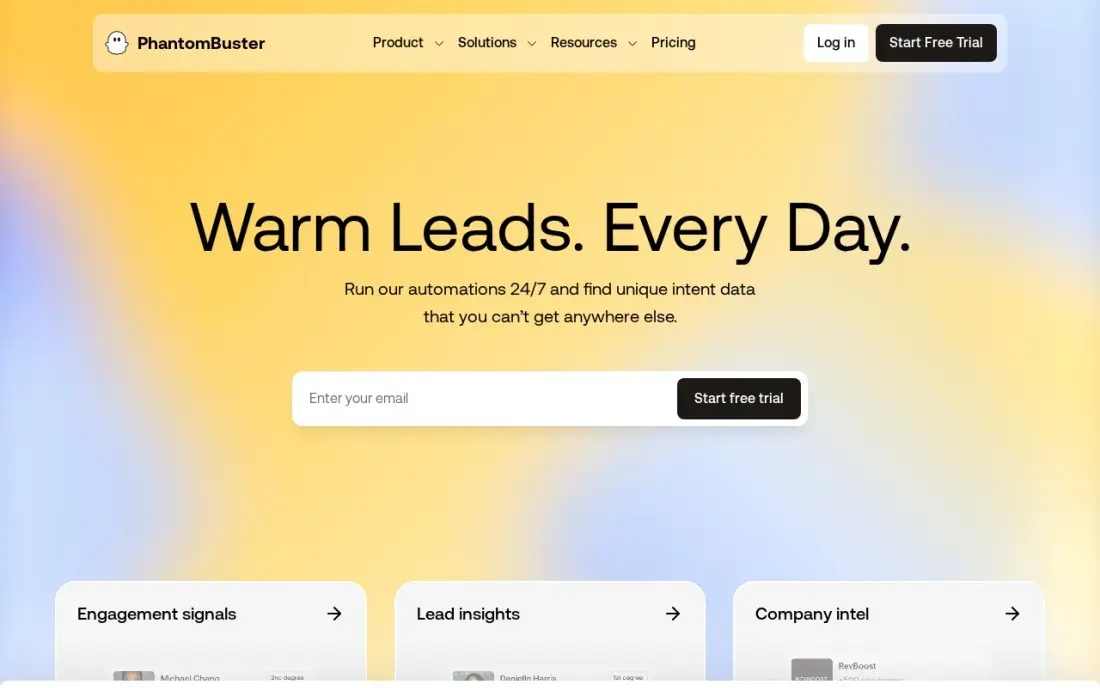
PhantomBuster is the general-purpose lead scraping tool: more than 100 pre-built automations, called Phantoms, pull lists from LinkedIn, Sales Navigator, Google Maps, Instagram and X, then enrich them with AI credits and push them to HubSpot or Salesforce. Start costs $69 a month billed monthly, or $56 billed annually, per workspace with unlimited users and 10,000 AI credits a month.
Execution hours and credits are hard to predict until you have run a few workflows, and Phantoms can break when LinkedIn changes its pages. It does not send outreach itself, so pair it with an email or LinkedIn tool. The free plan's 30 minutes a month is enough for a test.
What we like
- More than 100 pre-built automations for LinkedIn, Sales Navigator, Google Maps, Instagram, and X
- Per-workspace pricing with unlimited users, so a whole team shares one subscription
- 10,000 AI credits a month on Start, plus API access and native HubSpot and Salesforce integrations
- A free plan with 30 minutes of execution a month after the trial, for light testing
Watch out for
- Execution hours and credits are hard to predict until you have run a few workflows
- Phantoms can break when LinkedIn changes its pages, with a lag before fixes land
- No native outreach sequences; it feeds lists into other tools rather than sending campaigns itself

Apify
Best for: Teams that want ready-made scrapers for Google Maps and social sites plus the option to run custom code
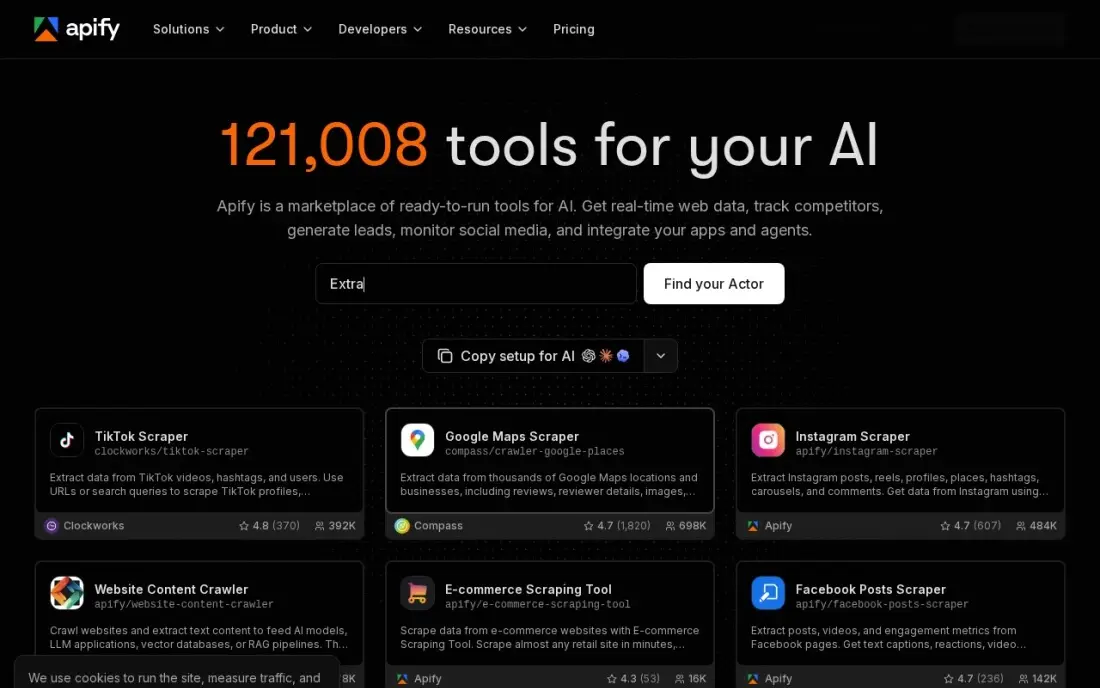
Apify runs scrapers, called Actors, in the cloud. Its marketplace has thousands of ready-made ones for Google Maps business listings, Instagram, TikTok and more, which makes it a strong pick for local B2B lead lists. The free plan includes $5 of platform usage a month, and Starter costs $19 a month, or $17 billed annually, with $19 of usage included.
Usage billing can spike if an Actor is misconfigured or a site needs heavy proxy use, so set limits before large runs. Building your own Actors needs coding skill. For a business that wants every dentist or roofer in a region with phone and website, it is the cheapest start.
What we like
- Free plan includes $5 of platform usage every month, with no card required
- Starter is $19 a month and includes $19 of prepaid usage, with 10% off billed annually
- Marketplace of thousands of ready-made Actors for Google Maps, Instagram, TikTok and more
- Pay-as-you-go overage beyond the included credit, so light months stay cheap
Watch out for
- Usage billing can spike if an Actor is misconfigured or a target triggers heavy proxy use
- Starter buys the same $0.20 compute-unit rate as the free plan, so the $19 mainly buys overage rights, concurrency and a Store discount
- Building your own Actors has a learning curve for non-developers

Evaboot
Best for: Sales Navigator users who want searches exported with cleaned data and verified emails in one click
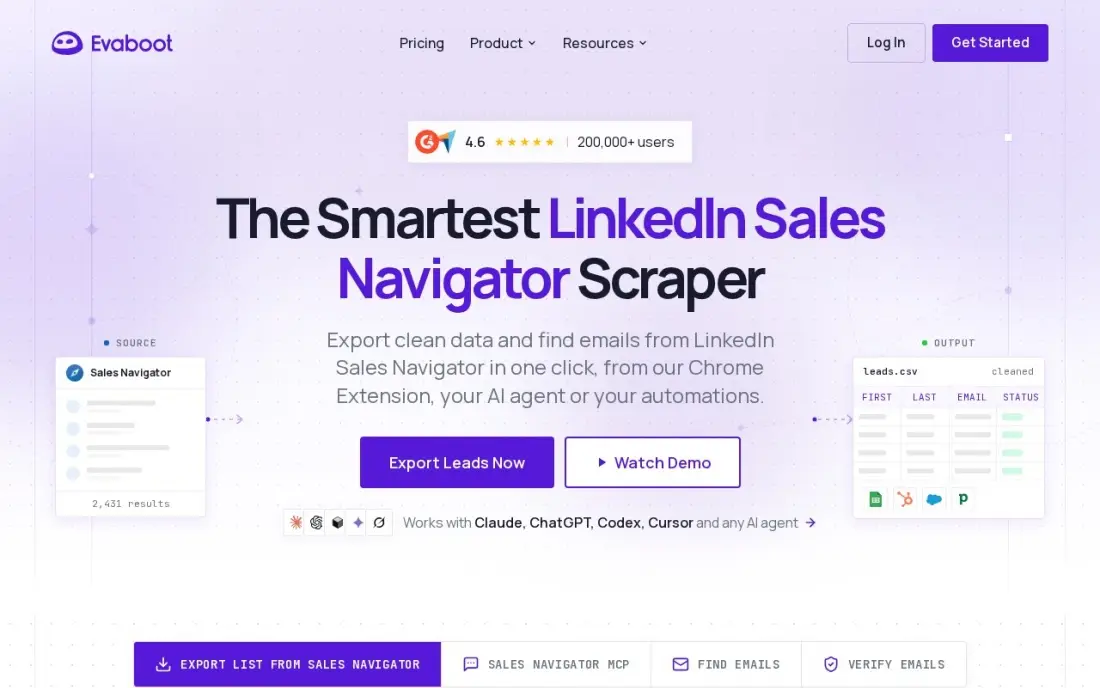
Evaboot does one job: export a Sales Navigator search, clean the names and company data, and find and verify emails in the same pass. Every plan includes every feature with unlimited seats, and unused credits roll over while you stay subscribed. It costs $9 a month for 100 credits, or $29 a month for 400.
It is useless without Sales Navigator, which costs about $80 to $100 a month on top, and it only works on Sales Navigator searches. A lead with a verified email costs 2 credits, so the $9 plan covers about 50 leads. For a rep already paying for Navigator, it is the simplest add-on here.
What we like
- The cheapest entry here at $9 a month, with every feature included on every plan
- Exports Sales Navigator searches, cleans the data and finds and verifies emails in the same pass
- No per-seat pricing: unlimited seats and unlimited linked Sales Navigator accounts
- Unused credits roll over while the subscription stays active
Watch out for
- Useless without a Sales Navigator subscription, which costs about $80 to $100 a month on top
- Only works on Sales Navigator searches, not on regular LinkedIn search or company pages
- The $9 plan covers 100 credits a month, so a lead with a verified email costs 2 credits and the volume runs out fast

Clay
Best for: RevOps and growth teams that combine scraping, AI research and 150+ data providers into one list
Clay sits between a scraper and a database. Its Claygent AI agent can visit websites and pull details, and waterfall enrichment checks more than 150 data providers until it finds an email or phone, all inside a spreadsheet-style table. Launch costs $185 a month billed monthly, or $167 billed annually, with 2,500 Data Credits, 15,000 Actions and unlimited seats.
It is the priciest entry point here and the hardest to learn; one G2 reviewer spent five to six hours on a single workflow. Credits go fast on big lists, and API access needs Growth at $495 a month. The free plan's 100 credits a month is enough to try it.
What we like
- 150+ data providers and 300+ filter attributes in one spreadsheet-style workspace
- Launch includes 2,500 Data Credits and 15,000 Actions a month, with Claygent AI
- Free plan with 100 credits a month, and all paid plans include unlimited seats
- Waterfall enrichment pulls from several providers until it finds a match
Watch out for
- Launch at $185 a month is the priciest entry here, and credits run out fast on big lists
- The learning curve is the top G2 complaint — one reviewer spent 5–6 hours building a single workflow
- API access sits on the $495-a-month Growth plan, not Launch

Octoparse
Best for: Non-technical teams that want to scrape directories and websites with a point-and-click builder
Octoparse lets you scrape business directories, review sites and company pages without code: click the fields you want, and it builds the workflow. More than 500 preset templates cover common sites, and Standard adds scheduling, IP rotation, CAPTCHA solving and a data export API. Standard costs $83 a month billed monthly, or $69 billed annually.
The free plan covers 10 tasks with local extraction, enough to learn the tool. Residential proxy bandwidth and CAPTCHA solving cost extra, and Trustpilot reviews mention billing and cancellation complaints, so read the terms before buying annually. G2 rates it 4.8, from only 52 reviews.
What we like
- Point-and-click workflow builder with more than 500 preset scraping templates
- Free plan covers 10 tasks with local extraction, so you can learn the tool at $0
- Standard adds scheduling, IP rotation, CAPTCHA solving and the Data Export API
- AI-assisted task creation and automatic field detection speed up new scrapers
Watch out for
- The $69 headline is the annual figure; month-to-month Standard is $83
- Residential proxy bandwidth and CAPTCHA solving bill separately on top of the plan
- Trustpilot reviews are polarized at 4.1/5, with billing and cancellation complaints prominent

Bright Data
Best for: Large operations scraping protected sites at volume that block lighter tools
Bright Data is the heavy-duty option. One of the largest residential proxy networks and built-in anti-bot bypass let it reach sites that block smaller tools, and more than 1,000 pre-built scrapers return structured data. The Web Scraper API is pay as you go from $1.50 per 1,000 records, and the free tier covers 5,000 records or requests a month.
You pay only for successful records, but there is no flat monthly plan for the scraping APIs, so costs scale with volume, and the Scale plan is $499 a month. Identity approval can take up to three business days. It suits data teams, not a rep building a weekly list.
What we like
- One of the largest residential proxy networks, with built-in anti-bot bypass
- More than 1,000 pre-built scrapers return structured data without writing selectors
- You pay only for successful requests or delivered records, not for blocked attempts
- Free tier covers 5,000 records or requests a month with no card required
Watch out for
- No flat monthly plan for the scraping APIs, so costs scale directly with record volume
- Identity (KYC) approval can take up to three business days before you can start
- Proxy bandwidth is premium-priced next to budget providers

Skrapp
Best for: LinkedIn-first prospectors who want verified emails from profiles and company pages
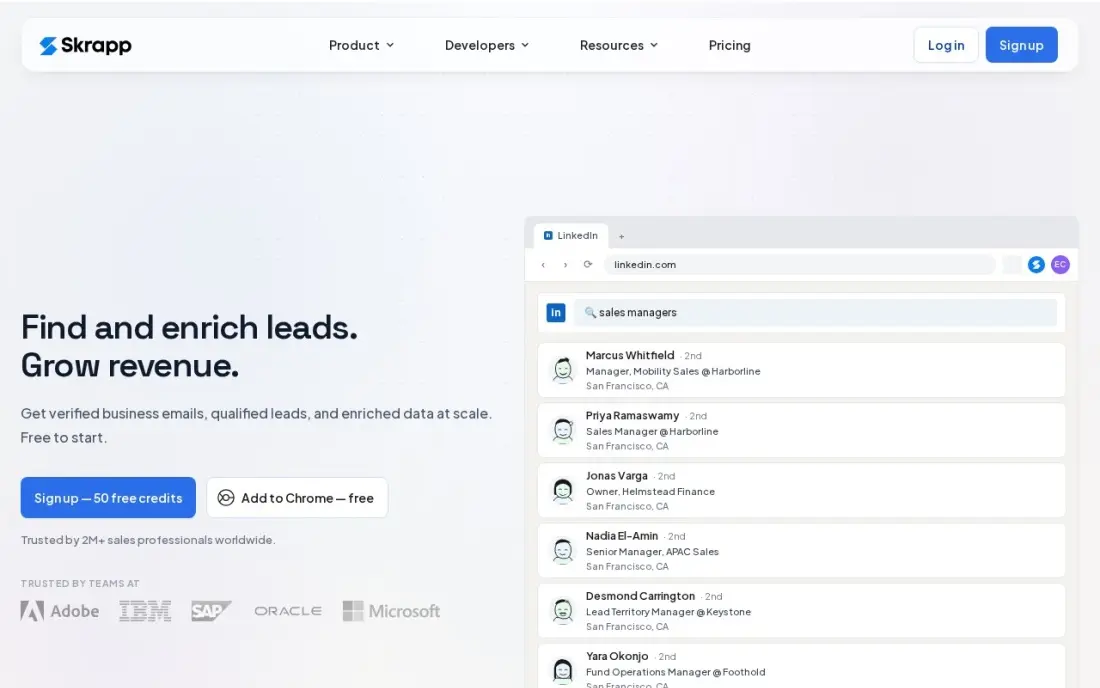
Skrapp's browser extension pulls emails from LinkedIn profiles, company pages and Sales Navigator, and you pay only for deliverable emails, with unused credits rolling over. Professional costs $39 a month billed monthly, or $29 billed annually, for 2,000 credits and two users, and the free plan gives 50 credits a month with no card.
It finds no phone numbers at any price, and full SMTP and catch-all checks wait for Enterprise at $349 a month billed monthly. Independent benchmarks put its verified rate near 43%, well below the marketed figure, so verify the list again before sending.
What we like
- The best LinkedIn workflow here: the extension pulls verified emails from profiles, company pages and Sales Navigator
- You only pay for deliverable emails, and unused credits roll over to the next month
- Professional includes 2,000 credits a month for 2 users at $39 a month
- Free plan gives 50 credits a month with no card, enough to test on your own network
Watch out for
- No phone numbers at any price, so phone prospecting needs a second tool
- Full SMTP deliverability and catch-all checks wait for Enterprise at $349 a month billed monthly
- Independent benchmarks put its verified rate near 43%, well below its marketed success rate

TexAu
Best for: Small teams that want LinkedIn and multi-site scraping with enrichment and lead scoring in one credit pool
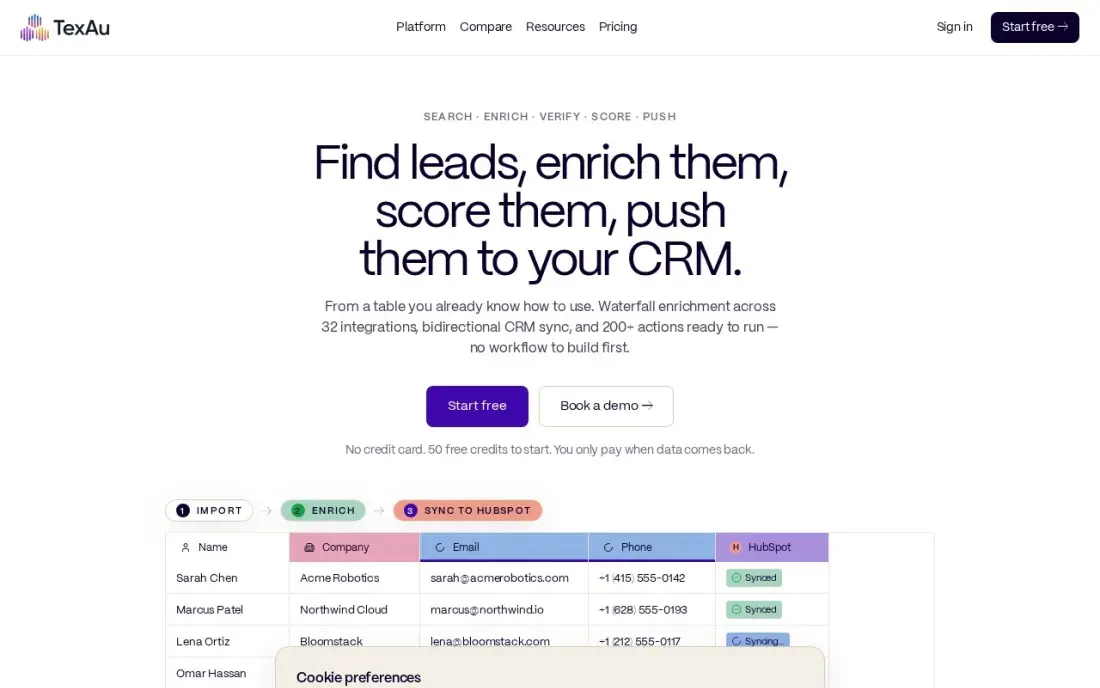
TexAu runs more than 180 automations across LinkedIn, X, YouTube and over 50 other sources, then enriches leads through a 12-source waterfall and adds AI lead scoring on the entry plan. Solo costs $79 a month billed monthly, with yearly billing saving about 17%, and a lookup that finds nothing costs no credits.
Credits are the real budget: Solo's 2,500 credits cover about 500 enriched leads a month, and Teams jumps to $549 a month. Credits roll over up to twice the monthly balance. There is no free plan, only a 14-day trial.
What we like
- More than 180 automations across LinkedIn, X, YouTube and 50-plus other sources
- Pay-on-match credits: a lookup that finds nothing costs zero credits
- Waterfall enrichment across 12 sources plus AI lead scoring on the entry plan
- Credits roll over up to twice the monthly balance, so a quiet month is not wasted
Watch out for
- Credits are the real budget: 2,500 credits cover about 500 enriched leads a month on Solo
- The old $79 Starter tier is gone; Solo is the new entry point and Teams jumps to $549 a month
- A failed lookup costs nothing, but a successful one still spends credits even if the lead is a poor fit

Apollo
Best for: Teams that would rather search a licensed contact database than scrape and clean their own lists
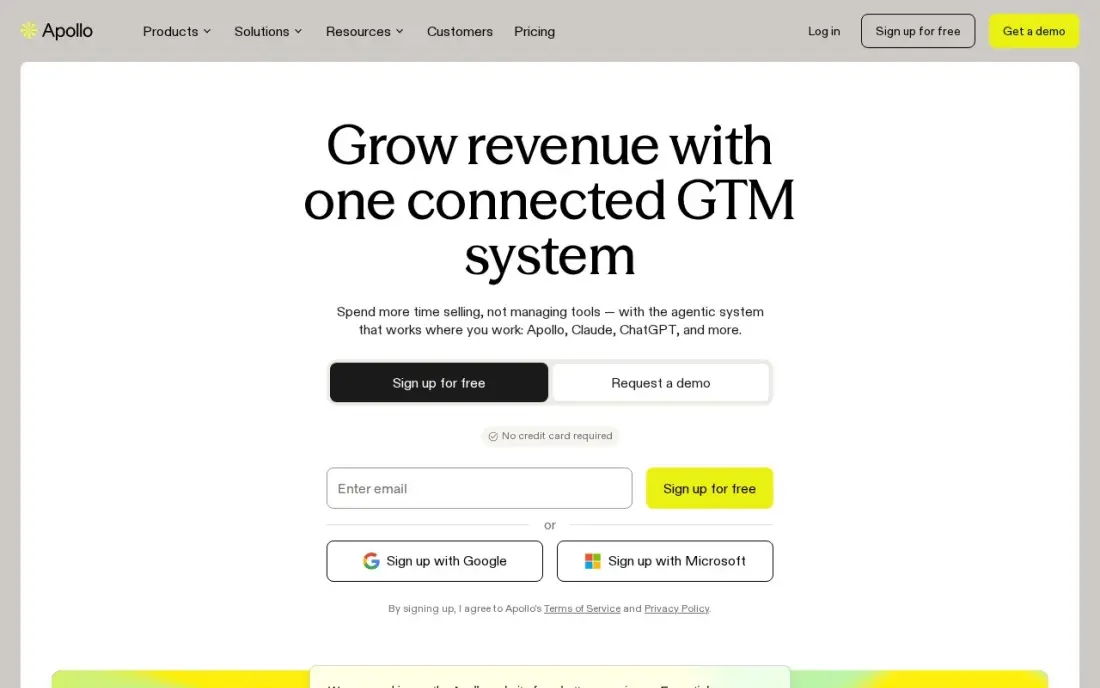
Apollo is the alternative to scraping. Instead of pulling data from sites yourself, you filter a database of more than 210 million contacts by title, industry and company size and export what you need, with email sequences in the same login. Basic costs $65 a user a month billed monthly, or $49 billed annually, with 30,000 credits a year, and the free plan gives 75 credits a month.
Credits expire each billing cycle and phone numbers cost 8 credits each. For most B2B teams, Apollo's ready data is faster than building scrapers and avoids the terms-of-service questions scraping raises.
What we like
- A 210M+ contact database and sequencing in one login, so one subscription covers finding and sending
- Basic includes 30,000 credits a year with unlimited email sequences and CRM integrations
- Free plan with 75 credits a month lets a small team test data quality before paying
- Per-seat pricing is predictable: every seat on the account is on the same plan
Watch out for
- Credits expire at the end of each billing cycle and do not roll over
- A phone number costs 8 credits, so mobile-heavy prospecting burns the allowance fast
- The built-in dialer starts on Professional at $79/user/month billed annually, not Basic
The best lead scraping tools pull names, companies, emails and phone numbers from LinkedIn, Google Maps, directories and websites into a list your team can use. We compared nine tools, from one-click Sales Navigator exporters to cloud scraping platforms, plus one licensed database as the no-scrape alternative, and every price below comes from the vendor's own pricing page as checked in November 2026.
How to choose the best lead scraping tools
- Match the tool to the source. Evaboot and Skrapp work on LinkedIn; Apify and PhantomBuster cover Google Maps; Octoparse and Bright Data handle general websites.
- Count credits per finished lead. A verified email costs 2 credits on Evaboot, so a 100-credit plan gives about 50 leads.
- Check enrichment and verification. Raw scraped data has gaps; tools that verify emails in the same pass save a second subscription.
- Watch usage-based bills. Apify and Bright Data charge by usage, so cap spending before a large run.
- Plan for breakage. Scrapers stop working when a site changes its layout; pick a vendor that fixes them quickly.
- Respect terms and privacy law. Read the target site's terms and your local data protection rules before scraping personal data.
Scraped lists reach people who have never heard of you. If you would rather have buyers find you, our local SEO service puts your business in front of nearby searchers, and the free UTM builder helps you track which outreach lists turn into website visits.
Lead scraping tools pricing: what you will actually pay
Take a rep who wants about 500 verified B2B leads a month. Evaboot's $29 plan gives 400 credits, about 200 verified leads, so 500 leads means a larger plan — and Sales Navigator adds about $80 to $100 a month. Skrapp Professional at $29 a month billed annually gives 2,000 credits for two users, or $348 a year, with no phone numbers.
PhantomBuster Start costs $56 a month billed annually, or $672 a year, for unlimited users. TexAu Solo's 2,500 credits cover about 500 enriched leads a month at $79 a month billed monthly, or $948 a year before the yearly discount. Clay Launch is $167 a month billed annually, or $2,004 a year. Apollo Basic gives 30,000 credits a year at $49 a user a month billed annually, or $588 a year for one seat.
For local lead lists, Apify's free plan includes $5 of usage a month, and Starter is $17 a month billed annually. Bright Data at $1.50 per 1,000 records costs $15 for 10,000 records, after a free 5,000 a month.
Know the difference: scraping vs buying data
Scraping builds a list from public sources yourself. You choose exactly which pages to pull from, the data is as fresh as the day you ran it, and the cost per lead can be very low. But you own the cleanup, the verification and the legal questions, and the scraper can break overnight.
Buying data means searching a vendor's database, as with Apollo. The vendor has already collected, cleaned and verified records, and handles the compliance work, so you can filter and export in minutes. Records can be older, and you pay for the convenience. Most teams use a database for broad B2B lists and scraping for niche sources a database does not cover, such as local business listings.
Quick comparison: tool type by need
| Buyer | Best pick | Why |
|---|---|---|
| Growth teams | PhantomBuster | 100+ automations, $56/month annual, unlimited users |
| Google Maps lists | Apify | Ready-made Actors, free $5 usage a month |
| Sales Navigator users | Evaboot | Export, clean and verify from $9/month |
| RevOps builders | Clay | AI research plus 150+ data providers |
| Non-technical scraping | Octoparse | Point-and-click builder, Standard $69/month annual |
| Large-scale data | Bright Data | Pay per record from $1.50 per 1,000 |
| LinkedIn email finding | Skrapp | Pay for deliverable emails, from $29/month annual |
| Multi-source with scoring | TexAu | 180+ automations and AI lead scoring, Solo $79/month |
| No scraping at all | Apollo | 210M+ licensed contacts, Basic $49/user/month annual |
Mistakes to avoid
- Sending to unverified lists. Scraped emails bounce; verify every list and send from a separate, warmed-up domain.
- Scraping at full speed from your own account. High-volume LinkedIn scraping can get the account restricted; keep runs small and spaced out.
- Ignoring privacy law. Personal data of EU and UK residents brings GDPR duties; record why you hold it and honour opt-outs.
- Leaving usage billing uncapped. A misconfigured run on Apify or Bright Data can cost more than a month's plan; set limits.
- Scraping what you could buy. If a database already has the contacts, scraping them yourself costs more time than it saves.
How we chose
We checked each vendor's own pricing page in November 2026 and recorded the starting price exactly as shown, with monthly and annual billing where both are listed. We judged each tool on the sources it can scrape, how much cleanup and verification it does, how predictable the bill is and how much skill it needs, and included Apollo as the licensed-data alternative many teams should consider first. Ratings come from G2 pages checked on the dates shown in the sources; tools without a usable G2 score are shown without one. No vendor paid for a place in this list, and none of the links here are affiliate links.
What to do next
Pick the one source where your best customers are easiest to find — Sales Navigator, Google Maps or an industry directory — and run a 50-lead test on the matching tool's free plan or trial. Verify the emails and send a small, personal campaign before scaling. If you want local customers to come to you instead, book a free call to see where you rank locally.
Frequently asked questions
What are the best lead scraping tools?
PhantomBuster is the most flexible, with 100+ automations from $56 a month billed annually. Evaboot is the cheapest Sales Navigator exporter at $9 a month, Apify is best for Google Maps lists, and Bright Data handles large protected sites.
Is lead scraping legal?
It depends on the site, the data and where you are. Scraping can break a website's terms of service, and collecting personal data brings privacy law such as GDPR into play. Check both before you scrape, and prefer public business data.
Can I scrape LinkedIn for leads?
Tools such as PhantomBuster, Evaboot, Skrapp and TexAu work with LinkedIn, but LinkedIn's terms restrict automated collection and accounts can be limited. Keep volumes low and use a licensed database such as Apollo for bulk lists.
What is the best tool to scrape Google Maps for leads?
Apify and PhantomBuster both have ready-made Google Maps scrapers. Apify's free plan includes $5 of usage a month, which is enough to test a regional list before paying.
How much do lead scraping tools cost?
Evaboot starts at $9 a month, Apify at $17 billed annually, Skrapp at $29 billed annually, PhantomBuster at $56 billed annually, Octoparse at $69 billed annually, TexAu at $79 and Clay at $167 billed annually. Bright Data is pay as you go from $1.50 per 1,000 records.
Should I verify scraped emails before sending?
Always. Scraped lists contain old and guessed addresses, and a high bounce rate damages your sending domain. Run every list through a verifier before the first campaign.
Sources we checked (16)
- PhantomBuster — phantombuster.com/pricing (checked November 6, 2026)
- PhantomBuster reviews on G2 (checked November 6, 2026)
- Apify — apify.com/pricing (checked November 7, 2026)
- Apify reviews on G2 (checked November 7, 2026)
- Evaboot — evaboot.com/pricing (checked November 6, 2026)
- Clay — www.clay.com/pricing (checked November 12, 2026)
- Clay reviews on G2 (checked November 12, 2026)
- Octoparse — www.octoparse.com/pricing (checked November 7, 2026)
- Octoparse reviews on G2 (checked November 7, 2026)
- Bright Data — brightdata.com/pricing (checked November 7, 2026)
- Bright Data reviews on G2 (checked November 7, 2026)
- Skrapp — skrapp.io/pricing (checked November 6, 2026)
- TexAu — texau.com/pricing (checked November 6, 2026)
- TexAu reviews on G2 (checked November 6, 2026)
- Apollo — www.apollo.io/pricing (checked November 12, 2026)
- Apollo reviews on G2 (checked November 12, 2026)
Make one of these tools?
We re-check this list every quarter. Send a correction, request a review, or ask about a clearly labeled sponsored spot.
Request a listingShamim
Founder of SerpAstra
A full-stack SEO and digital marketer who spends most days on Local SEO for dental practices, AI search visibility and lead generation.
Free SEO and AI visibility audit
Find out what is holding your rankings back
Send us your site. Within 2 business days you get a written audit, an AI visibility check and a short fix list ranked by impact. Free, with no contract attached.
Request my free audit→Related buying guides
 Data, Analytics & AIBest Web Scraping Software Reviews for 2026: 10 Options Compared by Use CaseCompare the 10 best web scraping software reviews by price, free plan and use case, from $19 APIs to enterprise tools, with prices checked November 7, 2026.Read guide →
 Sales & CRM12 Best Email Scraping Tools in 2026 (Free and Paid, Compared)Compare the 12 best email scraping tools for sales teams on price, free plans, credits and verification, with every price checked November 6, 2026.Read guide →
 HR & Payroll12 Best LinkedIn Scraping Tools for Recruiters in 2026, ComparedCompare the 12 best linkedin scraping tools for recruiters on price, free plans and data quality, with every price checked on November 6, 2026.Read guide →