
8 Best Ecommerce Platforms for Beginners in 2026, Compared
Compare the 8 best ecommerce platforms for beginners on ease of setup, free plans, fees and real monthly cost, with every price checked on vendor pages.
 Shamim Mia, Founder, SerpAstraLast verified November 10, 20268 min read
We compare pricing pages, documentation and public reviews. We never accept payment for rankings.

Key takeaways
- Shopify is the best ecommerce platform for beginners who plan to grow: guided setup, a 3-day trial then $1 a month for 3 months, and Basic at $39 a month after that.
- Squarespace and Wix are the easiest builders if the website matters as much as the shop; watch Squarespace's 2% fee on Basic.
- Free starts exist: Big Cartel's Gold plan, Square for Retail's free plan and Payhip's free plan for digital products all cost $0 a month.
- Etsy is the easiest way to make a first sale because buyers are already there, but it takes about 10% of each sale and keeps the customer.
On this page
Quick comparison
| Tool | Best for | Starting price | Free plan |
|---|---|---|---|
| Shopify | Beginners who want an easy start on a platform they will not have to leave | $39/mo | No (trial) |
| Squarespace | Beginners who want a beautiful store with almost no design skills | $25/mo | No (14-day trial) |
| Wix | Beginners who want drag-and-drop design and a free plan to practise on | $36/mo | Yes (free plan) |
| Square for Retail | Beginners who sell in person first and want a free online store alongside | $0 (free plan) | Yes (free plan) |
| Big Cartel | Artists and makers who want the simplest possible shop with a free start | $15/mo | Yes (Gold) |
| Ecwid | Beginners who already have a website or blog and want to add a few products | $5/mo | No |
| Etsy | Beginners selling handmade, vintage or printable products who need buyers first | Free; $0.20/listing | Yes (no monthly fee) |
| Payhip | Beginners selling ebooks, templates or courses who want to start at $0 | Free; 5% per sale | Yes (free plan) |
Make one of these tools?
We re-check this list every quarter. Send a correction, request a review, or ask about a clearly labeled sponsored spot.
Request a listingThe best ecommerce platforms for beginners

Shopify
Best for: Beginners who want an easy start on a platform they will not have to leave

Shopify is the best first platform for a beginner who means to grow. Setup is guided step by step, hosting, checkout and payments come ready, and a new store gets a 3-day trial and then $1 a month for three months, which is plenty of time to build and launch. POS for selling at markets is included.
After the intro period, Basic costs $39 a month, or $29 billed annually. The temptation is apps: a beginner can easily install six and double the bill, so add them only when a real problem appears. A 2% fee applies if you skip Shopify Payments.
What we like
- The largest app and theme ecosystem of any hosted ecommerce platform
- Unlimited products, hosting, SSL and checkout included, with AI-chat selling on the entry plan
- Shopify Payments charges 2.9% + 30c online with no extra platform fee
- POS for in-person sales at markets and pop-ups is included on Basic
Watch out for
- Apps and a paid theme push the real bill well above the $39 headline price
- A 2% fee applies on sales through a third-party payment gateway on Basic
- Only the store owner gets a staff account on Basic, so a small team must upgrade

Squarespace
Best for: Beginners who want a beautiful store with almost no design skills
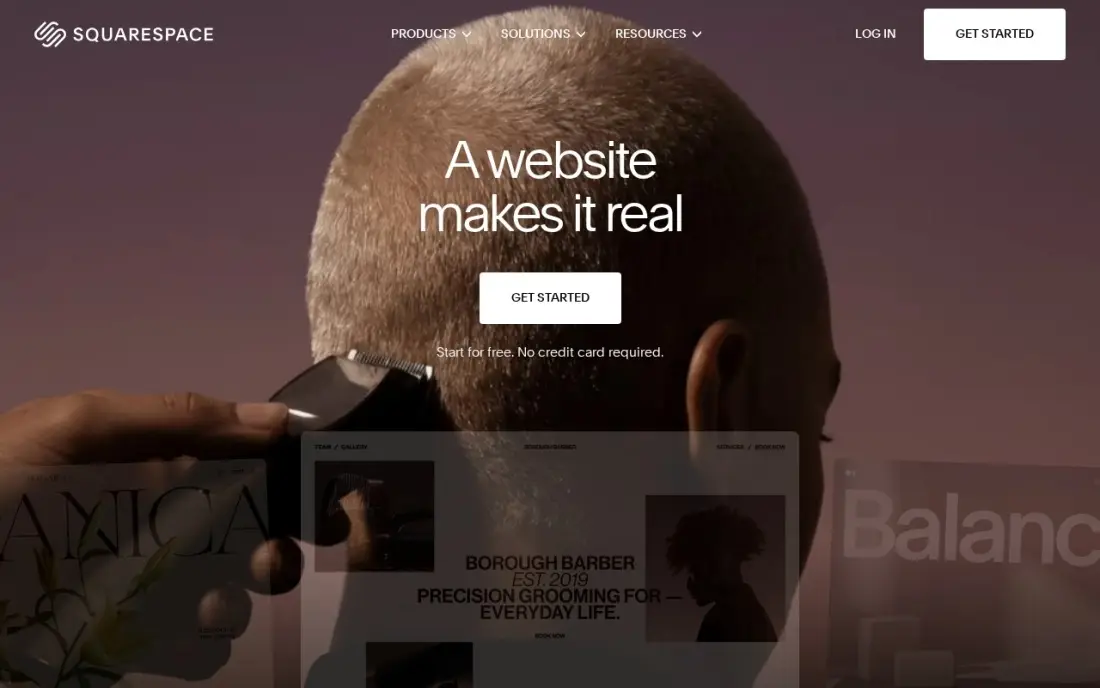
Squarespace is the easiest way for a beginner to end up with a store that looks professional. Pick a template, drop in photos and products, and the design holds together. Every plan includes unlimited products, abandoned cart recovery and hosting, and Basic costs $25 a month, or $19 billed annually.
The catch is the 2% Squarespace fee on every online store sale on Basic, on top of card processing. That is small on early sales but adds up once the shop is busy — $1,000 a month in sales costs $20 extra. Basic also allows only two contributors.
What we like
- Polished templates with strong photography and video presentation
- Unlimited products, subscription products and abandoned cart recovery on every plan
- Hosting, SSL and a free custom domain for the first year are included on annual billing
- Invoices, memberships and digital content are built in, not add-ons
Watch out for
- Basic adds a 2% Squarespace fee on every online store sale, on top of card processing
- Only two contributors on Basic, so a team quickly outgrows it
- No code injection on Basic, which limits custom tracking and widgets

Wix
Best for: Beginners who want drag-and-drop design and a free plan to practise on
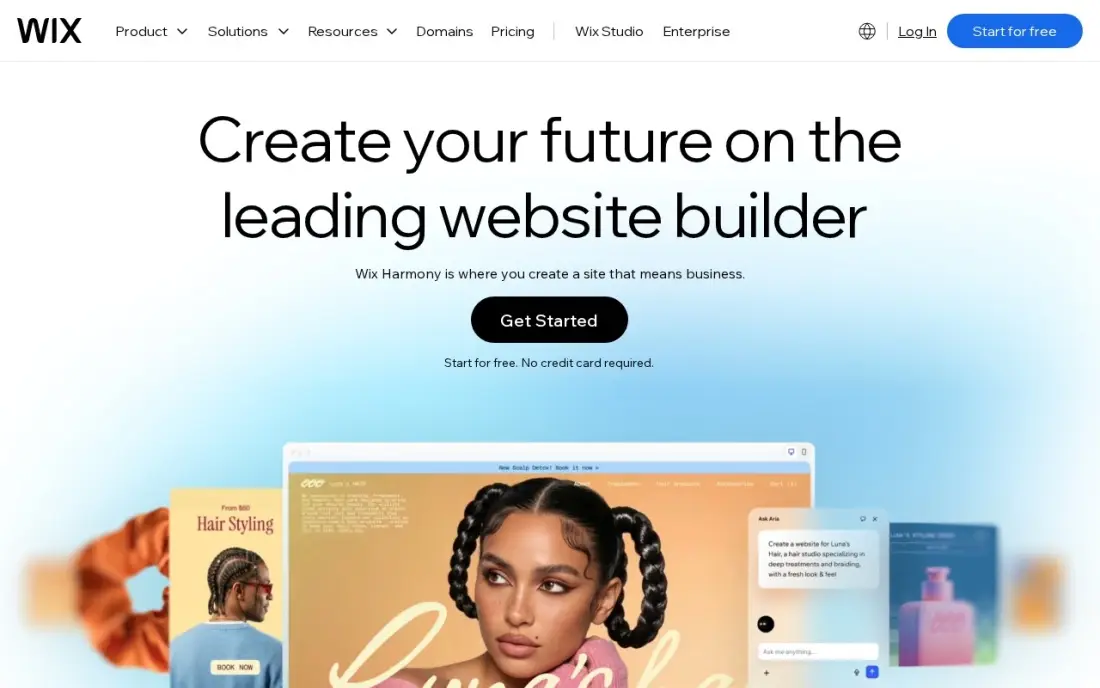
Wix lets a beginner build by dragging things exactly where they want them, and a free plan means you can practise building the whole site before paying. The store, a blog, bookings and marketing tools share one dashboard, and hundreds of templates need no code.
To actually sell, you need Core at $36 a month or $29 billed annually, because the free plan and Light cannot take payments. Wix Payments charges 2.9% + 30c with no platform fee. Wix often runs first-year discounts, so check the renewal price before you commit.
What we like
- Core takes payments with 0% platform fee through Wix Payments, at 2.9% + 30c a card sale
- Bookings, a blog and marketing tools sit in the same dashboard as the store
- Hundreds of templates and an app market, with no code needed to launch
- A free plan exists for the website, so the brand can build before it pays
Watch out for
- Light at $17 a month billed annually cannot take payments, so selling starts at Core
- Core's 50 GB of storage and 5 collaborators cap a growing catalog and team
- Wix runs 50%-off first-year promotions often, so the renewal price is the honest one to budget

Square for Retail
Best for: Beginners who sell in person first and want a free online store alongside
Square for Retail suits a beginner who already sells at markets, events or a small shop. The free plan includes the till, an online store, basic stock tracking and low-stock alerts, so one system covers both, and you pay only card fees. There is no contract and no cancellation fee.
The online store is simple, which is a plus for a beginner and a limit later. Plus at $49 a month per location adds purchase orders and supplier management when you need them. Processing is locked to Square, so you cannot shop around for card rates.
What we like
- Free plan covers sales, basic inventory, low-stock alerts and an online store at $0 before card fees
- Plus at $49/month per location adds purchase orders, vendor management, cost-of-goods reports and barcode label printing
- Month-to-month billing with no cancellation fees, and card rates fall slightly on Plus and Premium
Watch out for
- Real inventory management — purchase orders, vendors, cost reporting — starts on Plus ($49/month per location), not the free plan
- Payment processing is locked to Square, so the per-transaction fee is non-negotiable
- Transfer orders between stores need Premium ($149/month per location)

Big Cartel
Best for: Artists and makers who want the simplest possible shop with a free start
Big Cartel is the simplest shop builder here, made for artists and makers selling their own work. The Gold plan is free, so a beginner can open a small shop at no cost, and Big Cartel never takes a cut of sales, so only card processing comes off each order.
Platinum at $15 a month adds a custom domain, physical and digital products, shipping labels and inventory tracking after a 7-day trial. It has fewer features and apps than Shopify, which keeps it easy but means a growing shop will move on eventually.
What we like
- Big Cartel takes no cut of sales, so card processing is the only per-order cost
- Platinum at $15 a month covers a custom domain, physical and digital products, shipping labels and inventory tracking
- A free Gold plan lets a maker open a small shop before paying anything
- Print-on-demand apps install in a few clicks
Watch out for
- Abandoned cart recovery, scheduled product drops and Zapier wait for Diamond at $30 a month
- Gold is a limited-feature plan, and the pricing page does not spell out its caps
- A much smaller app ecosystem than Shopify, so fast-growing brands outgrow it

Ecwid
Best for: Beginners who already have a website or blog and want to add a few products
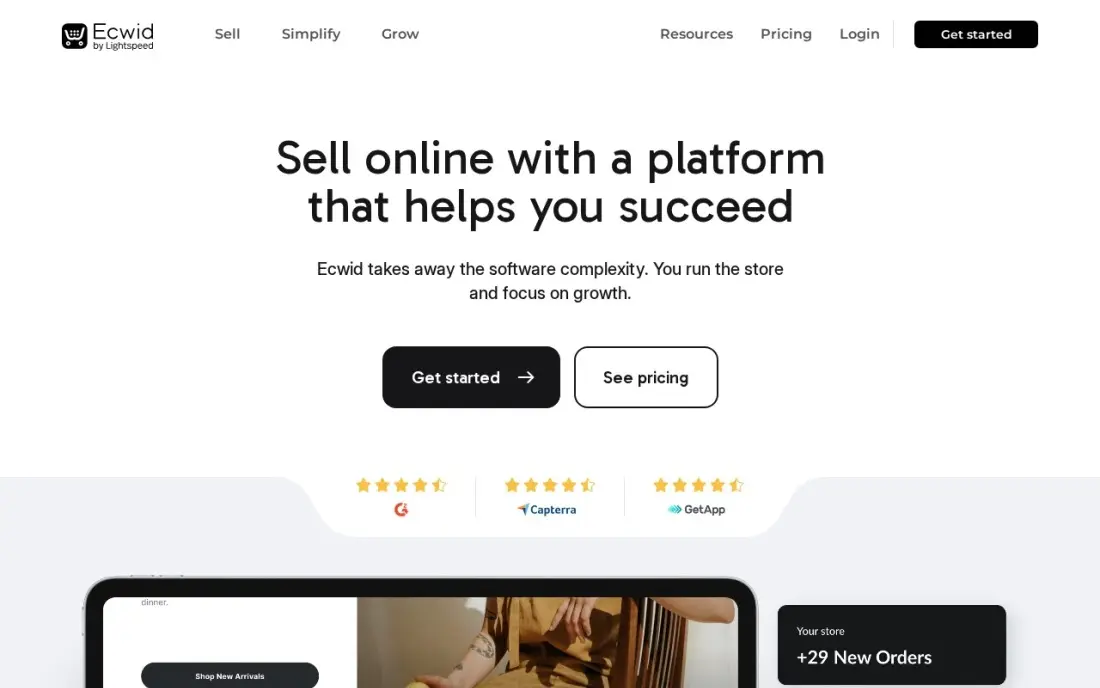
Ecwid is the easiest way to add a shop to a website or blog you already have: copy a snippet into WordPress, Wix or another site and the store appears there. There is no new site to learn and no hosting bill, and Starter costs $5 a month for up to 10 products.
Ten products is the limit before Venture at $35 a month, or $29 billed annually. No plan charges a platform transaction fee, but there is no free plan for new sign-ups. It suits a blogger or creator selling a handful of items.
What we like
- A $5-a-month paid start that embeds in a WordPress, Wix or custom site
- Zero platform transaction fees on every plan, so only the payment processor takes a cut
- Sells on Facebook and Instagram from the Venture plan
- No separate hosting bill, since the store lives inside the site you already run
Watch out for
- The free plan ended in 2025, so even a 10-product store now costs $5 a month
- Starter stops at 10 products, so an 11-product catalog pays $35 a month for Venture
- No free trial is advertised on the paid plans

Etsy
Best for: Beginners selling handmade, vintage or printable products who need buyers first
Etsy is the easiest place for a beginner to make a first sale, because buyers are already searching it for handmade, vintage and printable products. There is no website to build and no monthly fee: each listing costs $0.20, and Etsy Payments handles cards, PayPal, Apple Pay and Klarna.
You pay for that traffic in fees — about 10% of each sale between the 6.5% transaction fee and 3% + $0.25 processing — and Offsite Ads can take 12–15% more. There is no custom domain and no email list, so plan to build your own store once sales are steady.
What we like
- Built-in buyers: Etsy search brings customers to the listing without ads or an audience of your own
- No monthly fee — a standard shop costs $0.20 per listing plus fees only when something sells
- Etsy Payments handles cards, PayPal, Apple Pay and Klarna in one checkout
Watch out for
- Fees stack to about 10% of a sale: 6.5% transaction plus 3% + $0.25 processing, before ads
- Offsite Ads take 12–15% of sales they drive, and shops cannot opt out once they pass $10,000 a year
- The shop is Etsy's, not yours — no custom domain, no email list, and rules can change overnight

Payhip
Best for: Beginners selling ebooks, templates or courses who want to start at $0
Payhip is the easiest start for a beginner selling digital products. The Free Forever plan costs $0 a month with every feature included — unlimited products, a course builder, memberships and discount codes — and Payhip takes 5% of each sale. Payments go straight to your own Stripe or PayPal account.
Payhip also handles EU and UK VAT and US sales tax for free, which removes the scariest part of selling online. There is no marketplace, so buyers must come from your own audience. Upgrade to Plus at $29 a month only once sales pass about $967 a month.
What we like
- Every plan includes every feature, so the free plan is not a stripped-down demo
- Half Gumroad's fee at 5% a sale, with Plus at $29 cutting it to 2% once sales pass about $967 a month
- Handles EU and UK VAT on digital goods, and US sales tax since July 2026, at no extra charge
- Payments go straight to your own Stripe or PayPal account, not through a Payhip balance
Watch out for
- Stripe or PayPal processing of about 2.9% + $0.30 applies on top of the 5% on every plan
- No native marketplace, so every buyer has to come from your own audience
- Only Stripe and PayPal are supported for payments, with no other gateways
The best ecommerce platforms for beginners get you from idea to first sale without code, hidden setup work or a bill you cannot explain. We compared eight beginner-friendly options — hosted store builders, website builders with shops, a free point-of-sale system, an add-on store, a marketplace and a digital product platform — and every price below comes from the vendor's own pricing page as checked in November 2026.
How to choose the best ecommerce platforms for beginners
- Start with what you sell. Physical products, handmade goods and digital downloads each have a platform that makes them easy.
- Pick a free plan or a cheap trial. You will learn more in a month of real use than in a week of reading reviews. Start where the first month costs little.
- Look at per-sale fees, not just the plan. A 2% platform fee or a 10% marketplace fee changes what you keep on every order.
- Choose something you can run alone. Hosted platforms handle security and updates. Skip anything that needs you to manage a server.
- Think about where buyers come from. A marketplace brings buyers; your own store needs you to bring them through social, email or search.
- Keep the first store small. Launch with a few products done well. You can add more once you know what sells.
Your first customers often come from search. Our guide to SEO for ecommerce explains the basics in plain language, and the free SERP snippet preview shows how a product page will look in Google before you publish it.
Ecommerce platforms for beginners pricing: what you will actually pay
Take a beginner expecting $500 a month in sales in the first year. On Shopify, the first three months cost $1 each after the trial, then Basic is $39 a month billed monthly — about $354 for the first year — or $29 a month billed annually after that. On Squarespace Basic, $25 a month billed monthly plus the 2% fee on $500 ($10) comes to $35 a month, or $420 a year; billed annually, the plan drops to $19.
Wix Core costs $36 a month or $29 billed annually, with no platform fee through Wix Payments. Big Cartel Platinum is $15 a month, or $180 a year, and the Gold plan is free. Ecwid is $5 a month for up to 10 products.
The pay-as-you-sell options cost nothing until you sell. Etsy charges $0.20 per listing and about 10% of each sale, so $500 in sales costs about $50 in fees plus listing renewals. Payhip's free plan takes 5%, or $25. Square for Retail's free plan costs $0 before card fees.
Know the difference: your own store vs a marketplace
Your own store — on Shopify, Squarespace, Wix, Big Cartel or Ecwid — is a website you control. You choose the look, keep the customer's email address and pay a monthly plan plus card fees. The hard part is traffic: nobody arrives until you send them from social media, email, ads or search.
A marketplace such as Etsy is a shopping site where buyers already browse. You list products and buyers find them, so the first sale can come within days. In exchange, the marketplace takes a bigger cut, controls how your shop looks and keeps the customer. Many beginners start on a marketplace to test demand and open their own store once they have regulars.
Quick comparison: tool type by need
| Buyer | Best pick | Why |
|---|---|---|
| Beginners planning to grow | Shopify | Guided setup, $1/month for 3 months, then $39/month |
| Best-looking store, least effort | Squarespace | Polished templates from $19/month, 2% on Basic |
| Drag-and-drop builders | Wix | Free plan to practise, Core $36/month to sell |
| Selling in person first | Square for Retail | Free plan with till and online store |
| Artists and makers | Big Cartel | Free Gold plan, no cut of sales |
| Bloggers adding products | Ecwid | Embeds in your site, $5/month for 10 products |
| First sale fast | Etsy | Built-in buyers, $0.20 per listing |
| Digital products | Payhip | Free plan at 5% a sale, tax handled |
Mistakes to avoid
- Spending weeks on design. Customers care about clear photos, prices and delivery times more than a perfect layout. Launch, then improve.
- Installing too many apps. Each app adds a monthly fee. Start with none and add one only to fix a real problem.
- Forgetting fees in your prices. Card processing and platform fees come off every sale. Build them into your prices from day one.
- Writing one-line product descriptions. Buyers and search engines both need detail: size, materials, use and delivery.
- Skipping a test order. Buy your own product before launch to check checkout, emails and delivery.
How we chose
We checked each vendor's own pricing page in November 2026 and recorded the starting price exactly as shown, including annual-billing figures and trial terms where the page lists them. We left out platforms that need hosting or code, compared setup effort, free plans and fees, and ranked the rest by fit for the most common buyer: one person opening a first online shop. Ratings come from G2 pages where we checked them, on the dates shown in the sources. No vendor paid for a place in this list, and none of the links here are affiliate links.
What to do next
Choose one platform from the table, start the free plan or trial today and list three products with good photos and full descriptions. Place a test order yourself, then share the store with ten people you know. When you are ready for customers from Google, book a free review of your new store.
Frequently asked questions
What is the easiest ecommerce platform for beginners?
Shopify is the easiest platform to grow on, with guided setup and a 3-day trial then $1 a month for 3 months. Squarespace is the easiest for a good-looking store, and Big Cartel is the simplest for artists and makers.
Can a beginner start an online store for free?
Yes. Big Cartel's Gold plan, Square for Retail's free plan and Payhip's free plan for digital products all cost $0 a month. Etsy has no monthly fee but charges $0.20 a listing and fees on each sale. Card processing applies everywhere.
Is Shopify good for beginners?
Yes. Setup is guided, hosting and checkout are included, and the intro offer gives three months at $1 a month after a 3-day trial. The main beginner mistake is installing too many paid apps.
Should a beginner sell on Etsy or start a website?
Etsy is easier for a first sale because buyers are already there, but it takes about 10% of each sale and keeps the customer. Many beginners start on Etsy and add their own store once they have regular buyers.
How much does it cost to start an online store?
From $0 on a free plan to about $39 a month on Shopify or BigCommerce, plus card processing and any apps. Squarespace starts at $19 a month billed annually plus a 2% fee, and Wix Core at $29 billed annually.
Do I need technical skills to start an ecommerce store?
No. Shopify, Squarespace, Wix, Square, Big Cartel and Etsy all work without code. Self-hosted options such as WooCommerce need more technical confidence, which is why they are not on this list.
Sources we checked (14)
- Shopify — shopify.com/pricing (checked November 12, 2026)
- Shopify reviews on G2 (checked November 12, 2026)
- Squarespace — www.squarespace.com/pricing (checked November 12, 2026)
- Squarespace reviews on G2 (checked November 12, 2026)
- Wix — www.wix.com/plans (checked November 12, 2026)
- Wix reviews on G2 (checked November 12, 2026)
- Square for Retail — squareup.com (checked November 10, 2026)
- Square for Retail reviews on G2 (checked November 10, 2026)
- Big Cartel — www.bigcartel.com/pricing (checked November 16, 2026)
- Ecwid — www.ecwid.com/pricing (checked November 12, 2026)
- Ecwid reviews on G2 (checked November 12, 2026)
- Etsy — www.etsy.com/legal/fees (checked November 12, 2026)
- Payhip — payhip.com/pricing (checked November 12, 2026)
- Payhip reviews on G2 (checked November 12, 2026)
Make one of these tools?
We re-check this list every quarter. Send a correction, request a review, or ask about a clearly labeled sponsored spot.
Request a listingShamim
Founder of SerpAstra
A full-stack SEO and digital marketer who spends most days on Local SEO for dental practices, AI search visibility and lead generation.
Free SEO and AI visibility audit
Find out what is holding your rankings back
Send us your site. Within 2 business days you get a written audit, an AI visibility check and a short fix list ranked by impact. Free, with no contract attached.
Request my free audit→Related buying guides
 Ecommerce7 Best Ecommerce Platforms for SEO in 2026 (Pros, Cons and Pricing)The 7 best ecommerce platform for SEO picks compared on price, SEO controls and ease of use, with real 2026 prices checked on each vendor's pricing page.Read guide →
 Ecommerce9 Best Platforms for Digital Products in 2026, ComparedCompare the 9 best platforms for digital products on monthly price, per-sale fees and features, with every price checked on November 12, 2026.Read guide →
 Ecommerce12 Best Email Marketing Platforms for Ecommerce in 2026, Compared12 best email marketing platforms for ecommerce compared on real starting prices, free plans and store automation. Klaviyo $20/month, Brevo $9.Read guide →