
9 Best CMS Platforms in 2026, Compared
Compare the 9 best CMS platforms, from WordPress and Webflow to headless tools like Sanity, on editing, free plans and cost, prices checked on vendor pages.
 Shamim Mia, Founder, SerpAstraLast verified November 2, 20268 min read
We compare pricing pages, documentation and public reviews. We never accept payment for rankings.

Key takeaways
- WordPress is still the best CMS platform for most websites: free software, the largest plugin library and full SEO control; WordPress.com runs it for you from a free plan.
- Webflow is the pick for design-led teams that want visual control without plugins, from $25 a month billed annually for a site with a CMS.
- Sanity, Contentful and Storyblok are the leading headless CMS platforms; Sanity's free plan covers 20 seats and Storyblok adds a visual editor for marketers.
- Drupal and Joomla are free, open-source options for complex or multilingual sites, but both need more technical skill than WordPress.
On this page
Quick comparison
| Tool | Best for | Starting price | Free plan |
|---|---|---|---|
| WordPress.org | Most websites that want full control, the most plugins and complete SEO settings | Free (software) | Yes (software free) |
| WordPress.com | Businesses that want WordPress with hosting, security and updates handled | Free; Business $40/mo | Yes (free plan) |
| Webflow | Design-led teams and agencies that want a visual builder on a real CMS | Free; CMS plans from $25/mo | Yes (Starter) |
| HubSpot Content Hub | B2B marketing teams on HubSpot CRM that want site, blog and contacts in one system | $20/seat/mo | Yes (free plan) |
| Drupal | Large organizations with complex content, permissions and multilingual needs | Free | Yes (free software) |
| Joomla | Multilingual community and membership sites that want more built in than WordPress | Free | Yes (free software) |
| Sanity | Developer-led teams that want content defined as code with real-time collaboration | $15/seat/mo | Yes (free plan) |
| Contentful | Mid-size and larger teams that need one content source for many channels | $300/mo | Yes (free plan) |
| Storyblok | Marketing teams that want a visual editor on top of a headless CMS | $99/mo | Yes (free plan) |
Make one of these tools?
We re-check this list every quarter. Send a correction, request a review, or ask about a clearly labeled sponsored spot.
Request a listingThe best CMS platforms

WordPress.org
Best for: Most websites that want full control, the most plugins and complete SEO settings
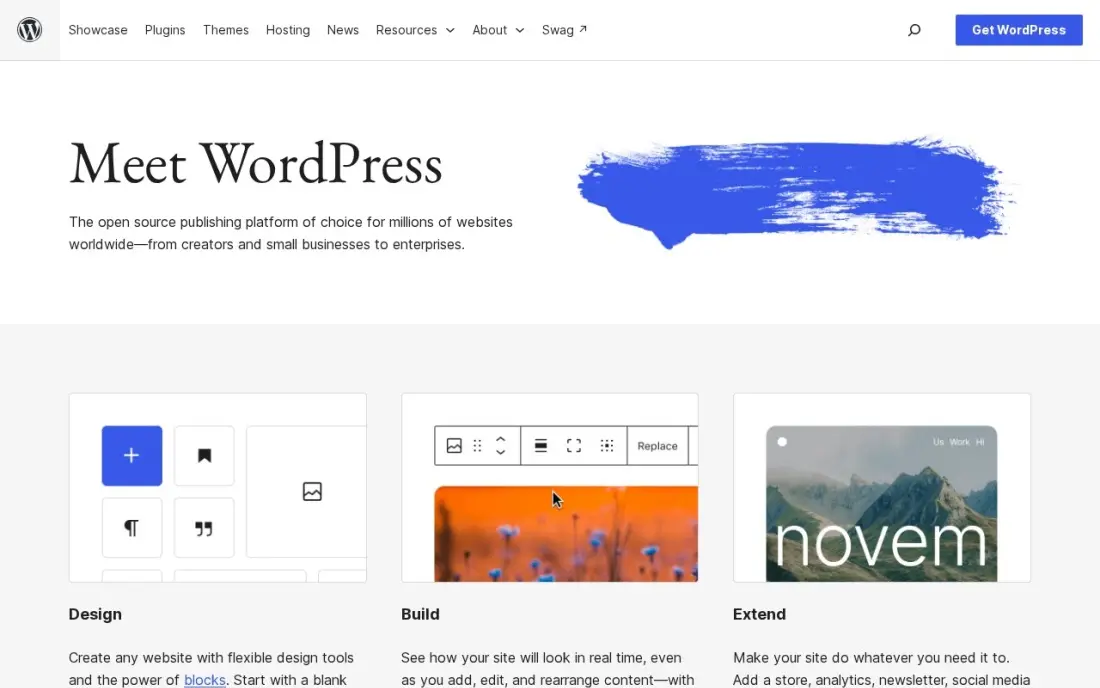
WordPress.org is the self-hosted version of the most widely used CMS, and for most businesses it is still the right default. The software is free, the theme and plugin libraries are the largest of any CMS, and every SEO setting, from URLs and redirects to schema and sitemaps, is yours to change, with free plugins such as Rank Math and Yoast SEO.
The trade is responsibility. You arrange hosting, backups, security and updates, and site speed depends on your host and plugin choices. Content and data stay fully portable, so you are never locked in. Pick it when the website is a long-term asset and someone can look after it.
What we like
- Full control of technical SEO: URLs, redirects, schema, sitemaps and robots rules are all yours to change
- Largest plugin ecosystem of any platform here, including free SEO plugins such as Rank Math and Yoast SEO
- No platform lock-in: move hosts, change themes and keep your content and data
Watch out for
- You arrange hosting, security, backups and updates yourself, or pay someone to do it
- Speed and security depend on your host and plugin choices, so a bad setup can hold rankings back

WordPress.com
Best for: Businesses that want WordPress with hosting, security and updates handled
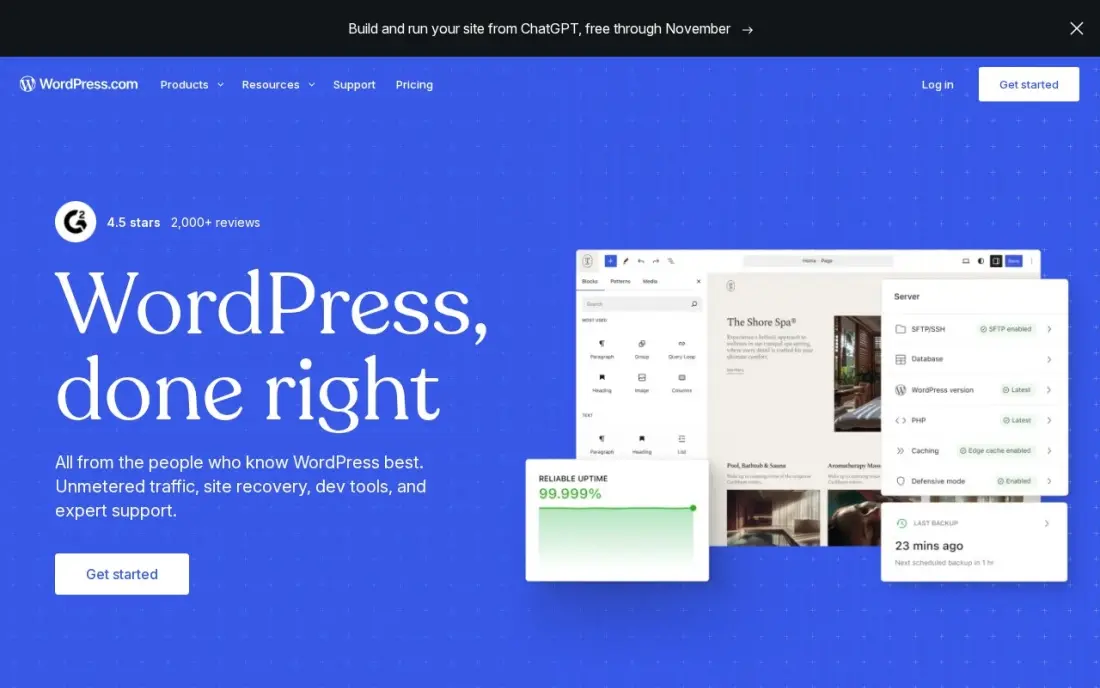
WordPress.com runs WordPress as a managed service: hosting, security, updates and a CDN are included, there is a free plan, and Personal at $4 a month billed annually can now install plugins. Business adds staging, real-time backups, SFTP, WP-CLI and GitHub deployments for teams that work with developers.
Business costs $40 a month billed monthly, or $25 a month billed annually in the first year, renewing at $28. Each site needs its own plan, so several brand sites multiply the bill, and deep custom development still needs a developer. It is the lowest-effort way to run a WordPress site.
What we like
- The lowest-friction way to run a manufacturing website: hosting, security, updates and CDN included
- Business adds staging, real-time backups, SFTP, WP-CLI and GitHub deployments for developer teams
- More than 60,000 plugins cover product catalogues, quote forms, dealer locators and multilingual sites
- A free plan exists, and Personal at $4 a month billed annually can now install plugins too
Watch out for
- The $25 a month annual figure is a first-year price; Business renews at $28 a month
- Each site needs its own plan, so a second brand site doubles the bill
- Plugin and theme choice is broad, but deep custom development still needs a developer

Webflow
Best for: Design-led teams and agencies that want a visual builder on a real CMS
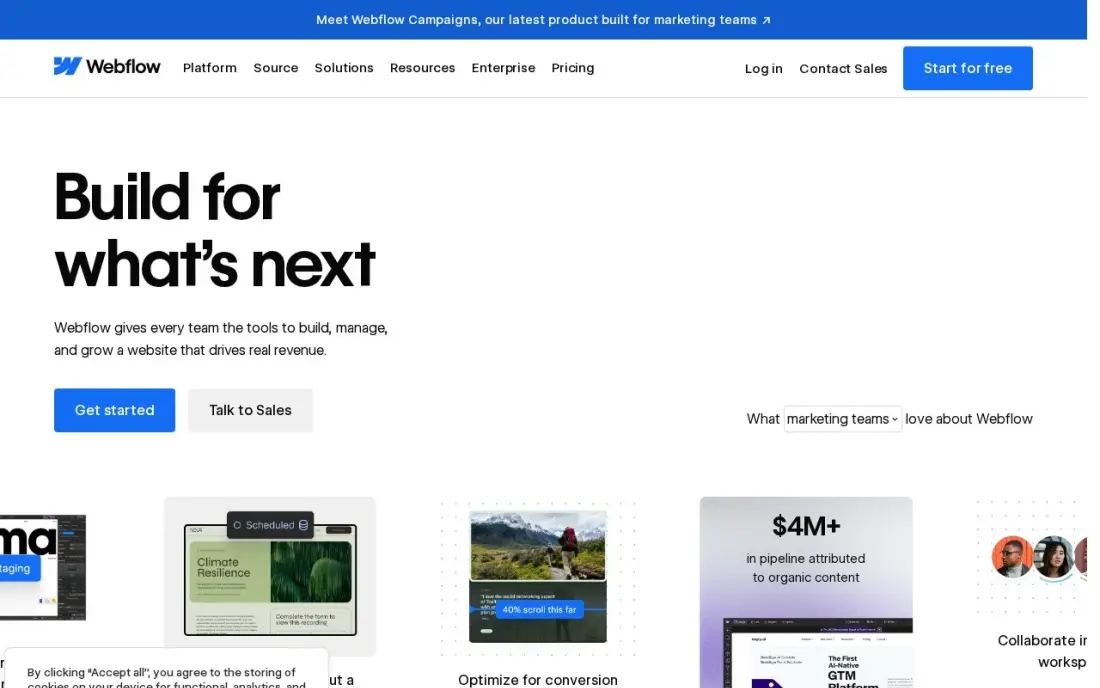
Webflow combines a visual designer with a structured CMS, so designers control every pixel while editors publish posts, case studies and landing pages from collections. Hosting, security and the CMS come from one vendor with no plugins to update, and Premium includes 20,000 CMS items, 40 collections, site search and 50 GB of bandwidth.
Basic at $15 a month has no CMS, so a content site needs the CMS tier at $39 a month or $25 billed annually. Editor seats are billed separately at $15 or $39 a seat a month billed yearly. Choose Webflow when design quality matters more than plugin breadth.
What we like
- Visual designer with a real CMS: 20,000 CMS items and 40 collections on Premium
- Premium includes site search, 50 GB bandwidth and code components
- No plugins to update; hosting, security and the CMS come from one vendor
Watch out for
- Basic at $15 a month has no CMS at all, so a blog or content site must pay $25 a month billed annually
- Editing seats are a separate bill: $15 a month for a limited seat and $39 for a full seat, billed yearly

HubSpot Content Hub
Best for: B2B marketing teams on HubSpot CRM that want site, blog and contacts in one system
HubSpot Content Hub is the only CMS here where the website, blog, CRM and analytics share one database, so every page view and form fill ties to a contact and a deal. AI tools such as Content Remix and Breeze are built in, and a free tier covers the basic website and blogging tools.
Starter costs $20 a seat a month billed monthly; the $7 annual rate is a limited new-customer promotion. Smart content, A/B testing and HubDB need Professional at $450 a month billed annually, or $500 monthly. It makes most sense when the marketing team already lives in HubSpot.
What we like
- The only platform here where the website, blog, CRM and analytics share one database, so every article ties back to a contact and a deal
- A genuinely free tier covers the basic website and blogging tools at $0
- AI tools including Content Remix and Breeze are built in, not bolted on
- Professional at $450 a month billed annually adds smart content, A/B testing and HubDB
Watch out for
- Per-seat pricing grows with every hire, so a five-person team pays $100 a month at list price
- The content features that matter most, like smart content and A/B testing, need Professional at $500 a month
- The $7-a-seat annual figure is a new-customer promo, not the standard rate

Drupal
Best for: Large organizations with complex content, permissions and multilingual needs
Drupal is free, open-source software with the deepest content modeling and access control in this list. Universities, government bodies and large publishers use it for sites with many content types, editorial workflows and strict permissions, and it has a strong security record and API-first publishing.
It has the steepest learning curve here and needs a developer or agency to build and maintain. There is no hosted version with a published price, so hosting is arranged separately. For a small business it is overkill; for a complex organization it avoids licence fees at any scale.
What we like
- Free, open source, with no licensing fees ever
- The deepest content modelling and access control in this list
- Powers large publishers and government sites
- A strong security record and API-first publishing
Watch out for
- The steepest learning curve in this list — it needs a developer
- No hosted version with a price — you arrange hosting yourself
- Overkill for a one-person weekly

Joomla
Best for: Multilingual community and membership sites that want more built in than WordPress
Joomla is free, GPL-licensed software with no licence fee at any size, and it builds in features WordPress needs plugins for, including multilingual content and access control. Thousands of extensions add events, classifieds, memberships and paywalls, and it runs on the same low-cost hosting as WordPress.
Its theme and extension market is smaller than WordPress's, the learning curve is steeper than a hosted builder, and the most useful extensions carry their own licence fees. It suits a club, association or community publisher that needs several languages and member areas without a custom build.
What we like
- Free, GPL software with no licence fee at any size
- Multilingual content and access control built in — no plugin needed
- Thousands of extensions for paywalls, events and classifieds
- Runs on the same cheap hosting as WordPress
Watch out for
- A smaller theme and extension market than WordPress
- A steeper learning curve than a hosted builder
- The most useful extensions carry their own licence fees

Sanity
Best for: Developer-led teams that want content defined as code with real-time collaboration
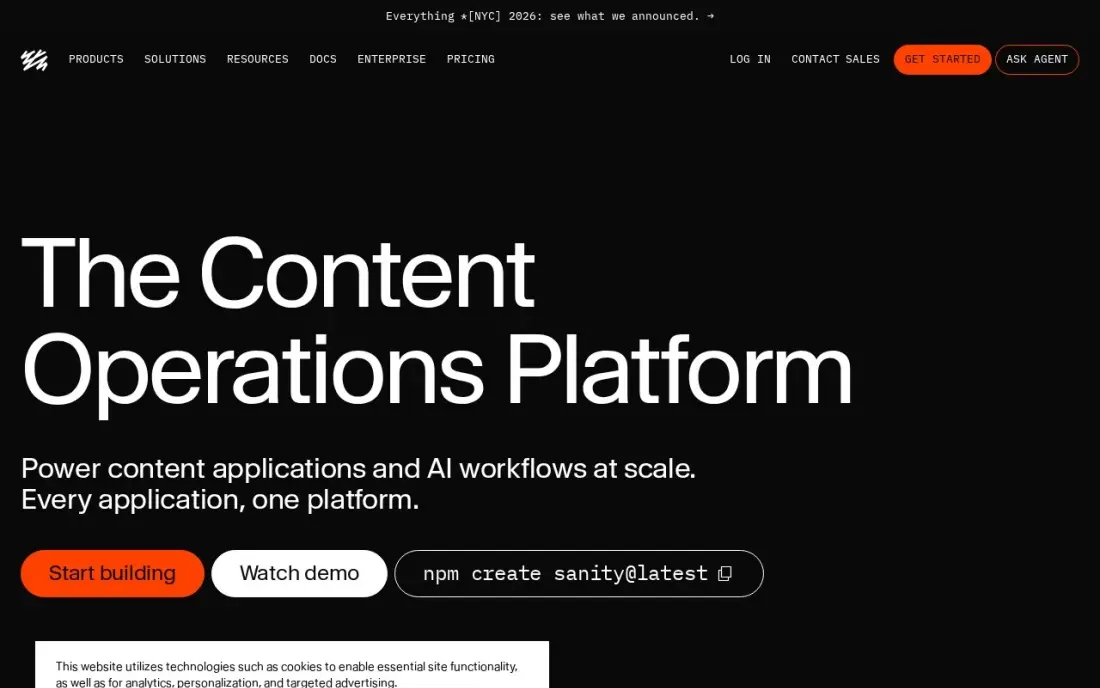
Sanity is the highest-rated CMS in this list on G2, and developers like it because content schemas live in code, go through pull requests and deploy with the app. Editors get real-time multiplayer editing, live previews and visual editing tools, and the free plan covers up to 20 seats with unlimited content types and locales.
Growth costs $15 a seat a month, but the gap to Enterprise is large, and the Media Library is Enterprise-only. Because schemas are code, non-technical editors depend on developers for structural changes, and G2 reviewers mention steep add-on prices. It suits product teams that ship content alongside code.
What we like
- Highest-rated tool in this list on G2 at 4.7/5 from 968 reviews
- Schema-as-code means content rules live in the repo, go through pull requests and deploy with the app
- Real-time multiplayer editing with live previews and visual editing tools included
- The free plan is the most generous here: 20 seats, unlimited content types and locales
Watch out for
- The gap between Growth at $15 a seat and Enterprise is huge — the Media Library is Enterprise-only
- Schema is code, so non-technical editors depend on developers for every structural change
- Add-on prices are steep, and the API rate limit can bite during bulk operations, per G2 reviewers

Contentful
Best for: Mid-size and larger teams that need one content source for many channels
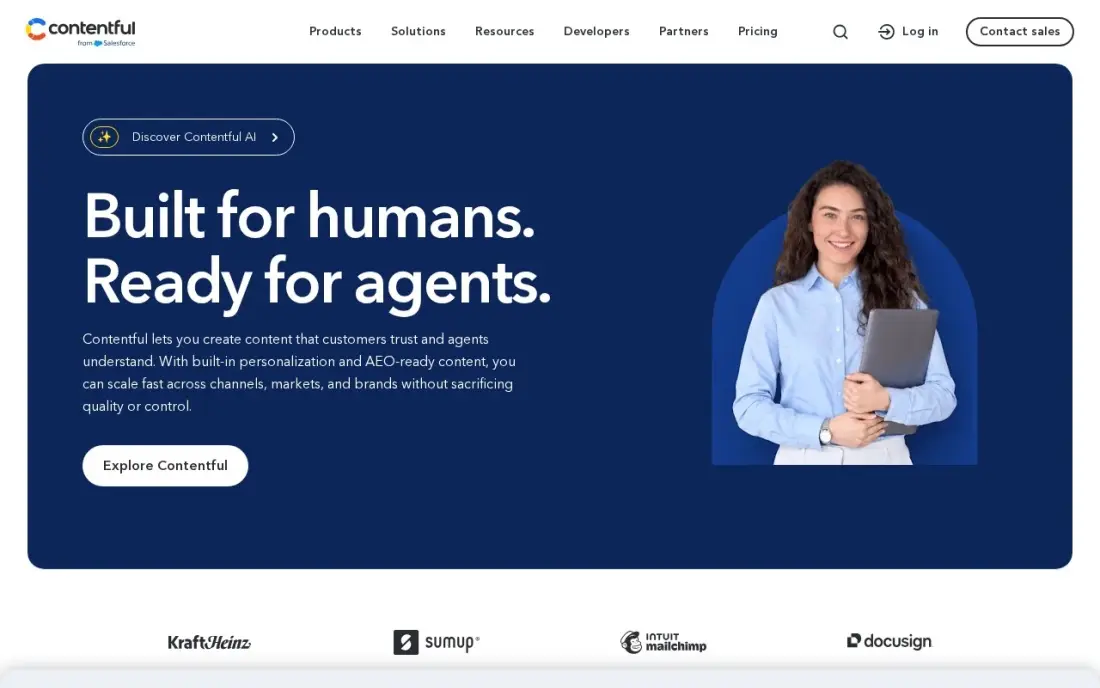
Contentful is the most widely adopted composable CMS here, with published prices instead of a sales call. Structured content entries feed a website, apps, email and screens through an API, and a large marketplace connects it to commerce, digital asset and analytics tools. The free plan includes 10 users and 100,000 API calls a month.
Lite costs $300 a month with scheduled publishing, live collaboration and comments, while AI Actions, Personalization and SSO wait for Enterprise. Content modeling takes time to learn, and reviewers warn that costs climb with usage. Budget for developers to build the front end.
What we like
- The most widely adopted composable DXP here, with a free plan and published prices instead of a sales call
- Structured content with a real API-first model: the same entry feeds a website, app, email and IoT screens
- Lite includes scheduled publishing, live collaboration and comments for $300/month
- Marketplace apps and a large integration library connect it to commerce, DAM and analytics tools
Watch out for
- AI Actions and Personalization are Enterprise add-ons, so the entry plan is content-only
- Content modeling has a real learning curve, and reviewers warn pricing climbs fast as usage grows
- No white-label or custom domain on Lite; SSO and governance wait for Enterprise

Storyblok
Best for: Marketing teams that want a visual editor on top of a headless CMS
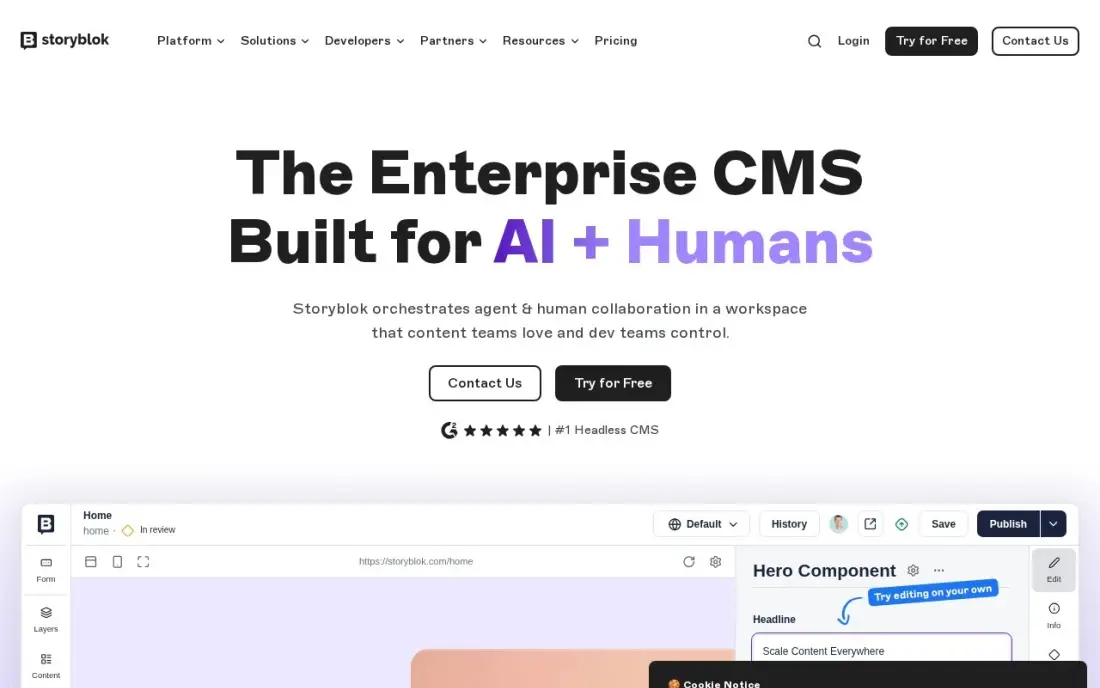
Storyblok solves the main complaint about headless CMS platforms: editors cannot see what they are building. Its visual editor lets marketers assemble pages from reusable blocks without developer help, while the content still flows to any front end through an API. The free Starter plan covers one space and one seat.
Growth costs $99 a month, or $90.75 billed annually, with 1 million API requests, 400 GB of traffic and 100,000 AI credits, and a 45-day trial of Growth Plus is the longest here. Component schemas live in the UI rather than code, and reviewers report slow support during incidents.
What we like
- The visual editor lets non-technical editors build pages from reusable blocks without developer help
- Highest-rated composable tool here on G2 at 4.5/5 from 633 reviews
- Growth includes 1M API requests, 400 GB traffic and 100K AI credits for $99/month
- A 45-day free trial of Growth Plus — the longest trial in this list — plus a free Starter plan
Watch out for
- Component schemas live in the UI, not in code, so keeping them in sync with the frontend takes manual work
- Bandwidth limits and Enterprise-only features such as S3 backups can force a big plan jump
- Reviewers report slow support ticket resolution when production incidents do occur
The best CMS platforms let your team publish and update pages quickly, keep the site fast and secure, and give you control over the details that decide how pages rank. We compared nine CMS platforms, from traditional systems such as WordPress and Drupal to headless tools such as Sanity, Contentful and Storyblok, on editing, flexibility, SEO control, free plans and cost. Every price comes from the vendor's own pricing page, checked in November 2026.
How to choose the best CMS platforms
- Start with who edits. Marketers need a visual editor they can use alone; developer-led teams may prefer schemas in code.
- List your channels. One website suits a traditional CMS; a website plus apps and other screens points to a headless CMS.
- Check SEO control. Editable titles, descriptions, URLs, redirects, canonical tags and schema should not need a developer.
- Price seats and usage. Some platforms charge per seat, others per project, API call or bandwidth; model the bill at next year's size.
- Weigh maintenance. Open-source CMS software is free but needs hosting, updates and security; hosted platforms include them.
- Plan the migration. Moving content and redirecting every URL is often the biggest cost of switching.
A CMS sets the ceiling for technical SEO. Our SEO audit checks what your current platform is getting wrong before you decide to switch, and the free XML sitemap generator helps on platforms that do not create one well.
CMS platforms pricing: what you will actually pay
Take a small marketing team of three editors running one website. WordPress.org, Drupal and Joomla are free software, so the cost is hosting, premium extensions and developer time. WordPress.com Business costs $300 in the first year at $25 a month billed annually, or $480 billed monthly at $40. Webflow's CMS tier costs $300 a year at $25 a month billed annually, plus editor seats at $15 or $39 a seat a month billed yearly.
HubSpot Content Hub Starter costs $20 a seat a month billed monthly, $720 a year for three seats. Sanity Growth costs $15 a seat a month, $540 a year for three seats. Storyblok Growth costs $99 a month billed monthly, or $1,089 a year at $90.75 billed annually, and Contentful Lite costs $300 a month, or $3,600 a year. Headless platforms also need a developer-built front end, which often costs more than the licence.
Know the difference: traditional CMS vs headless CMS
A traditional CMS, such as WordPress, Webflow, HubSpot Content Hub, Drupal or Joomla, stores content and renders the website from themes or templates. Editors see pages much as visitors will, plugins or modules add features, and one system runs the whole site. It is the faster, cheaper choice for a marketing website.
A headless CMS, such as Sanity, Contentful or Storyblok, stores structured content and delivers it through an API to whatever front end developers build. The same product description can appear on the website, in an app and on a store screen. It gives more flexibility and performance control, but every front end is a development project, so it suits teams with engineers.
Quick comparison: tool type by need
| Buyer | Best pick | Why |
|---|---|---|
| Most websites | WordPress.org | Free software, largest plugin library |
| WordPress without servers | WordPress.com | Free plan, Business $25/month billed annually |
| Design-led teams | Webflow | Visual designer with a CMS from $25/month billed annually |
| HubSpot marketing teams | HubSpot Content Hub | Website and CRM on one database |
| Complex organizations | Drupal | Deep content modeling and permissions |
| Multilingual communities | Joomla | Multilingual and access control built in |
| Developer-led teams | Sanity | Schema as code, free for 20 seats |
| Omnichannel content | Contentful | API-first, Lite $300/month |
| Marketers on headless | Storyblok | Visual editor, Growth $99/month |
Mistakes to avoid
- Choosing headless for a brochure site. The developer cost rarely pays off for one marketing website.
- Ignoring editor experience. A CMS that editors avoid leads to outdated pages, whatever its technical strengths.
- Piling on plugins. Every extra plugin or module adds update work and can slow the site.
- Migrating without redirects. Map every old URL before launch, or search rankings fall.
- Forgetting seat and usage growth. Per-seat and API-based pricing can double as the team and traffic grow.
How we chose
We checked each vendor's pricing page in November 2026 and recorded the starting price exactly as shown, with annual-billing rates where listed. We compared the nine platforms on editing experience, flexibility, SEO control, maintenance effort, free plans and yearly cost for a small team. Ratings come from G2 pages checked on the dates shown in the sources; platforms without a rating we verified show none. No vendor paid for a place in this list, and none of the links here are affiliate links.
What to do next
Build the same two pages, a service page and a blog post, on the free plans of your top two CMS platforms, and ask the person who will edit the site to choose. Then plan redirects before you move a single URL. Book a free CMS migration SEO check.
Frequently asked questions
What is the best CMS platform?
WordPress is the best CMS platform for most websites, with free software, the largest plugin library and full SEO control. Webflow is best for design-led teams, and Sanity, Contentful and Storyblok lead the headless CMS options.
What is the best free CMS platform?
WordPress.org, Drupal and Joomla are free, open-source software that need paid hosting. WordPress.com, Webflow, HubSpot Content Hub, Sanity, Contentful and Storyblok all have free plans with limits.
What is a headless CMS?
A headless CMS stores content and delivers it through an API to any front end, such as a website, app or screen, instead of rendering pages itself. Sanity, Contentful and Storyblok are headless; WordPress and Webflow are traditional.
How much does a CMS cost?
On published prices, Webflow's CMS tier costs $25 a month billed annually, WordPress.com Business $25 a month billed annually in year one, HubSpot Content Hub Starter $20 a seat a month, Sanity Growth $15 a seat, Storyblok Growth $99 a month and Contentful Lite $300.
Which CMS is best for SEO?
WordPress.org gives the most SEO control through plugins such as Yoast SEO and Rank Math. Webflow and HubSpot Content Hub also give clean code and editable metadata, and headless platforms depend on how developers build the front end.
Should I switch CMS platforms?
Only if the current CMS blocks something important, such as speed, editing or integrations. A migration needs every URL mapped and redirected, or search rankings drop.
Sources we checked (16)
- WordPress.org — wordpress.org (checked November 2, 2026)
- WordPress.org reviews on G2 (checked November 2, 2026)
- WordPress.com — wordpress.com/pricing (checked November 12, 2026)
- WordPress.com reviews on G2 (checked November 12, 2026)
- Webflow — webflow.com/pricing (checked November 10, 2026)
- Webflow reviews on G2 (checked November 10, 2026)
- HubSpot Content Hub — www.hubspot.com/products/content (checked November 12, 2026)
- HubSpot Content Hub reviews on G2 (checked November 12, 2026)
- Drupal — www.drupal.org (checked November 12, 2026)
- Joomla — www.joomla.org (checked November 12, 2026)
- Sanity — www.sanity.io/pricing (checked November 12, 2026)
- Sanity reviews on G2 (checked November 12, 2026)
- Contentful — www.contentful.com/pricing (checked November 12, 2026)
- Contentful reviews on G2 (checked November 12, 2026)
- Storyblok — www.storyblok.com/pricing (checked November 12, 2026)
- Storyblok reviews on G2 (checked November 12, 2026)
Make one of these tools?
We re-check this list every quarter. Send a correction, request a review, or ask about a clearly labeled sponsored spot.
Request a listingShamim
Founder of SerpAstra
A full-stack SEO and digital marketer who spends most days on Local SEO for dental practices, AI search visibility and lead generation.
Free SEO and AI visibility audit
Find out what is holding your rankings back
Send us your site. Within 2 business days you get a written audit, an AI visibility check and a short fix list ranked by impact. Free, with no contract attached.
Request my free audit→Related buying guides
 SEO & AI Search VisibilityBest CMS for SEO in 2026: 8 Options Ranked and Reviewed8 best CMS for SEO compared with real 2026 prices, free plans and SEO controls. WordPress, Webflow, Shopify and more, ranked by fit for a small business site.Read guide →
 Website Builders & Hosting7 Best Headless CMS Software in 2026, ComparedCompare the 7 best headless CMS software on free plans, editor experience, APIs, self-hosting and real monthly cost, with every price checked on vendor pages.Read guide →
 SEO & AI Search Visibility9 Best SEO CMS Platforms for 2026 (Pros, Cons and Pricing)9 best SEO CMS platforms compared on price, SEO controls, free plans and AI tools. Every starting price checked on the vendor pricing page, November 1, 2026.Read guide →